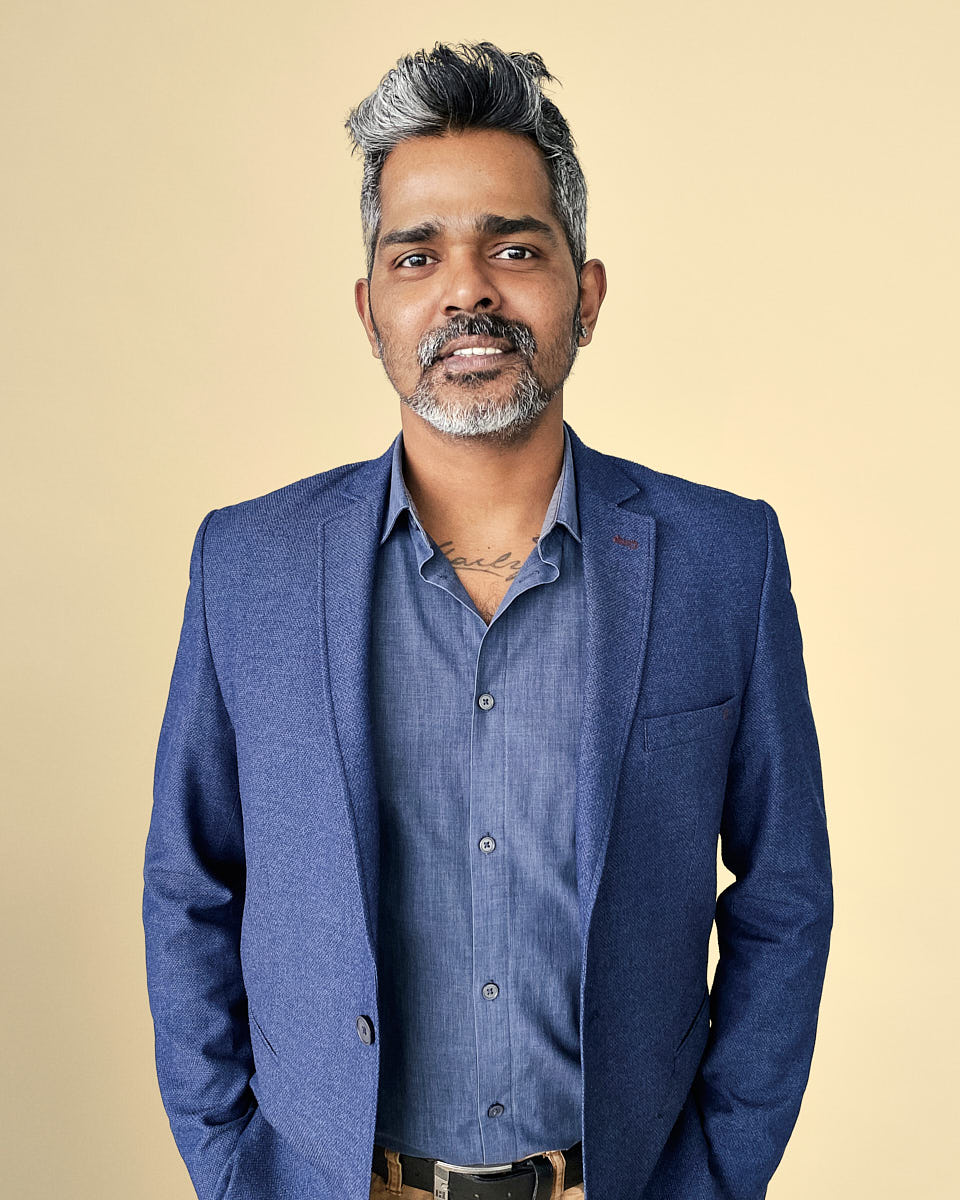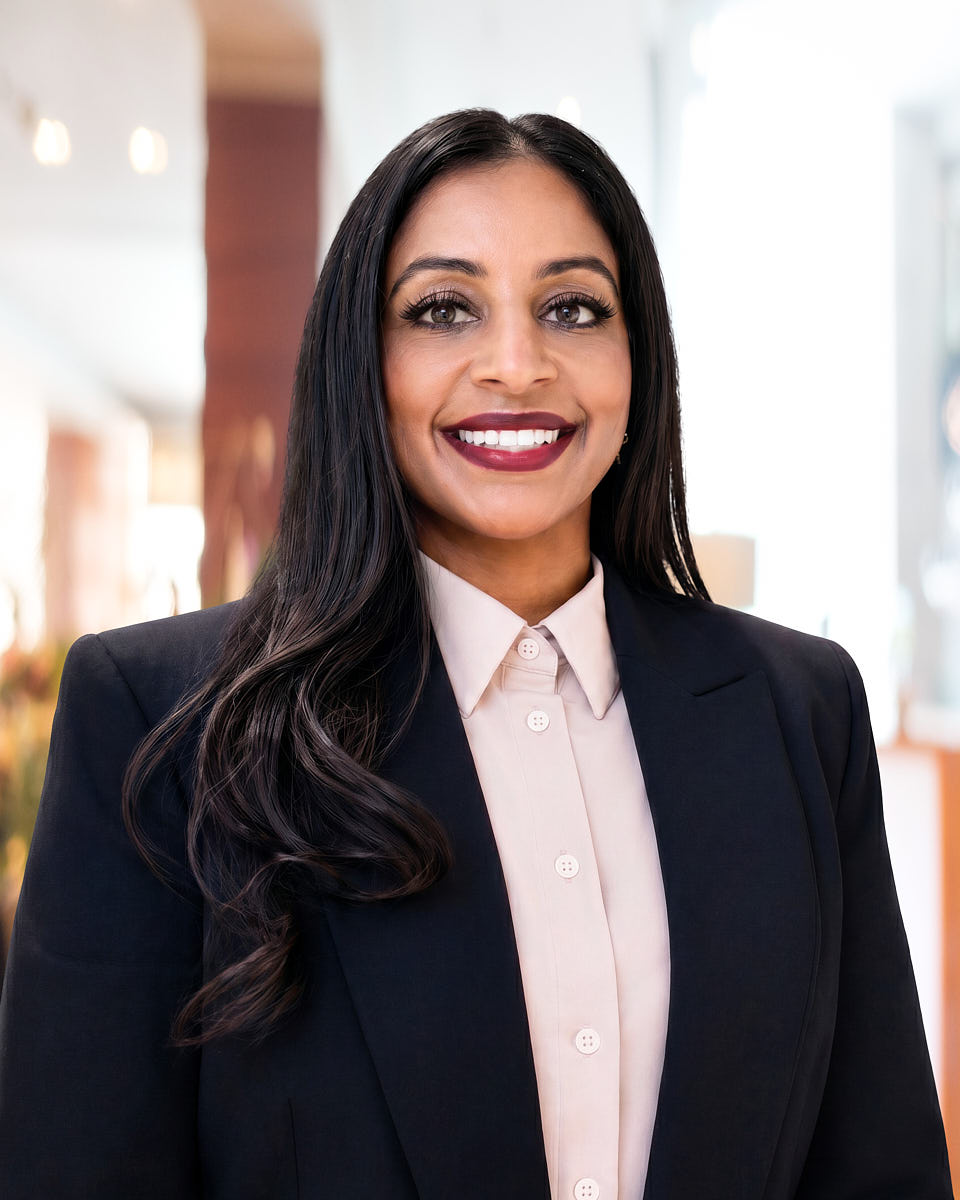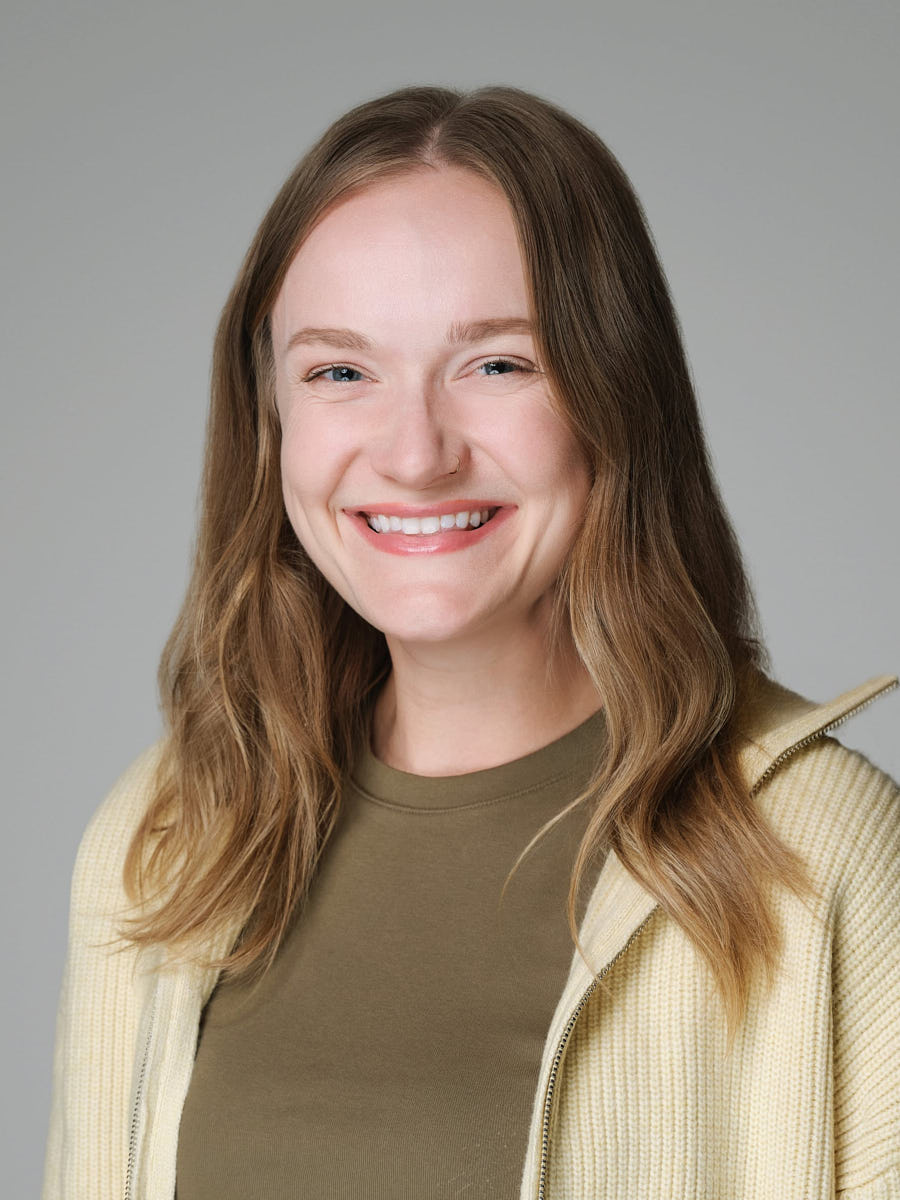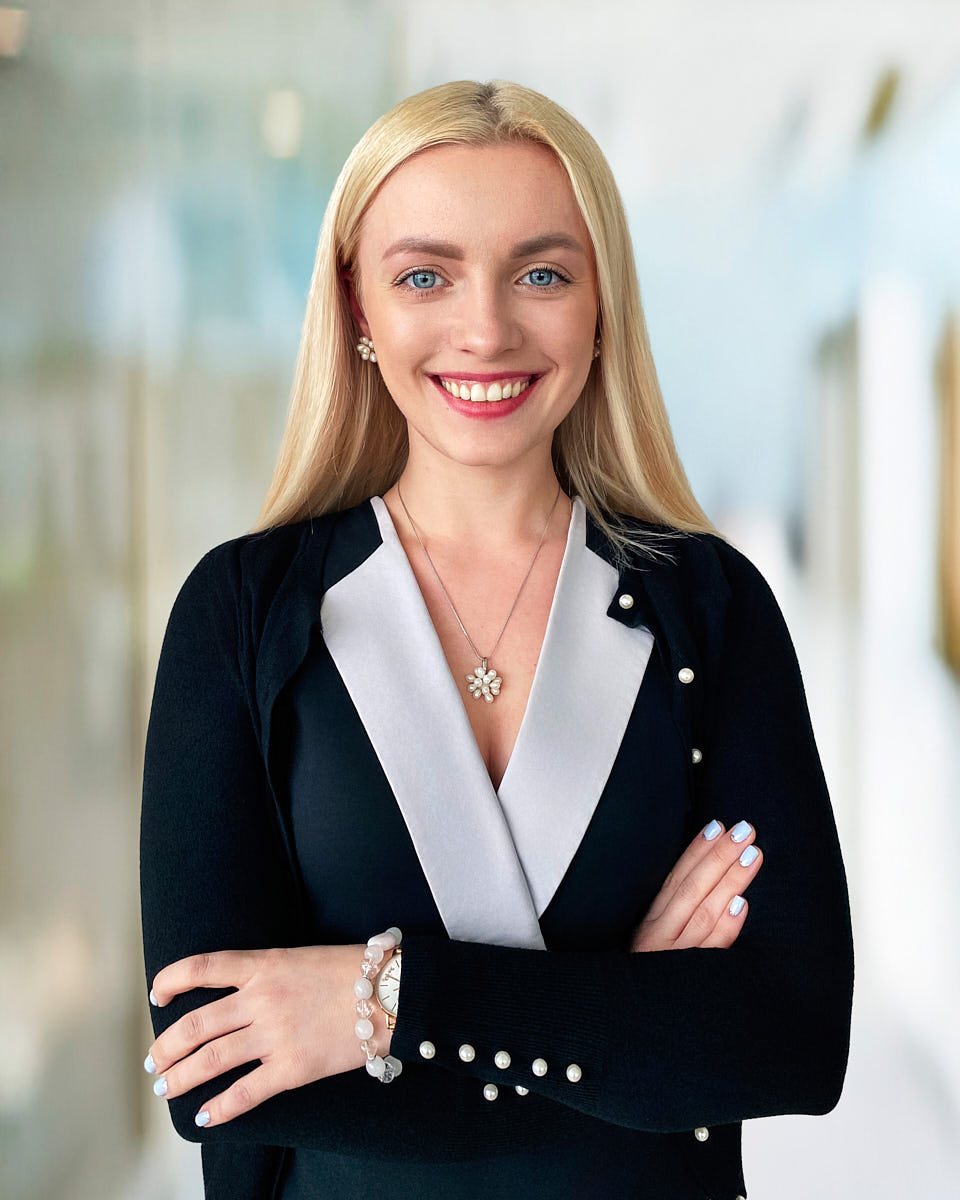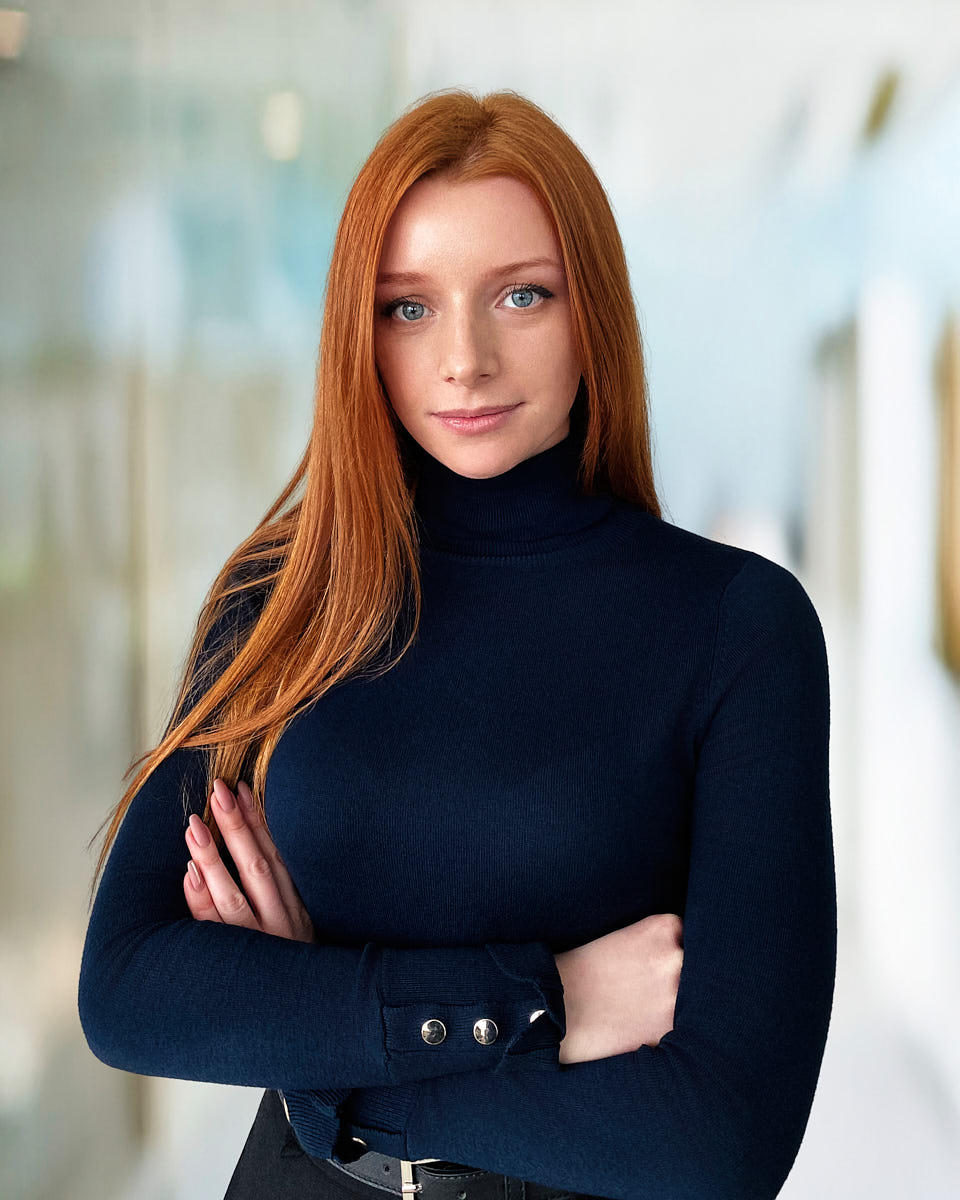
Project shape
Format: an LA office day plus live-directed remote sessions · Timeline: remote employees book inside a defined two-week window · Deliverables: final files in web, LinkedIn, and internal-directory crops · Budget band: office day from $1,449, remote sessions from $120 per person
The scenario
This scenario looks at how an LA-based company with both in-office and remote employees can plan a single team headshot rollout that holds up on one team page. The LA team can be photographed in person at the office. Remote employees are spread across other US cities, occasional international locations, and upcoming new hires.
The risk is visible mismatch. If the LA team is photographed professionally and the remote employees upload phone selfies or older LinkedIn photos, the team page splits visually within one scroll. The fix is to plan the LA office session and the remote sessions as one rollout — same standard, same crop, same expression range, same retouching style.
Planning challenge
The hardest decisions in a hybrid rollout are usually:
- who is “in scope” (full company, leadership only, customer-facing roles);
- how to document the in-office visual standard before the office day;
- how to schedule remote employees across time zones without dragging the rollout over months;
- how to handle the next wave of hires after the initial rollout ships;
- how to avoid drifting into AI-generated portraits to “fill in” missing employees.
The last point matters more than it sounds. Once a team page mixes real portraits with AI-generated ones, the credibility of the whole page slips. The rollout should plan for real portraits for everyone.
Recommended visual system
A hybrid team page works best when the visual system stays restrained:
- one neutral background reproducible in any room with a controlled wall and one or two lights;
- one main crop (head-and-shoulders, slightly wider than a LinkedIn avatar);
- consistent lighting direction (key from one side, controlled fill, no on-camera flash);
- one retouching style applied uniformly across LA and remote portraits;
- shared wardrobe guidance (solid colors, no logos, no busy patterns).
A restrained system can be reproduced for remote employees with a phone, basic lighting, and live photographer direction. A theatrical, location-heavy LA setup is much harder to match remotely.
How to document the in-person visual standard
The LA headshot day sets the visual standard for the entire rollout. Before remote sessions start, the office day should be documented in a short reference: a background reference frame, a crop reference frame, lighting notes (direction, distance, color temperature), expression range examples, wardrobe guidance, a retouching style example, and the file naming convention.
That reference becomes the brief for every remote session that follows. Without it, remote sessions tend to drift — same workflow, but a slightly different crop, background tone, or retouching feel. Over twenty employees, those small drifts add up.
How remote sessions match crop and background
A live-directed remote session uses a real photographer guiding the employee through phone position, light placement, posture, expression, and background — not a self-service upload tool, and not AI generation. See remote headshots for the format detail.
To match the in-person standard, a remote session typically positions the employee against a neutral wall, uses one window or continuous light matched to the LA office direction, frames the same crop, captures the same expression range, and runs through the same retouching pipeline. The goal is not pixel-identical images. The goal is that on the team page, no one can tell which employees were photographed in LA and which were photographed remotely.
How to organize rollout waves
A hybrid rollout works best in clear waves:
- Wave 1 — LA office day. In-office employees are photographed; the visual standard is locked.
- Wave 2 — Remote employees by time zone. Each remote employee books a slot inside a defined two-week window.
- Wave 3 — Stragglers, travel exceptions, on-leave employees. Caught up in a tighter window after the main rollout.
- Wave 4+ — New hires. Folded into a recurring monthly or quarterly slot using the same standard.
Defining waves up front prevents a six-month drift where new hires get photographed under a slightly different system than the original team.
Planning something similar?
Tell us the team size and timeline — request details or see team headshots in Los Angeles.
Shoot / rollout workflow
A typical workflow for a hybrid rollout:
- pre-rollout brief (timeline, expectations, wardrobe);
- LA office day with check-in, time slots, and direction;
- documented visual standard updated after the office day;
- remote sessions scheduled in defined waves against the standard;
- one retouching pipeline applied to every portrait, LA or remote;
- private gallery per employee with a short selection window;
- final files in web, LinkedIn, and internal-directory crops;
- handoff to People Ops or Marketing with a one-page maintenance note.
Image usage plan
The portrait library usually supports the public team page, LinkedIn profile photos, internal Slack / Notion / HRIS profiles, recruiting and hiring page imagery, press requests for leadership, and internal directory and onboarding decks. A planned rollout produces one consistent library every surface can pull from, instead of each team re-asking employees for “an updated photo.”
How to keep the team page consistent after launch
The maintenance plan matters as much as the initial rollout. Useful operating defaults:
- new hires get a recurring monthly or quarterly photo slot — in-person for LA, remote for distributed;
- the visual standard is reviewed yearly and refreshed only when the team page needs an update;
- employees who change roles do not automatically need re-photographing — the existing portrait usually works for 18 to 24 months;
- employees who leave are removed from the team page promptly;
- AI-generated portraits are not used to fill gaps — gaps wait until a real session can run.
Operational notes
A few practical points worth deciding up front:
- usage rights — confirm the company can use the images on the team page, hiring page, social, press, and internal tools;
- consent — confirm each employee is comfortable with planned uses;
- archival — keep masters and the visual standard in two locations;
- owner — name a single owner (usually People Ops) for new-hire scheduling and team-page hygiene;
- escalation — define a small approval flow for sensitive uses.
Recommended pages / next step
For this scenario, start with team headshots in Los Angeles for the LA office day. For the distributed portion, see remote headshots. If the rollout is broader, see corporate headshots in LA. For pricing, see Headshot Buro pricing.
FAQ
How can a hybrid team keep headshots consistent?
A hybrid team stays consistent by documenting the LA office visual standard — crop, background, lighting direction, expression range, wardrobe, retouching — and applying the same standard to live-directed remote sessions and future new-hire shoots. The documented standard, not the camera, holds the page together.
Are remote headshots real photographs?
Remote headshots from Headshot Buro are live-directed real portraits, not AI-generated images. A photographer guides framing, light, posture, and expression during the session. The output is a real photograph captured by phone or webcam with a real human directing.
When should a company combine office headshots and remote headshots?
A hybrid rollout works well when some employees can be photographed at an LA office and others are distributed, traveling, or joining later. The LA session creates the visual standard. Remote sessions extend that standard so the team page reads as one system instead of a mix of professional portraits and uploaded phone photos.
How often should a hybrid team page be refreshed?
A useful baseline is to keep the original standard for 18 to 24 months and only re-shoot when there is a real reason — a brand update, a major company change, or visible aging. New hires are folded into recurring slots so the page can grow without a full refresh.