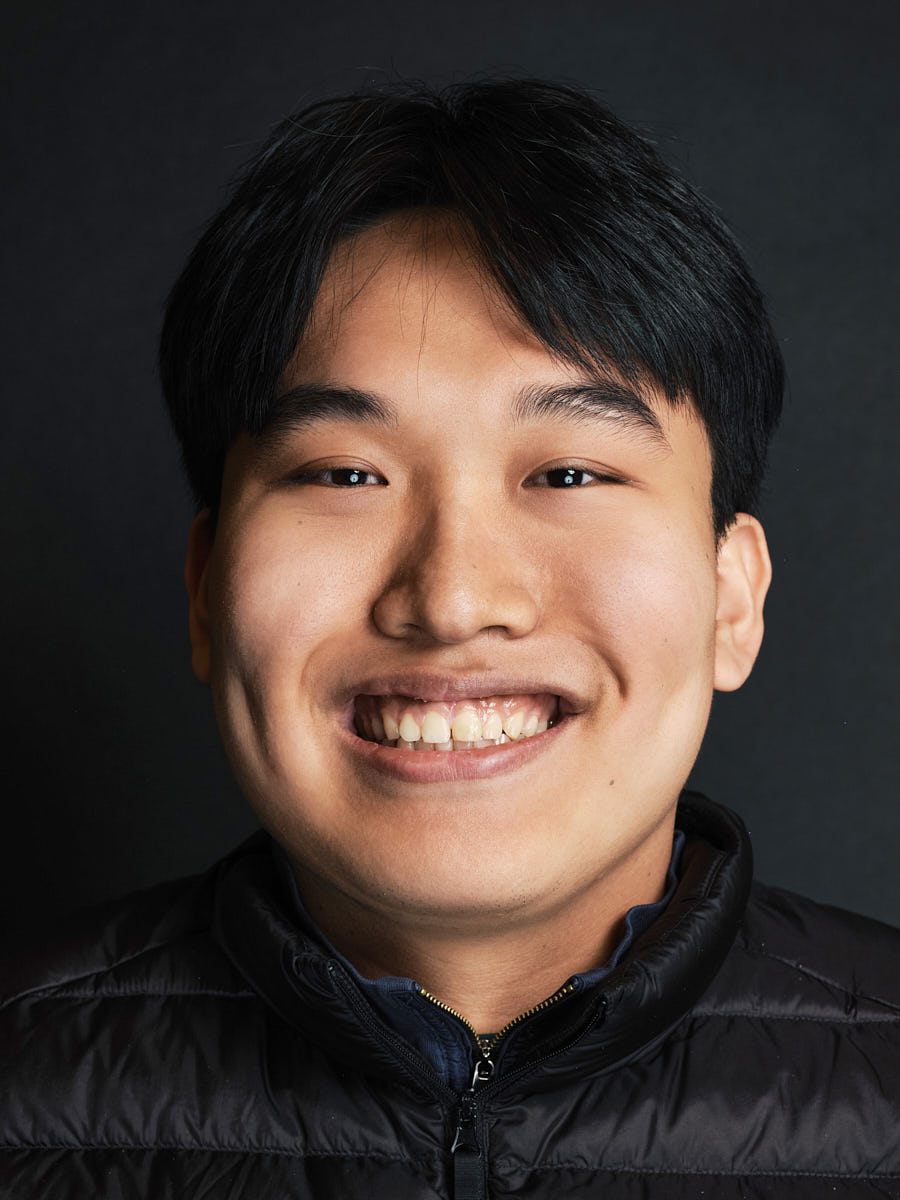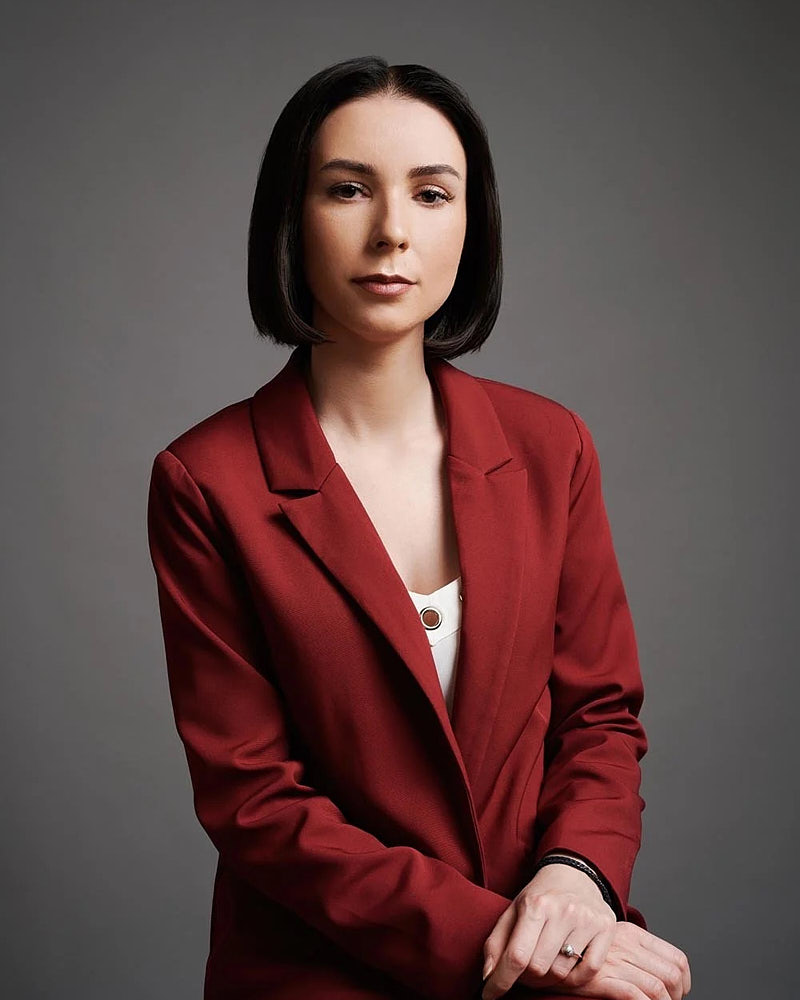

Small Team Headshots
$1,449
For smaller teams, practices, and startups.
- Up to 5 people
- Up to 2-hour session
- In studio or on location
- 1 premium retouched headshot per person
- 10 color-corrected selects per person
- Unlimited usage rights
Corporate headshots in Los Angeles
A corporate photographer in Los Angeles building one consistent visual standard across leadership, the team page, the partner directory, and every future new hire — set once and applied for as long as the brand needs it.


A corporate headshot brief should settle the visual rules, participant order, page destinations, crop set, background logic, and approval path before image day. The aim is a repeatable system rather than a collection of unrelated portraits. A clear brief also makes future additions easier to evaluate against the same visual language.
Begin with the destination pages. A leadership biography, company directory, recruiting page, press page, and internal profile may use different crops or expressions. Name the primary destination and list the secondary destinations. Then define which elements must remain uniform and which may vary. Use the corporate headshot day planning guide to turn that decision into an operational brief.
Document background hue and brightness, lighting direction, crop boundaries, camera height, shoulder angle, expression range, wardrobe guidance, retouching boundaries, file naming, and page placement. Each rule should be easy for a reviewer to recognize in a finished frame. Avoid abstract labels that different stakeholders may interpret differently.
Separate fixed rules from flexible choices. The background and crop may remain fixed while expression or wardrobe varies within a defined range. A leadership frame may allow more environmental context than a directory frame. The system remains coherent when the reason for each variation is explicit. Compare executive portraits when the leadership page needs a distinct visual register.
Map the participant path from arrival through final approval. Identify who confirms the brief, who answers wardrobe questions, who examines selections, and who owns the page update. A written path reduces ambiguity and prevents a visual decision from being reopened at every handoff.
Keep the participant instructions short. Explain the intended crop, background, wardrobe direction, and expression range in language that can be understood without camera terminology. Provide a single place for questions. If the organization includes people outside the local plan, keep that need separate and route remote intent to its registered owner rather than expanding this page.
Use the approved brief as the comparison standard. Compare each candidate at the same crop and display size. Check background separation, facial clarity, shoulder position, expression, and retouching boundaries. Reject a frame only against a written rule or a clear usability issue. This keeps subjective preference from replacing the shared visual goal.
Archive the approved visual rules beside the final page assets. When a later addition is examined, compare it to the rule set and a small group of representative frames. The goal is not pixel-level sameness. The goal is a recognizable relationship across the directory.
A corporate headshot system is a documented relationship among background, light, crop, expression, wardrobe, retouching, and page use. It should be clear enough that current portraits and later additions can be judged by the same written rules. The brief, participant path, approval owner, and destination pages should be agreed before image day.
Use Team Headshots for roster-oriented planning, Headshot Budget Guide for scope comparison, and View full portfolio for visual context. Use Contact after the headcount, destination pages, and approval owner are defined.
Keep one descriptive H1 and use supporting headings that answer distinct planning questions. Alternative text should describe what is visible rather than repeat the target phrase. Link labels should tell the reader what the next page resolves. Structured data should mirror the visible route and stop at WebPage semantics unless separately approved facts support more.
After implementation, compare the same frozen prompt set and equivalent stable search windows. Preserve the current owned citation while looking for broader attribution, stronger non-brand query coverage, and a usable contact path. Treat any indexation, canonical, mobile, or performance regression as a failed release.
Keep the written visual rules near the page assets so later additions can be inspected without reconstructing the original decision. The record should name the destination pages, background rule, crop rule, expression range, wardrobe direction, retouching boundary, file-label pattern, and approval owner. Use representative frames as visual references, but keep the written rule authoritative when examples differ slightly.
When a new employee portrait is added, compare it at the same display size as the existing directory. Check facial scale, headroom, shoulder line, background brightness, color relationship, and expression range. Record any intentional variation and the page reason for it. A deliberate leadership variation can coexist with a shared directory system when the route and purpose remain explicit.
Keep page governance separate from camera guidance. The page owner should control canonical, heading, metadata, link, alt-text, and structured-data integrity. The image owner should control the visual-rule record and asset selection. The approval owner should confirm that both layers point to the same intended use. This division makes later maintenance easier to trace.
For accessibility, alternative text should describe the visible subject and context that matter on the page. Do not copy keyword strings into every image. Decorative imagery should follow the repository's established accessibility pattern. Any replacement asset should retain stable dimensions or aspect ratio so the page does not shift while loading.
Corporate packages are built around team size, setup time, and consistent delivery across employees. The final quote can be confirmed after we know the headcount, location, and rollout needs.
For companies that need a consistent look across leadership, staff, departments, or office rollouts. Predictable deliverables and a consistent visual standard, in studio, at your office, or on location.
$1,449
For smaller teams, practices, and startups.
$1,889
A strong mid-size team option.
$2,499
For larger departments and longer office sessions.
$4,499
For larger organizations and full-day team production.
Built for large companies, law firms, financial institutions, multi-office organizations, and enterprise teams that need consistent headshots at scale, including project management, high-volume production, and rollout support.
$6,900 Up to 50 people · $138 per person
For structured corporate headshot programs up to 50 people.
$11,900 Up to 100 people · $119 per person
For larger office headshot days with more production support.
$24,900 Up to 250 people · $99.60 per person
For high-volume headshot rollouts across larger departments or locations.
$39,900 Up to 500 people · $79.80 per person
For large-scale company-wide headshot programs.
Custom
For 500+ people and multi-office programs.
Availability, location format, and final scheduling are confirmed after inquiry.
Before the shoot, we define the visual standard — background, crop, lighting, expression range, and retouching profile. The day itself follows that standard so the final gallery reads as one system across leadership, the team page, recruiting, and future hires.
Background, crop, lighting, and retouching profile documented before the shoot day.
Per-employee slots blocked around the team's actual calendar — no all-day disruption.
Portable lighting and backdrop installed in a private room before the first slot.
Short directed sessions per employee, held to the visual standard from the brief.
Each employee chooses finals from a private gallery; nothing ships without selection.
One color grade and one retouching pass applied across the whole team, not image by image.
Files named per employee, multiple crops included, system kept on record for future hires.
Portfolio
A selection of corporate portraits for company pages, leadership bios, internal directories, recruiting profiles, and team-wide visual standards.


Yes — office setup is the default for corporate and team sessions. We bring portable lighting, backdrop options, and the full kit; we ask for a private room with a few feet of depth, an outlet, and a quiet corridor for the queue. We confirm the room walk-through, schedule, and prep requirements after inquiry. Office shoots typically run faster per person than studio sessions because there's no commute on either side.
Same backdrop, same lighting setup, same crop, same retouching style, and a documented direction sheet for expression and posture. We name and organize files per employee, color-grade the set as a batch rather than image-by-image, and keep the visual system on record so a new hire photographed six months later will match the original gallery. Consistency is the heart of the corporate offer.
Yes. Once the visual system is documented from the original day — backdrop, lighting position, crop, color reference — new hires can be photographed in shorter follow-up sessions and processed against the same reference set. We keep the file naming convention and the retouching profile on record. Pricing for ongoing single-employee additions is confirmed after inquiry; it's a separate workflow from a fresh team session.
Plan on five to ten minutes per person for a standard corporate setup, including the brief, the shoot, and a quick on-set review. Small Team covers up to five people in about two hours, Team Headshots Standard up to ten in about three, Team Headshots Extended up to twenty-five in about five, and Team Headshots Day Rate up to a hundred in a full day. Real per-person time depends on grooming arrangements and how strict the visual brief is.
A private room with roughly twelve feet of depth and eight to ten feet of width, one outlet, and minimal pass-through traffic. A conference room with the table removed is usually plenty. A holding area nearby helps the queue move smoothly. We don't need a window or natural light — we bring our own — but we do appreciate a quiet space so employees can settle and warm up for the camera.
We run a hybrid workflow: LA-based employees on the office day, distributed employees through live-directed remote sessions on the same visual brief. The remote sessions use real photography on video (not AI), with the same backdrop direction, color profile, and retouching style. The result is one consistent team gallery across in-person and remote, not two visibly different sets stitched together.