LinkedIn headshots in Los Angeles

LinkedIn headshots in Los Angeles for profiles that need to look current and credible

A LinkedIn headshot session in Los Angeles starts at $179: 15 minutes in studio, one premium retouched headshot, eight color-corrected selects, and unlimited business usage rights — a profile photo that holds up in the circular avatar, the wider profile header, and recruiter search results.

Sessions from $179

LinkedIn headshot of a blonde woman in a navy blazer photographed in a bright office setting.
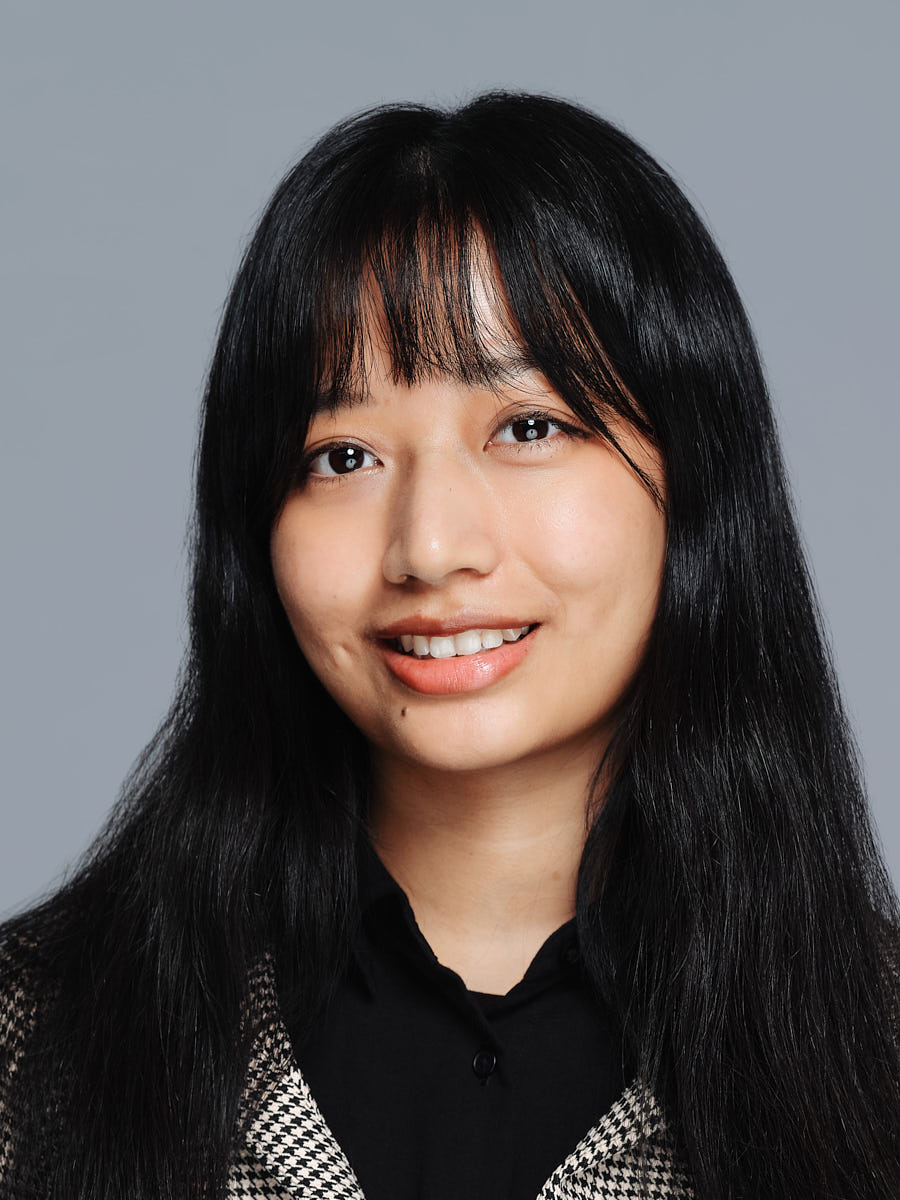
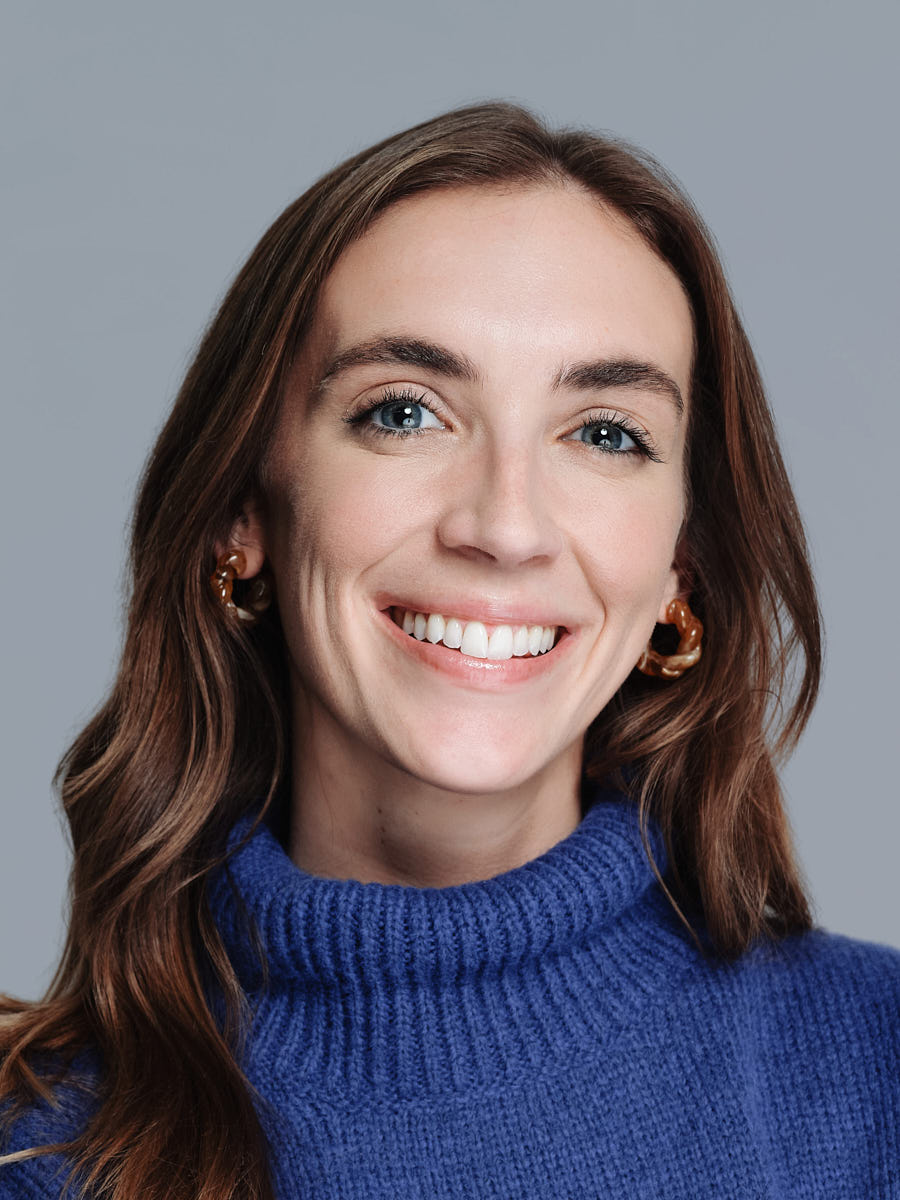
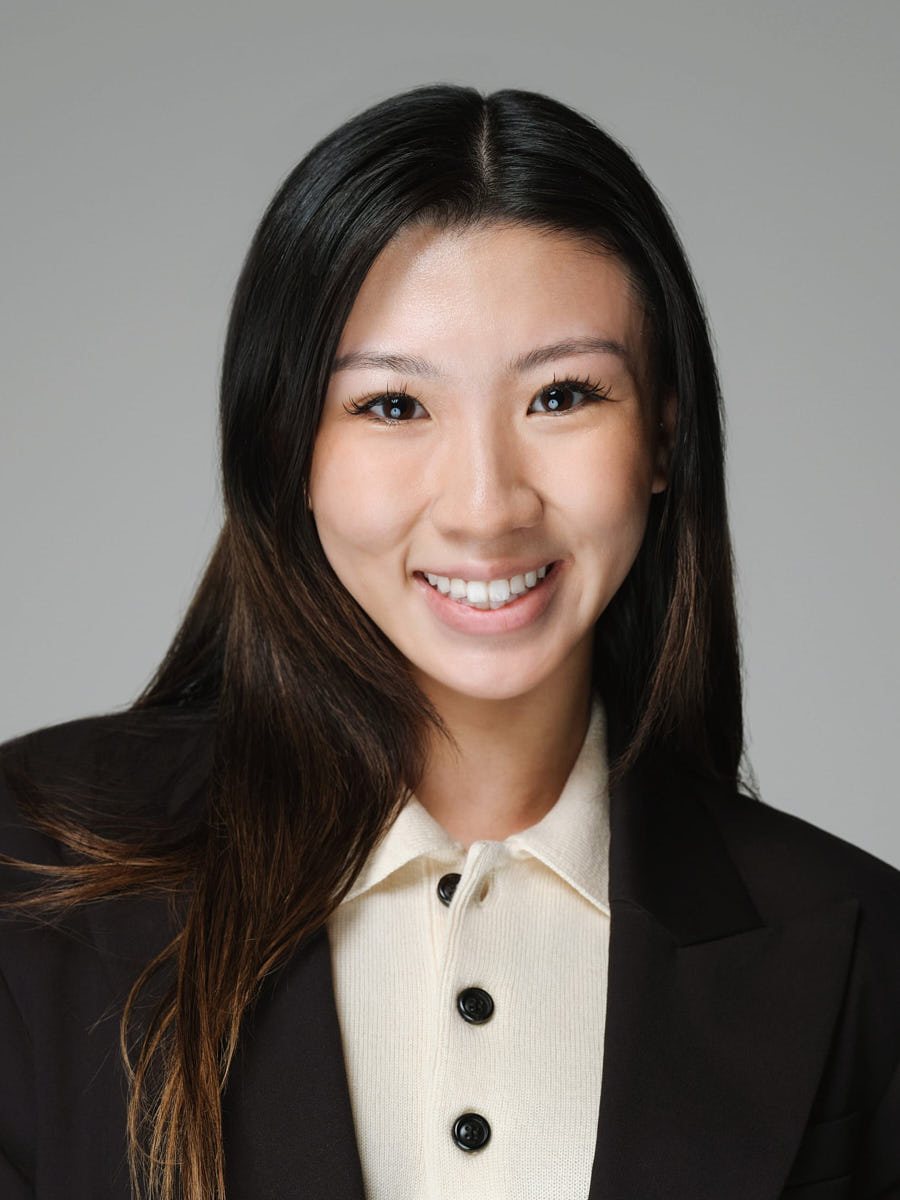
LinkedIn headshot of an Asian woman with long dark hair photographed against a muted gray background.
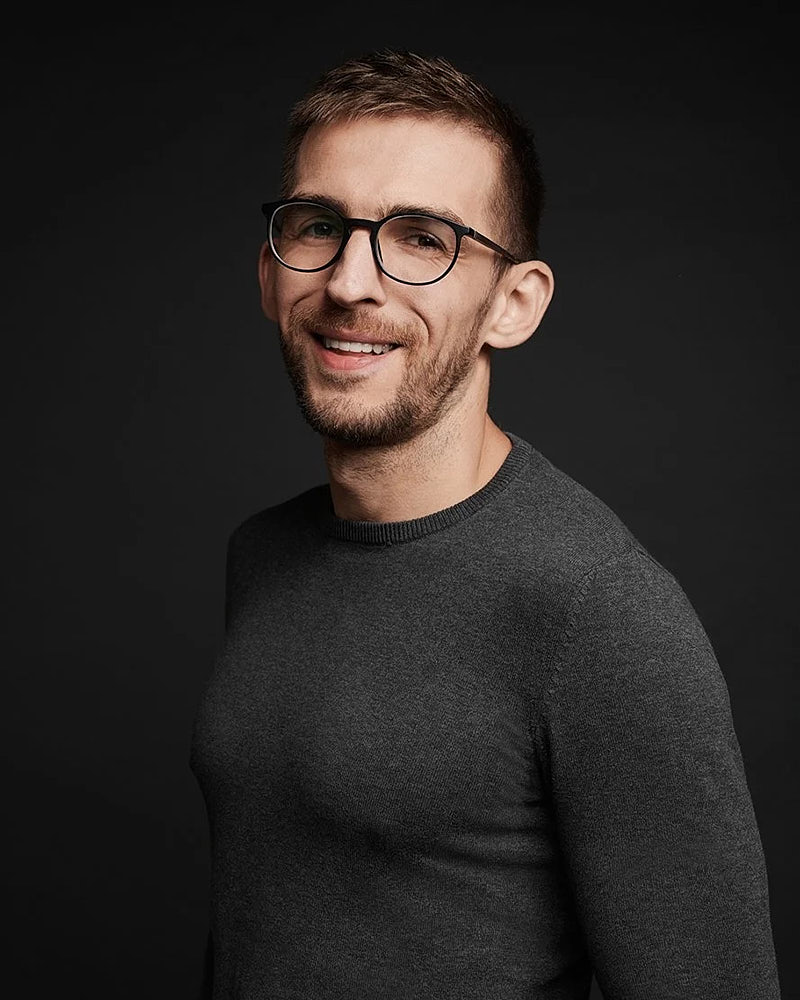
LinkedIn headshot of a man in glasses photographed against a dark studio background.
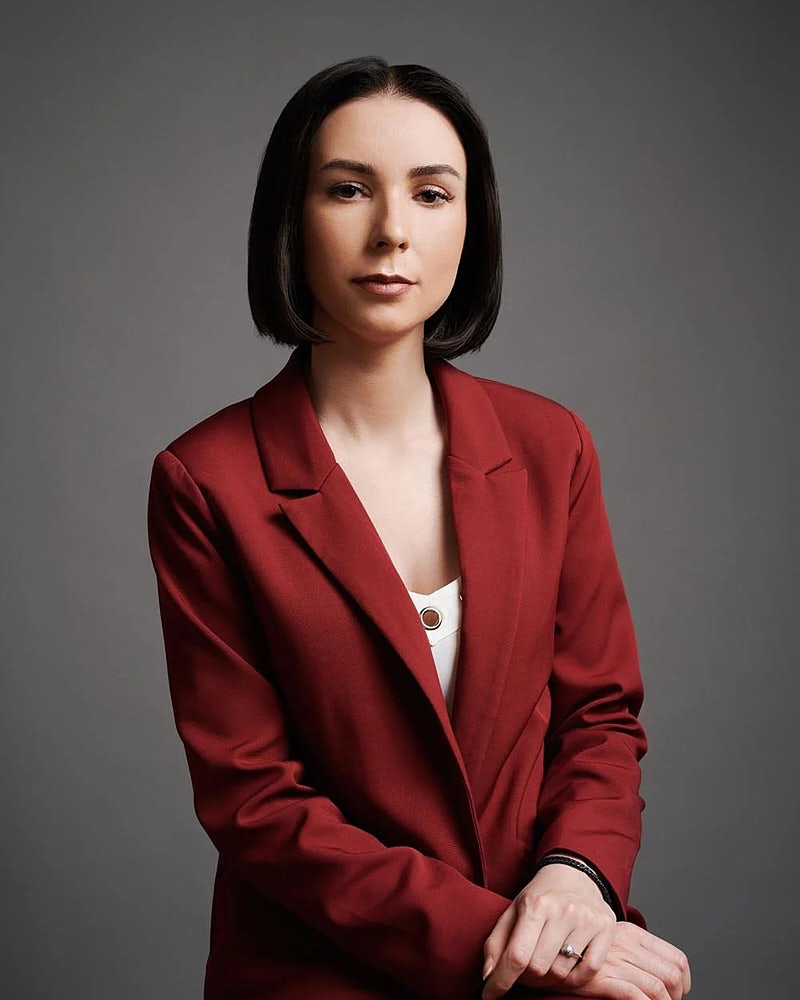
LinkedIn profile portrait of a woman in a red blazer photographed against a dark studio background.
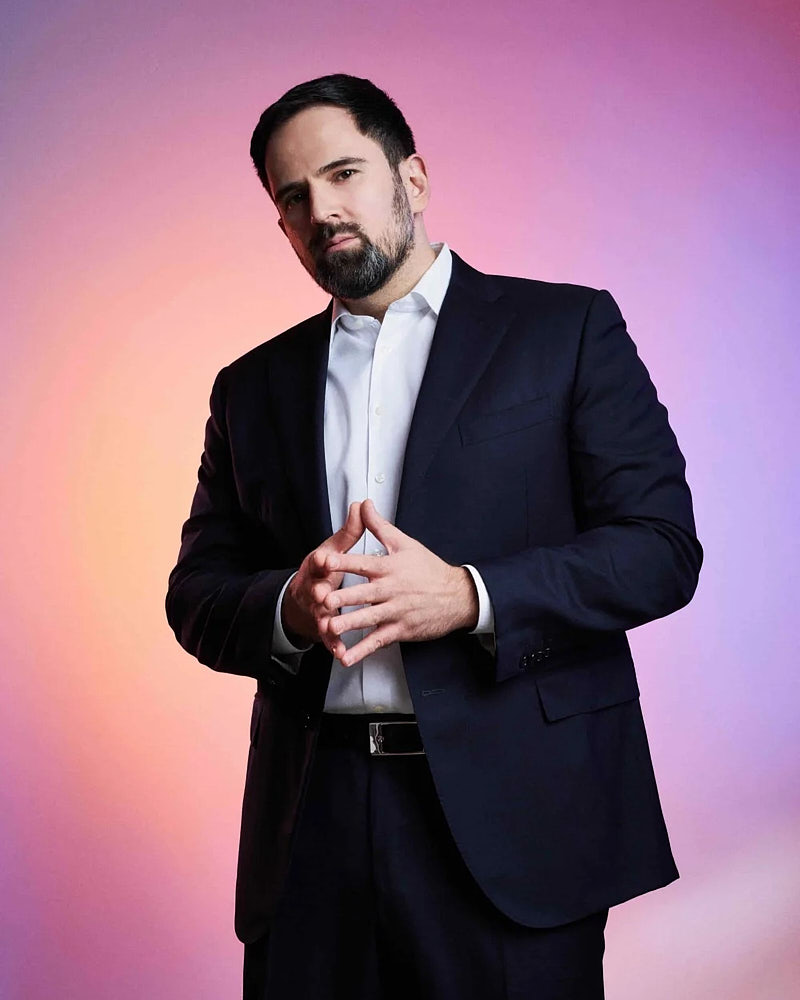
LinkedIn business portrait of a man in a suit photographed on a pink and blue gradient background.
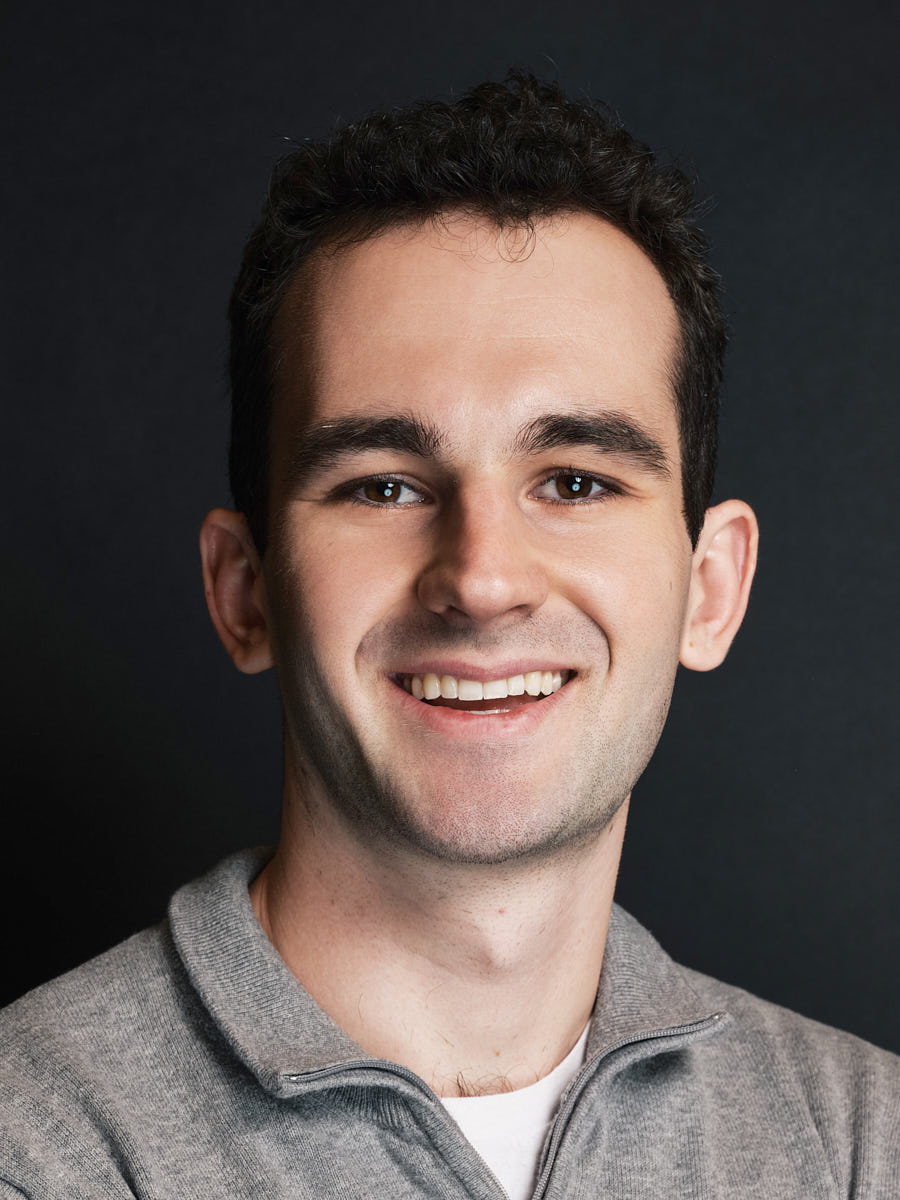
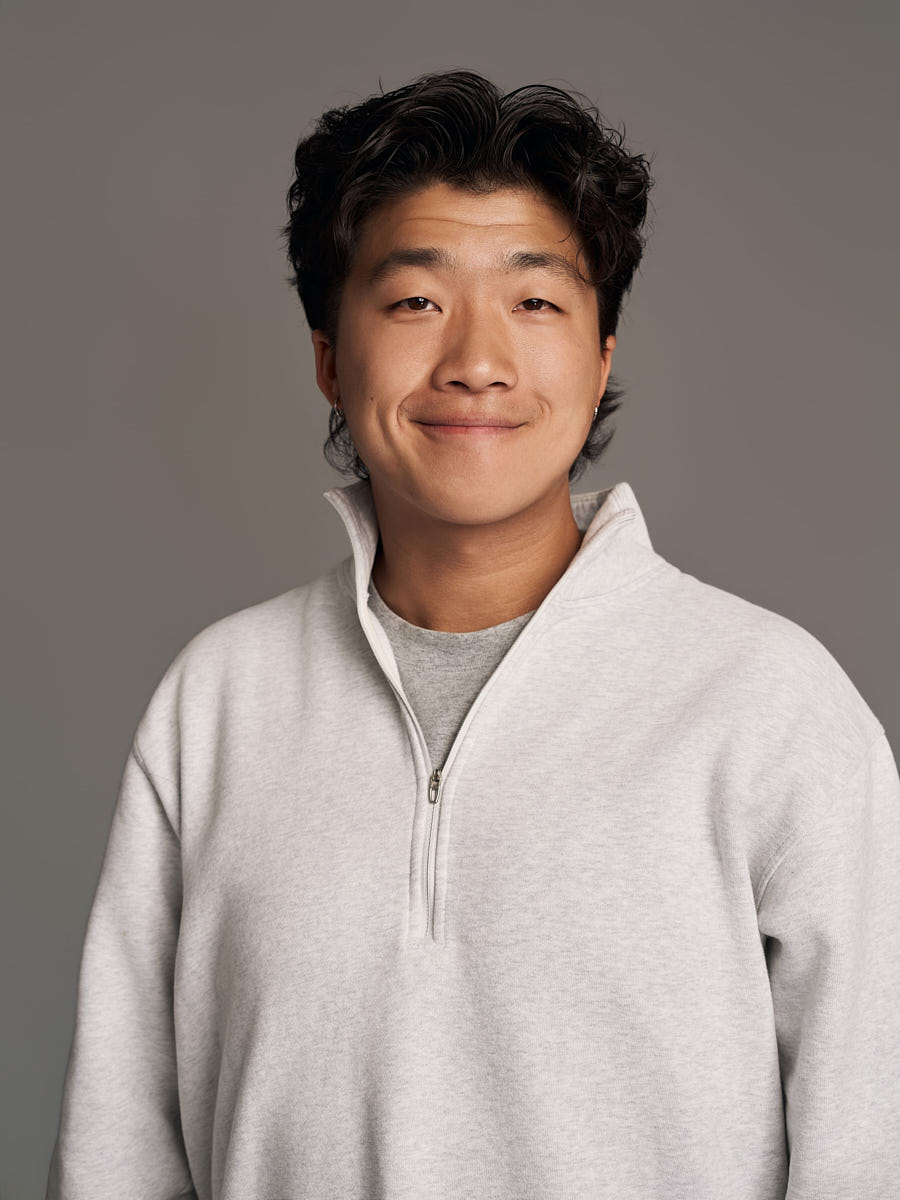
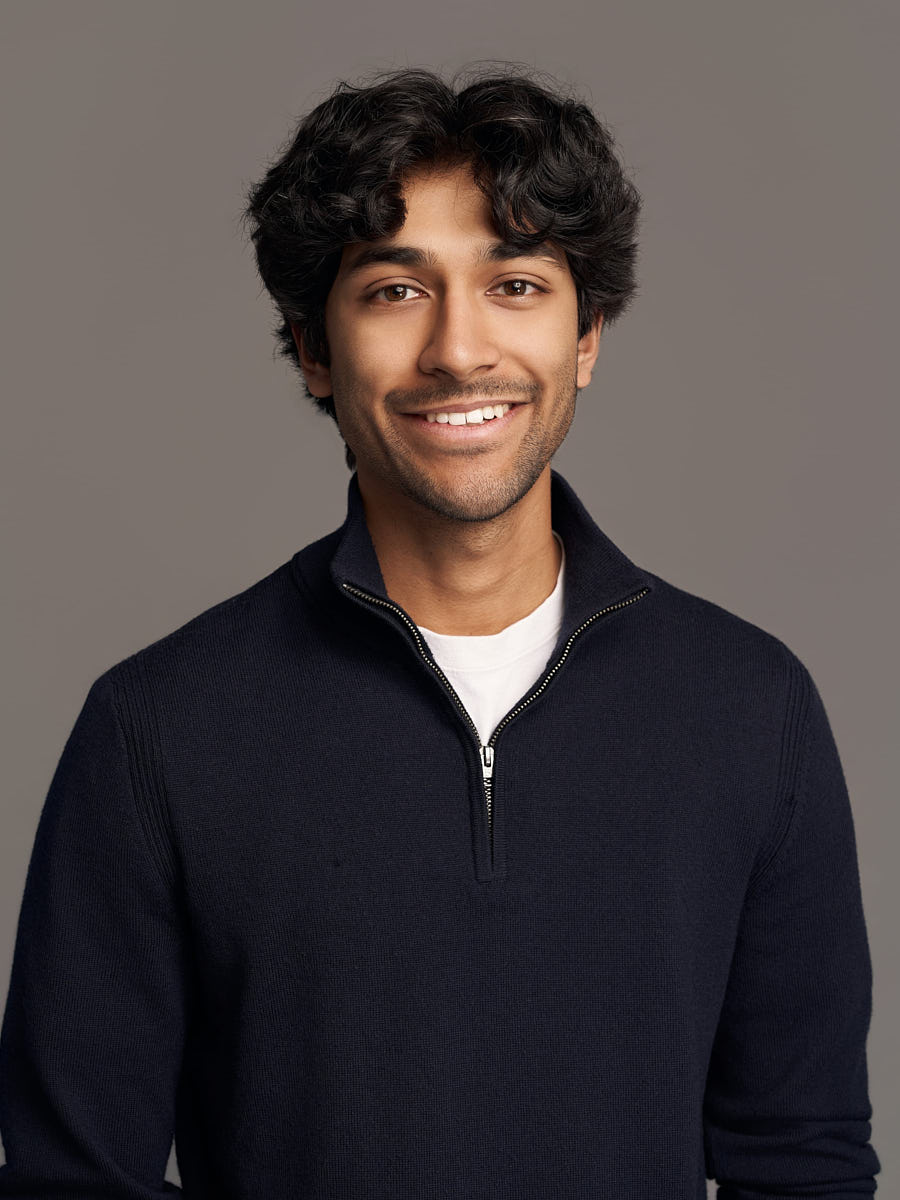
LinkedIn headshot of a man in a light sweater photographed on a neutral gray background.

Design for the small profile crop

A LinkedIn image is often seen first as a small circular crop beside a name, headline, comment, or search entry. Facial clarity, eye contact, background separation, and space around the head matter more at that size than subtle detail near the edge of a larger frame. Examine every candidate at the actual compact crop before choosing it.

Keep safe space around hair and shoulders so the circle does not feel cramped. Check how the crop behaves on both narrow and wide screens. A frame that looks balanced in a rectangle may feel off-center after the circular mask is applied. The final choice should remain recognizable without depending on a large display.

Match expression to the profile's role

Expression should support the way the profile is used. A direct, engaged expression can make the image easy to read. A quieter expression can suit a more formal biography. The key is coherence among eyes, mouth, posture, wardrobe, and background rather than a forced smile or an abstract request for confidence.

Compare several neighboring frames at the same crop. Look for an expression that still feels natural after repeated viewing. Use the LinkedIn headshot poses guide to prepare shoulder line, chin, and expression without copying a rigid pose.

Wardrobe and background choices

Wardrobe should separate clearly from the background and keep attention near the face. Check neckline, collar, texture, pattern scale, and contrast at profile size. Fine patterns may merge. Bright details may compete with the face. Dark clothing may lose definition against a dark background.

Background color and brightness should support the intended profile tone. A simple field can make the crop easier to read. An environmental frame can add context, but the context should remain understandable after the crop becomes small. Use the wardrobe guide before finalizing the brief.

Keep the profile system coherent

The same image may also appear on a company page, speaker page, email profile, or biography. List those destinations before selecting the frame. Check whether each destination uses a circle, square, vertical crop, or wider rectangle. Preserve enough image area to support the important variations without weakening the primary LinkedIn crop.

For a broader set of public-facing images, compare Personal Branding. For a leadership biography, compare Executive Portraits. Use Headshot Budget Guide to define scope before comparing options.

Los Angeles reference details

2079 E 15th St #339C, Los Angeles, CA 90021

(213) 774-0188

These exact strings are the approved local reference for this route.

A concise LinkedIn headshot answer

A useful LinkedIn headshot remains clear inside a compact circular crop, keeps the face recognizable, separates wardrobe from background, and matches the role of the profile. Evaluate expression, eye contact, shoulder line, crop tolerance, and background contrast together rather than choosing by one feature alone.

Use View full portfolio for visual context. Before using Contact, write down the main profile use, secondary page destinations, crop needs, wardrobe direction, background preference, and approval owner.

Align the image with the surrounding profile

The profile image does not appear alone. It sits beside a name, headline, role description, recent activity, and page colors. Inspect the image in that full context. A background that feels subtle on its own may compete with the interface. An expression that feels restrained at full size may read differently beside a short headline.

Check visual weight across the page. The face should remain the primary point of attention without making the surrounding text feel secondary. Compare light and dark interface modes when the platform supports them. Check both desktop and mobile layouts because the crop and nearby text may change.

If the same frame appears on a company biography or speaker page, inspect that placement separately. The supporting copy, page width, and image shape may create a different read. Keep a primary crop for LinkedIn and derive secondary crops only when the source frame has enough safe space. Do not stretch or aggressively enlarge a crop that lacks sufficient image area.

Know when the image no longer fits

Replace the image when it no longer represents the current person or no longer fits the role of the profile. A material change in appearance, role, page tone, or surrounding brand system can create that mismatch. A change is not required merely because time has passed. The decision should come from recognizability and page fit.

Before replacing it, compare the current and candidate images at the same compact crop. Check facial clarity, expression, shoulder line, background separation, wardrobe relationship, and fit with the current headline. Record which mismatch the candidate resolves. This prevents novelty from becoming the only reason for a change.

After placement, inspect the profile in the contexts where it is most often seen: the main profile, compact comments, search entries, and any linked biography. Keep the old asset recoverable until the new placement has passed visual, accessibility, and responsive checks.

How much do LinkedIn headshots cost in Los Angeles?

LinkedIn headshots in Los Angeles at Headshot Buro are $179 for Mini, $249 for Quick, $349 for Standard and $449 for Signature, each with unlimited business usage rights. Mini is the fastest option when you need one clean final image. Quick gives a little more room for direction and variation. Standard and Signature add more selects, more background flexibility, and two retouched finals for people who need a stronger profile set across LinkedIn, company bios, and public-facing pages.

A faster, lighter package line for professionals who need a polished business portrait with efficient session timing and simple deliverables.

LinkedIn Mini Session

$179

Best for a clean profile refresh.

  • In studio
  • 15-minute session
  • 1 wardrobe look
  • Up to 2 background options
  • 1 premium retouched headshot
  • 8 color-corrected selects
  • Unlimited business usage rights
Request LinkedIn session

LinkedIn Quick Session

$249

A little more flexibility without moving into full editorial territory.

  • In studio
  • 20-minute session
  • Up to 2 wardrobe looks
  • Up to 2 background options
  • 1 premium retouched headshot
  • 12 color-corrected selects
  • Unlimited business usage rights
Request LinkedIn session
Popular

LinkedIn Standard Session

$349

A balanced option with more usable variety and stronger output.

  • In studio
  • 25-minute session
  • Up to 2 wardrobe looks
  • Up to 4 background options
  • 2 premium retouched headshots
  • 18 color-corrected selects
  • Unlimited business usage rights
Request LinkedIn session

LinkedIn Signature Session

$449

The fullest LinkedIn package before stepping into the editorial line.

  • In studio
  • 30-minute session
  • Up to 2 wardrobe looks
  • Up to 4 background options
  • 2 premium retouched headshots
  • 25 color-corrected selects
  • Unlimited business usage rights
Request LinkedIn session

Availability, location format, and final scheduling are confirmed after inquiry.

How a session runs

Direction across every step — planning, shooting, selecting, retouching, and delivery — so you aren't guessing what to do with your hands at any point and the final files match how the images will actually be used.

  1. Plan

    Confirm look, format, and timing; share use cases so the shoot maps to real channels.

  2. Shoot

    Guided session with live direction across wardrobe changes and look adjustments.

  3. Select

    Review proofs in your private gallery and choose your retouched finals.

  4. Retouch

    Natural retouching that keeps real skin texture and recognizable features.

  5. Deliver

    Final files with unlimited usage rights across every channel you publish in.

Portfolio

LinkedIn headshot examples

A selection of clean, current profile images for LinkedIn, company bios, recruiting pages, speaker profiles, and professional directories.

LinkedIn headshot of a blonde woman in a navy blazer photographed in a bright office setting.
LinkedIn headshot of an Asian woman with long dark hair photographed against a muted gray background.
LinkedIn headshot of a man in glasses photographed against a dark studio background.
LinkedIn profile portrait of a woman in a red blazer photographed against a dark studio background.
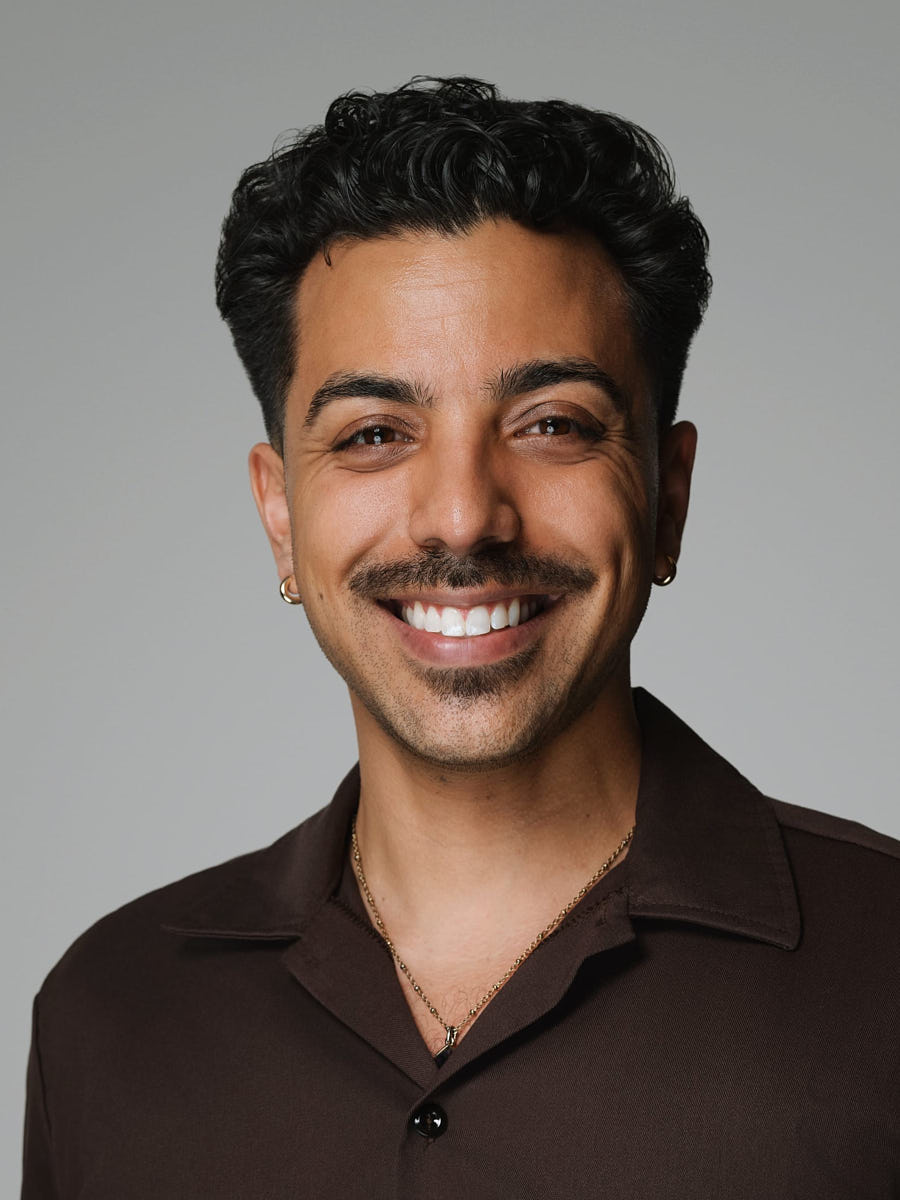
LinkedIn headshot of a smiling man in a brown shirt photographed on a neutral gray background.
LinkedIn headshot of a woman in a blue sweater photographed against a soft gray-blue background.
LinkedIn business portrait of a man in a suit photographed on a pink and blue gradient background.
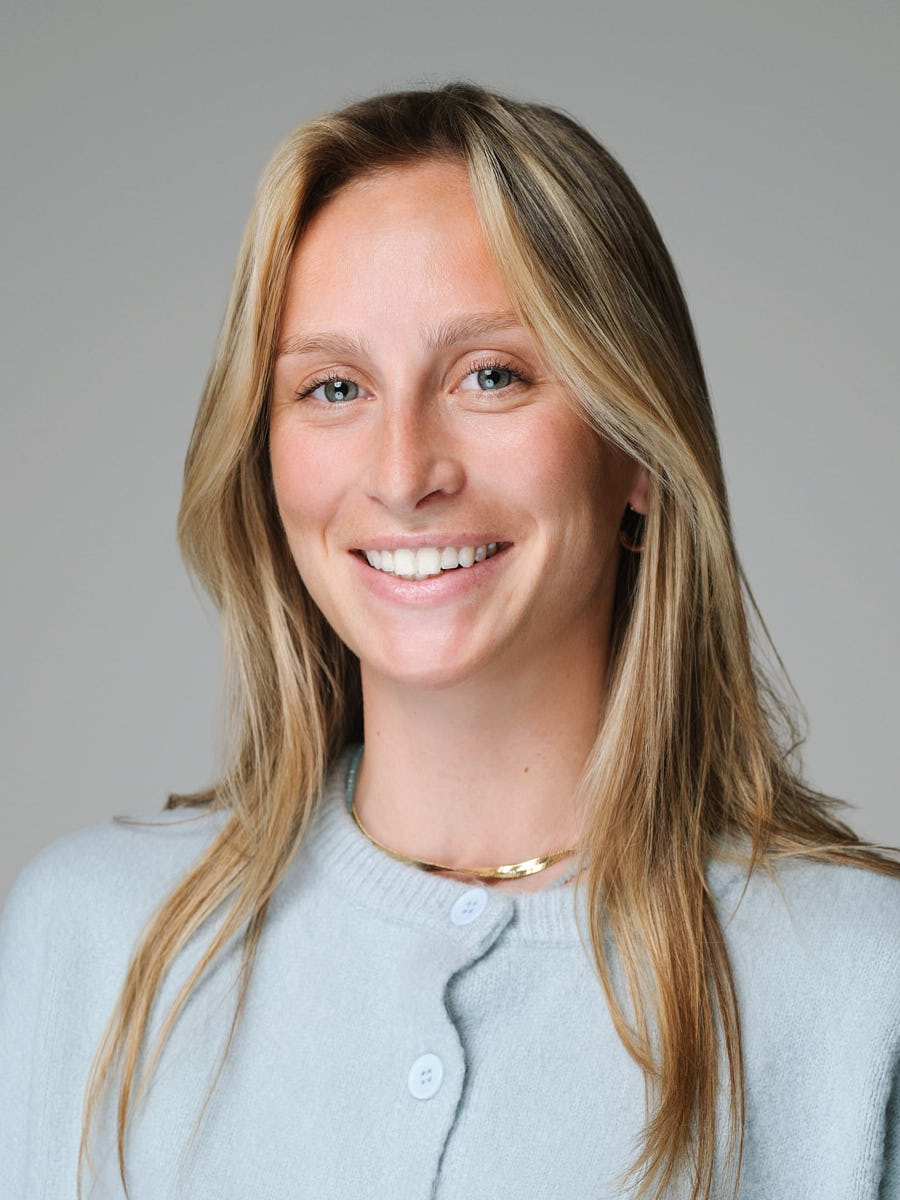
Clean LinkedIn headshot of a blonde woman in a light blue top on a gray studio background.
LinkedIn headshot of a man in a gray shirt photographed against a dark background.
Polished LinkedIn headshot of a woman in a black blazer photographed on a gray background.
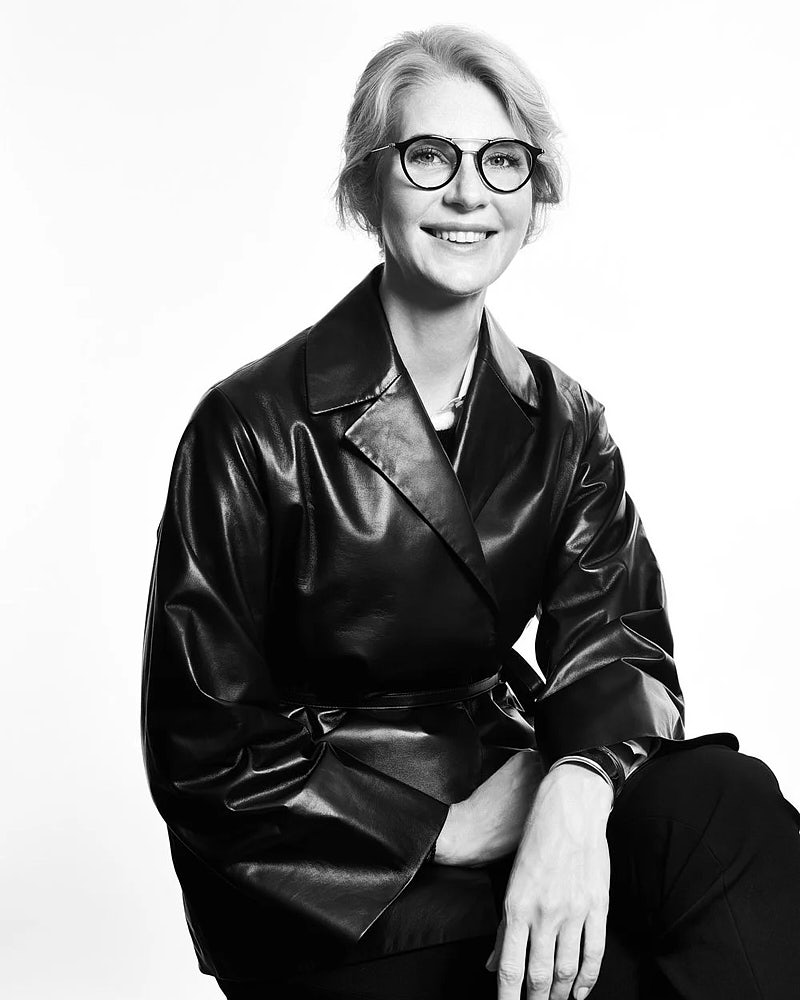
Black and white LinkedIn portrait of a woman in glasses and a dark leather jacket.
LinkedIn headshot of a man in a light sweater photographed on a neutral gray background.
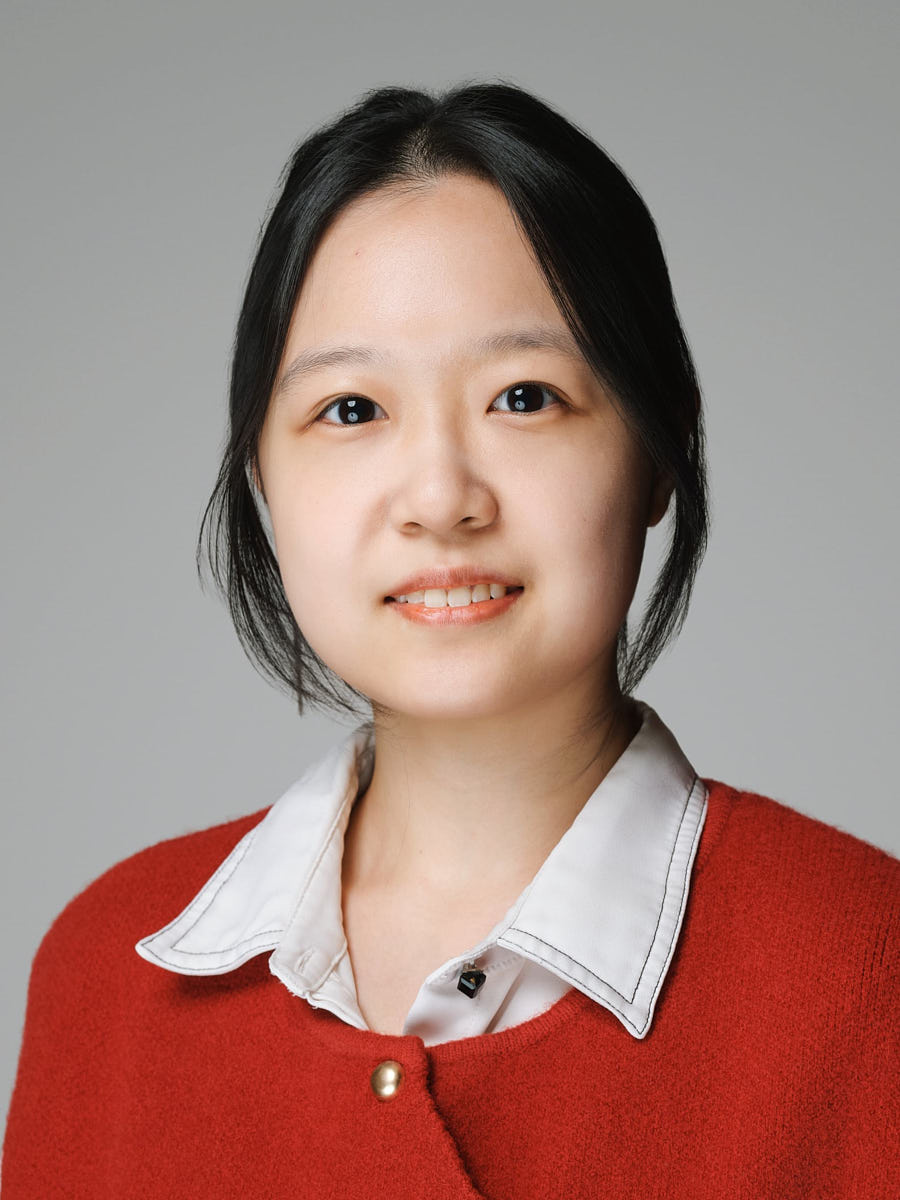
LinkedIn headshot of an Asian woman in a red sweater and white collar against a gray studio background.
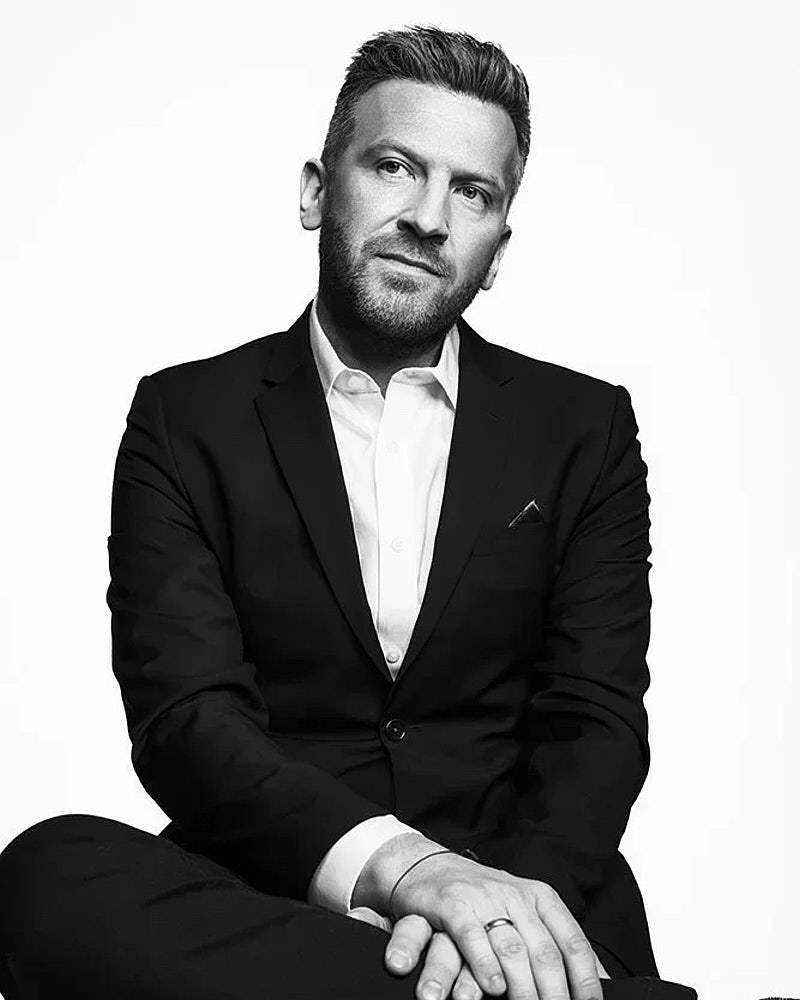
Black and white LinkedIn portrait of a seated man in a suit against a clean studio background.
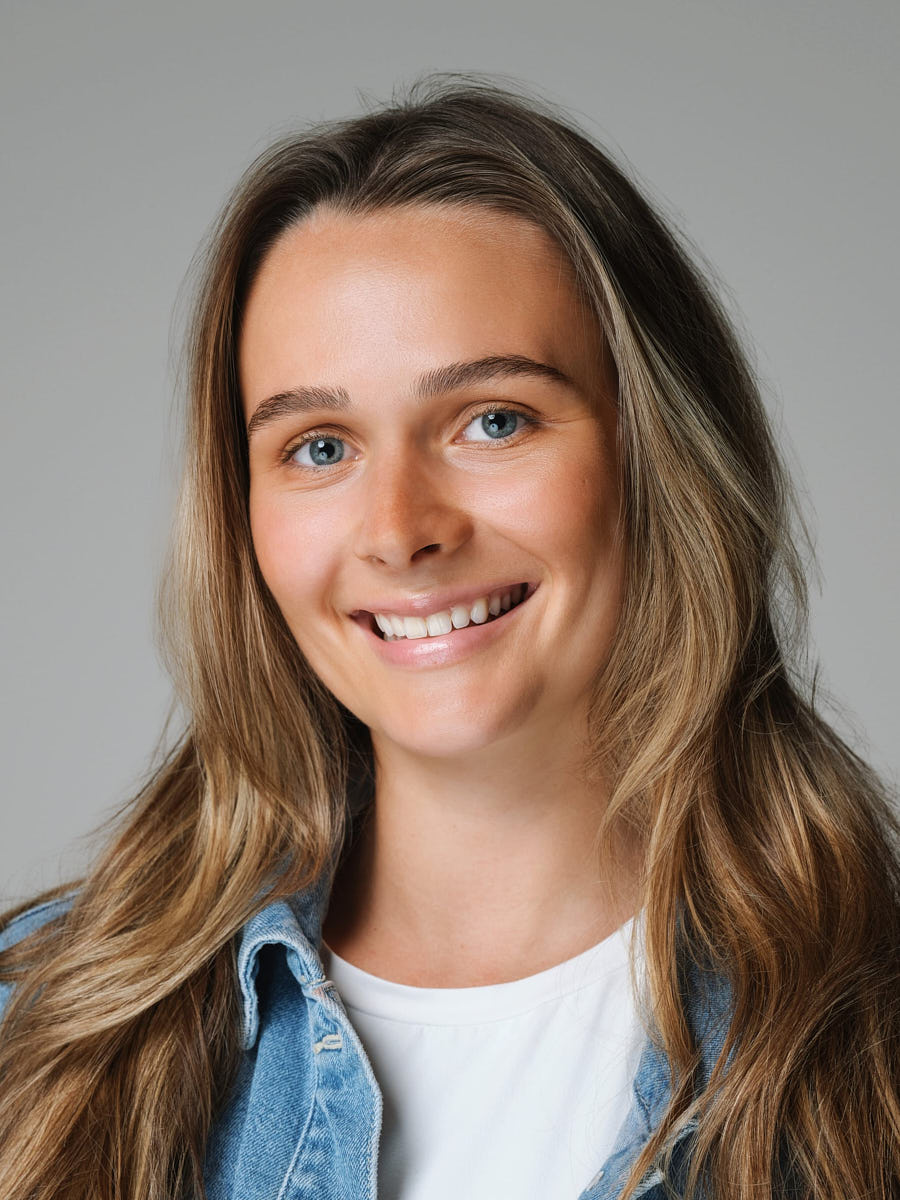
LinkedIn headshot of a woman in a denim jacket photographed on a gray studio background.
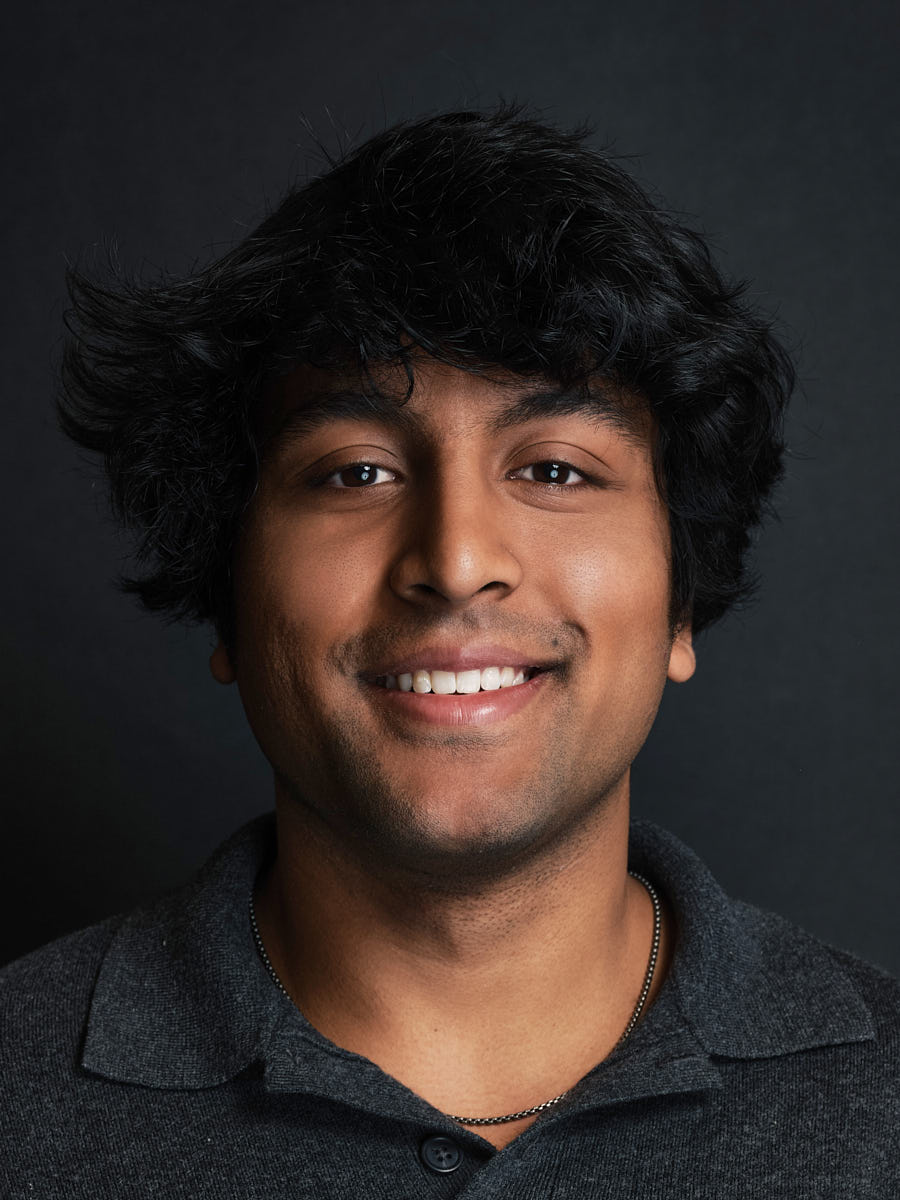
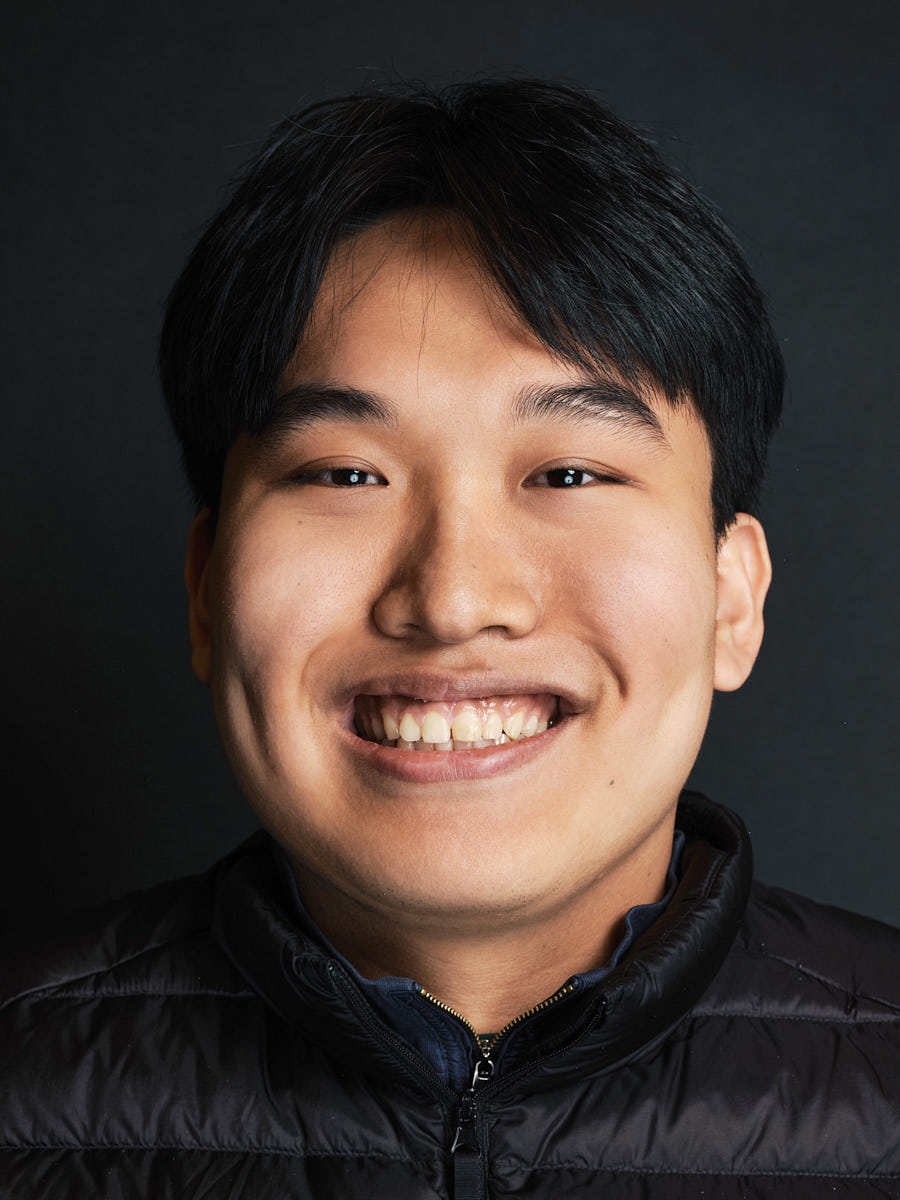
Smiling LinkedIn headshot of a young man photographed against a dark studio background.
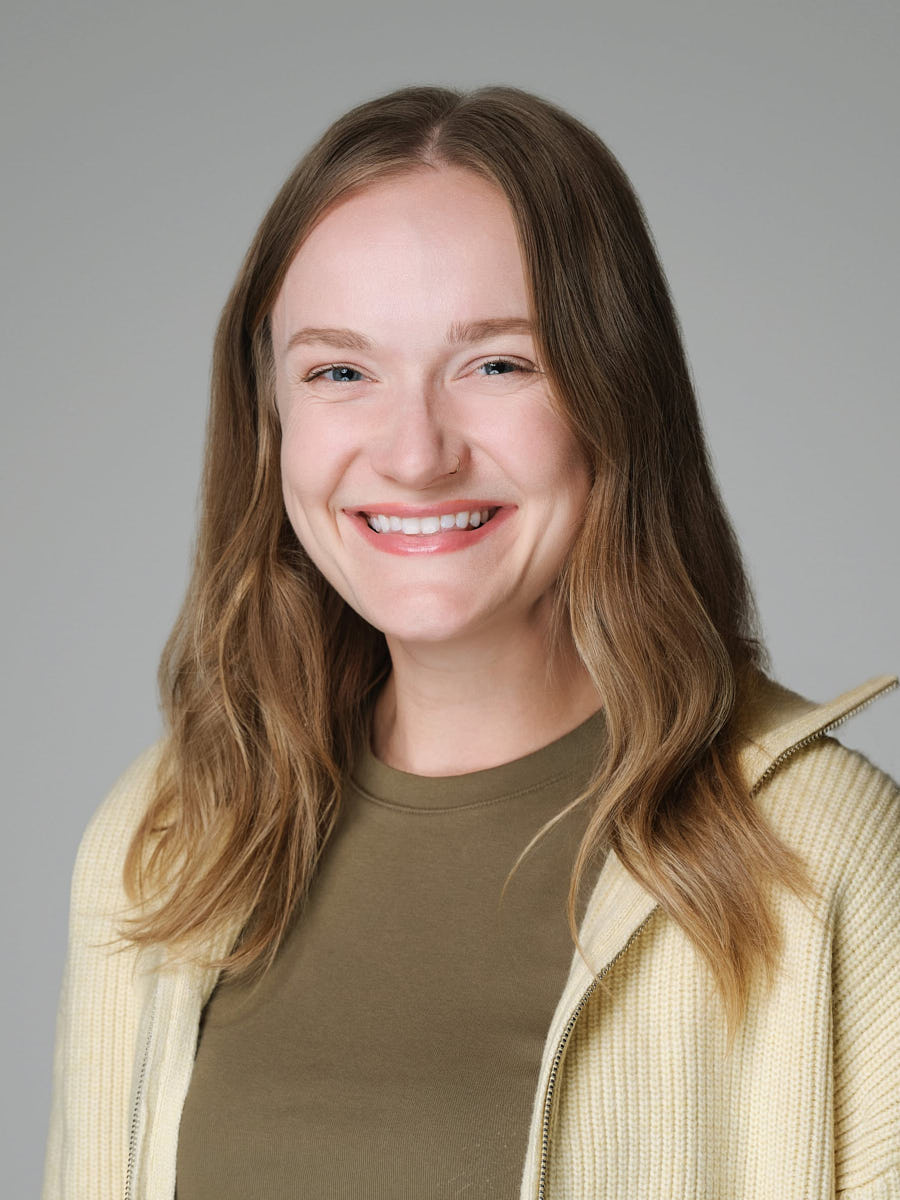
LinkedIn headshot of a woman in an olive sweater photographed against a light neutral background.
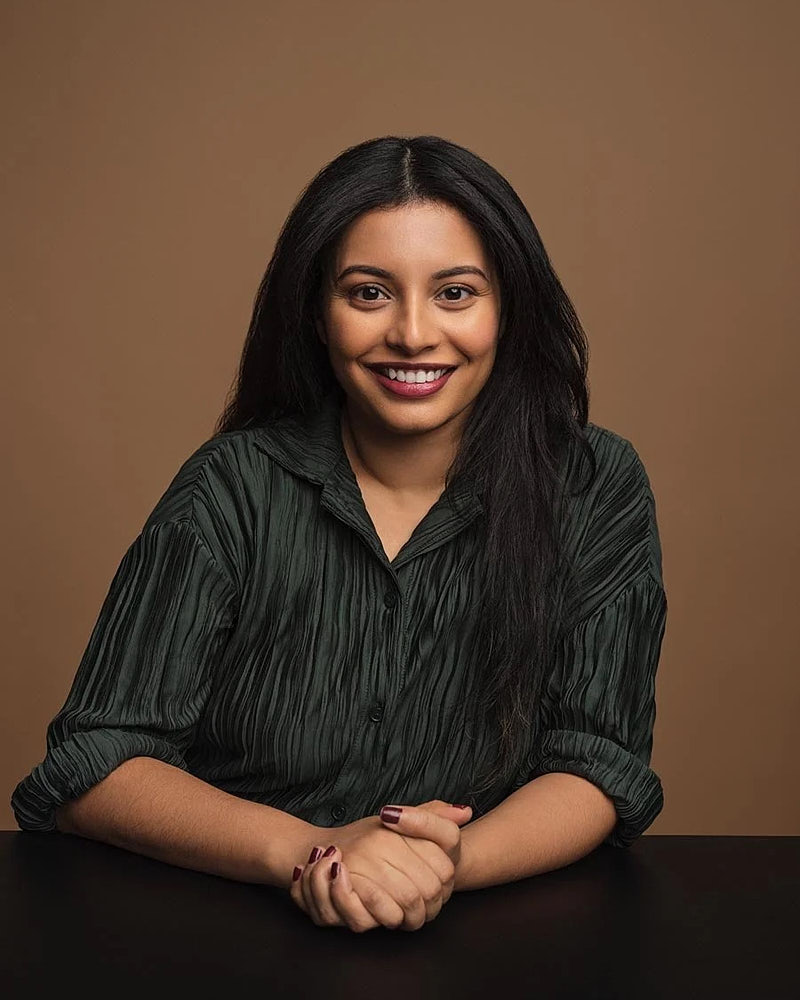
Seated LinkedIn portrait of a woman photographed against a warm studio background.
LinkedIn headshot of a young man in a navy sweater photographed against a neutral gray background.
LinkedIn headshot of a young man photographed against a dark studio background.

Common questions

What makes a good LinkedIn headshot?

A clean, well-lit face filling roughly the top third of the frame, eye contact, a background that contrasts your skin and wardrobe without competing, an expression that reads as confident-and-approachable, and a crop that survives LinkedIn's circular avatar mask. We direct each of those live during the shoot so the image holds up in the small avatar, in the bigger profile header, and in recruiter search results.

How fast is a LinkedIn-focused session?

LinkedIn Mini is the fastest option at 15 minutes — one clean retouched final for professionals who want a quick profile refresh. LinkedIn Quick runs 20 minutes with a little more room for direction and variation. LinkedIn Standard runs 25 minutes and adds more selects, more background options, and two retouched finals. LinkedIn Signature runs 30 minutes for the fullest LinkedIn package before stepping into the editorial line. Retouched finals typically follow within 24–48 hours of your gallery selection.

What should I wear?

Bring one or two options that fit how you actually show up at work — a clean shirt, a structured layer, or a knit in a solid color. Avoid loud patterns, brand-new clothes, and anything that needs ironing on set. LinkedIn sessions use a single outfit; bring one or two options to choose from on the day. We send a short prep note after booking and direct fit and adjustments live during the shoot.

Can I use the same image for my company bio?

Yes — every delivered file carries unlimited usage rights, so the same image runs on LinkedIn, your company's About page, conference bios, speaker profiles, and your personal site without re-licensing. We crop and deliver each retouched final at sizes that work for the square LinkedIn avatar, a vertical bio portrait, and a wider editorial layout so you don't have to ask a designer to re-crop for each channel.

How many final images will I receive?

LinkedIn Mini delivers one retouched final from 8 color-corrected selects. LinkedIn Quick delivers one retouched final from 12 selects. LinkedIn Standard delivers two retouched finals from 18 selects. LinkedIn Signature delivers two retouched finals from 25 selects. You choose the finals from the private gallery after the shoot. If you want more retouching than the package includes — for example, a separate cropped version optimized just for LinkedIn search — flag it on the form and we'll confirm scope. We don't change package data; add-ons are quoted separately.

Should I upgrade to a professional or personal branding session?

Upgrade if LinkedIn isn't the only place the image will live. A professional headshot covers LinkedIn plus company bios, press, and websites with more outfits and looks. A personal branding shoot adds environmental and process frames for content, launches, and PR. If LinkedIn is the only target and the timeline is tight, a LinkedIn package on this page is exactly what you want.

How much do LinkedIn headshots cost in Los Angeles?

LinkedIn headshots in Los Angeles at Headshot Buro are $179 for Mini, $249 for Quick, $349 for Standard and $449 for Signature. Mini is a 15-minute studio session with one premium retouched headshot and eight color-corrected selects; Signature runs 30 minutes with two retouched finals and 25 selects. Every package includes unlimited business usage rights.

Where in Los Angeles do LinkedIn headshot sessions happen?

LinkedIn sessions run at our Downtown LA studio — 2079 E 15th St #339C, by appointment Mon–Sat 9:00 AM–7:00 PM — or at your office across the LA metro: Downtown Los Angeles, Hollywood, West Hollywood, Beverly Hills, Century City, Santa Monica, Culver City, Pasadena, Burbank, Studio City, Silver Lake, Los Feliz and nearby areas. Anyone outside that radius can be photographed in a live-directed remote session instead.

Should I smile in a LinkedIn headshot?

A slight, unforced smile reads well for most profiles, but warmth carried in the eyes with a relaxed mouth often reads more senior. We direct expression in steps during the session — neutral, warm, small smile — so you leave with a range and can match the frame to where it is going.

What crops do you deliver for a LinkedIn profile photo?

Each retouched final is delivered at sizes that work for the square LinkedIn avatar, a vertical bio portrait, and a wider editorial layout, so nothing has to be re-cropped for each channel.

Are LinkedIn headshots different from corporate headshots?

The direction is the same; the scope is not. A LinkedIn session is one look built for the circular avatar and recruiter search results. A corporate session is built for a whole company to match — one visual standard across a team page, run in studio or at your office.

How often should you update a LinkedIn headshot?

Update it when it stops matching how you show up — a new role, a promotion, a rebrand, a visible change in look, or the start of a job search. The bullets above are the moments people actually book for.

Are you a LinkedIn photographer serving all of Los Angeles?

Yes — Headshot Buro is a team of LinkedIn photographers based at 2079 E 15th St #339C, Los Angeles, CA 90021, by appointment Mon–Sat 9:00 AM–7:00 PM, and sessions run either at that Downtown LA studio or at your office anywhere across the LA metro, from Hollywood and Beverly Hills to Pasadena, Burbank and Santa Monica.

Book a LinkedIn headshot session

Availability, location format, and final scheduling are confirmed after inquiry.

  • The Los Angeles studio of Match Production — 12+ years, 8,000+ headshots, 400+ companies, 5.0 rating.
  • Retouched finals typically within 24–48 hours.
  • Unlimited usage rights on every set.

Ready when you are

Book LinkedIn headshot