Remote headshots

Remote headshots for professionals and teams who cannot meet in one studio

Real, live-directed remote sessions for individuals, new hires, and distributed teams — a photographer guides lighting, posing, expression, and framing on video. Not AI. Not avatars. Not screenshots.

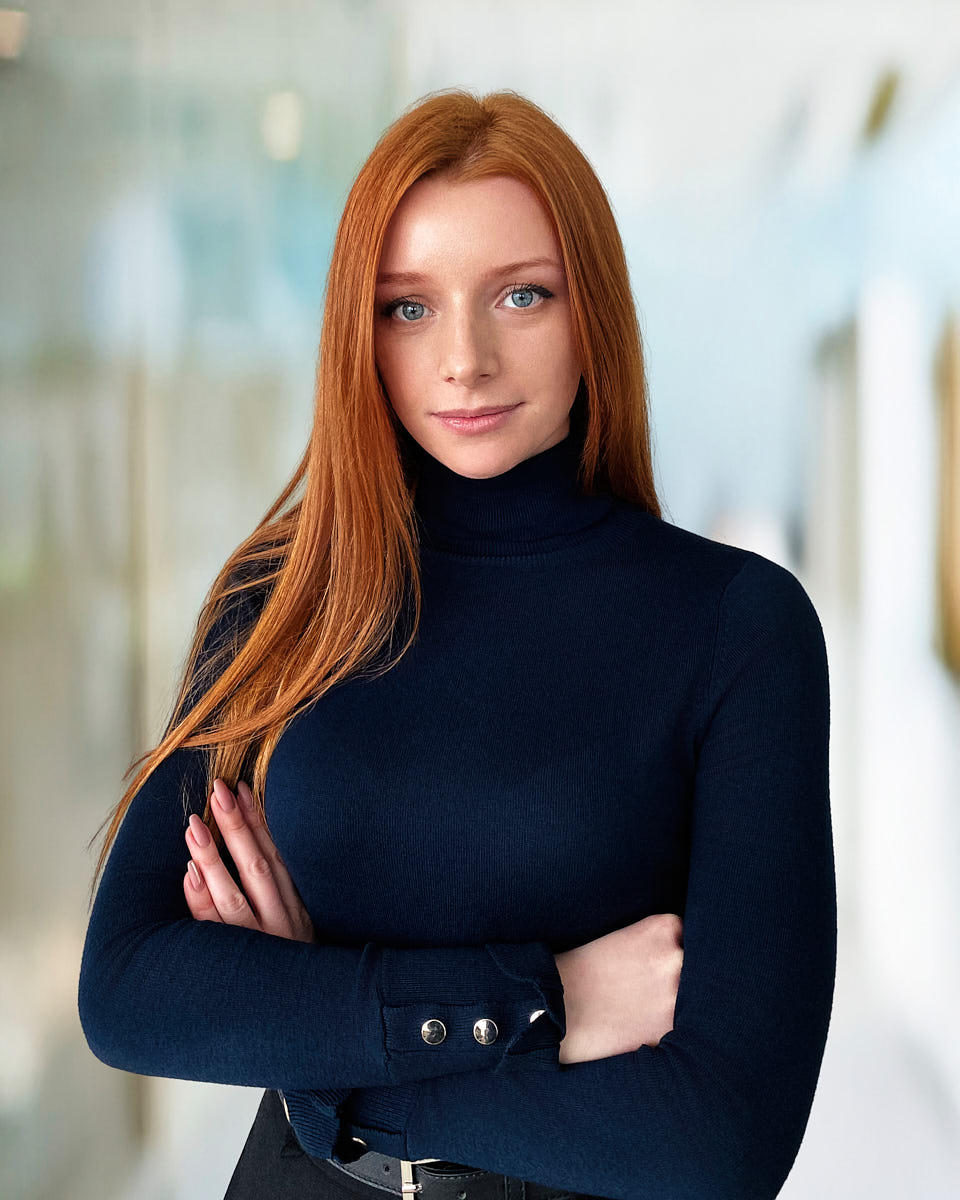
Remote headshot of a red-haired woman in a black turtleneck photographed against a bright office background.
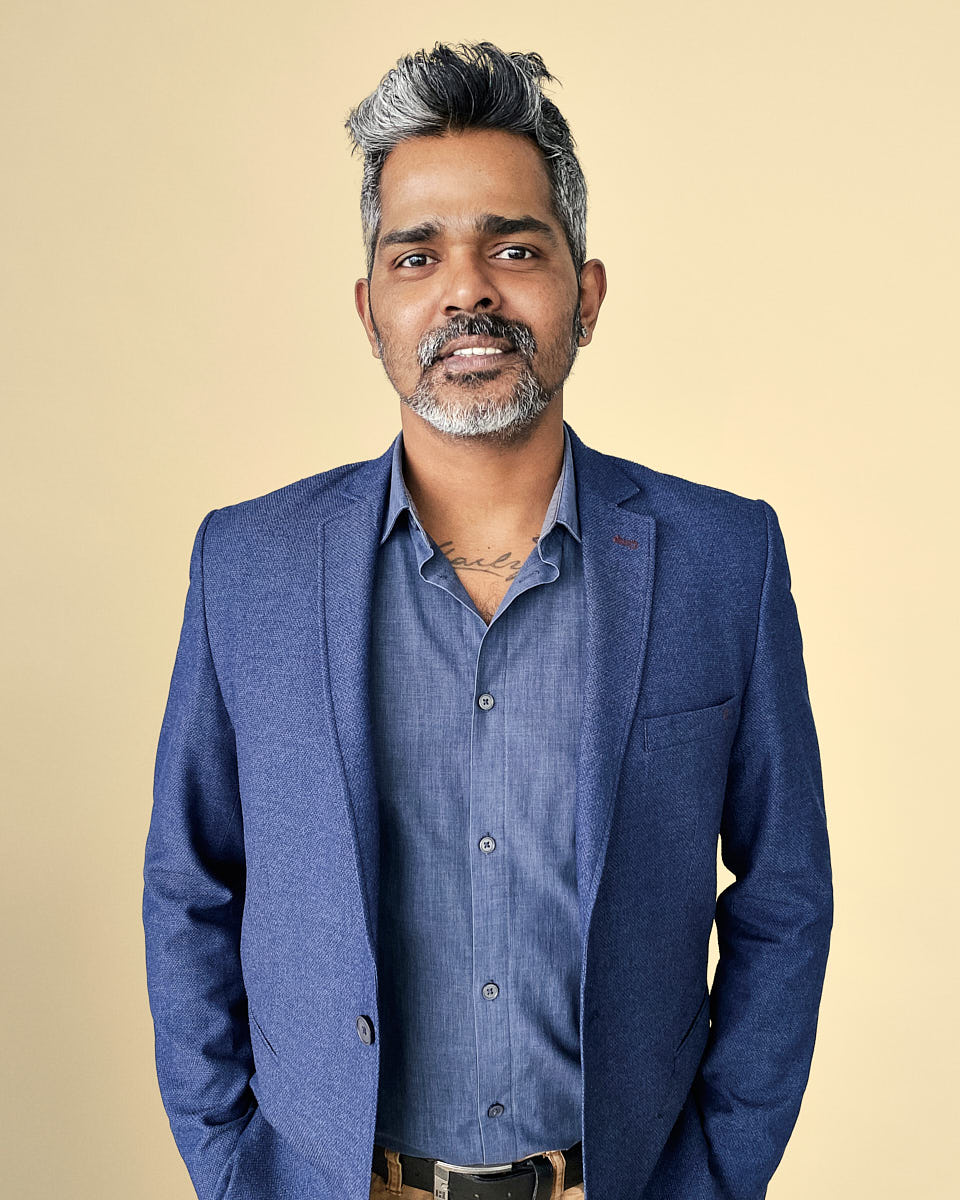
Remote headshot of a man in a blue blazer photographed against a warm yellow background.
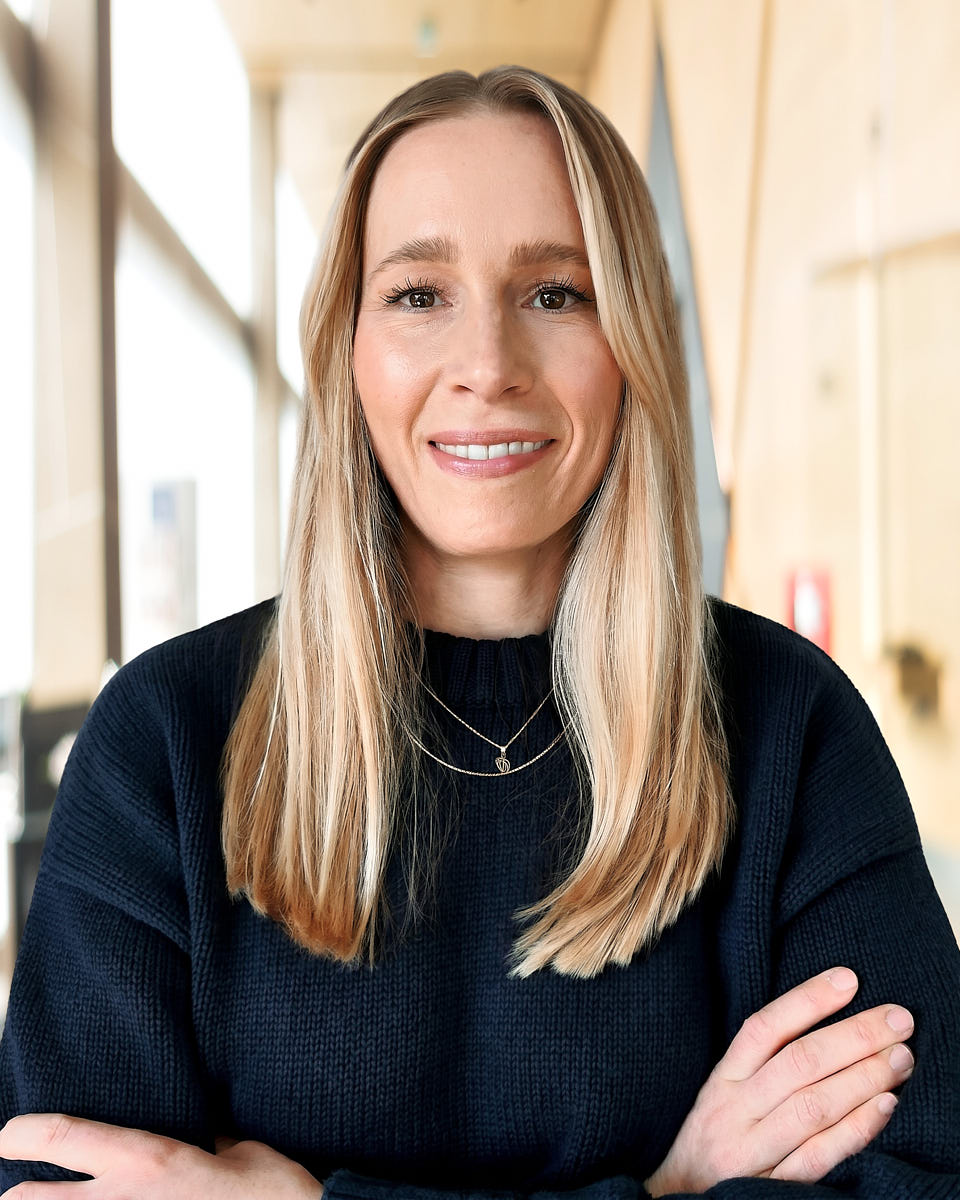
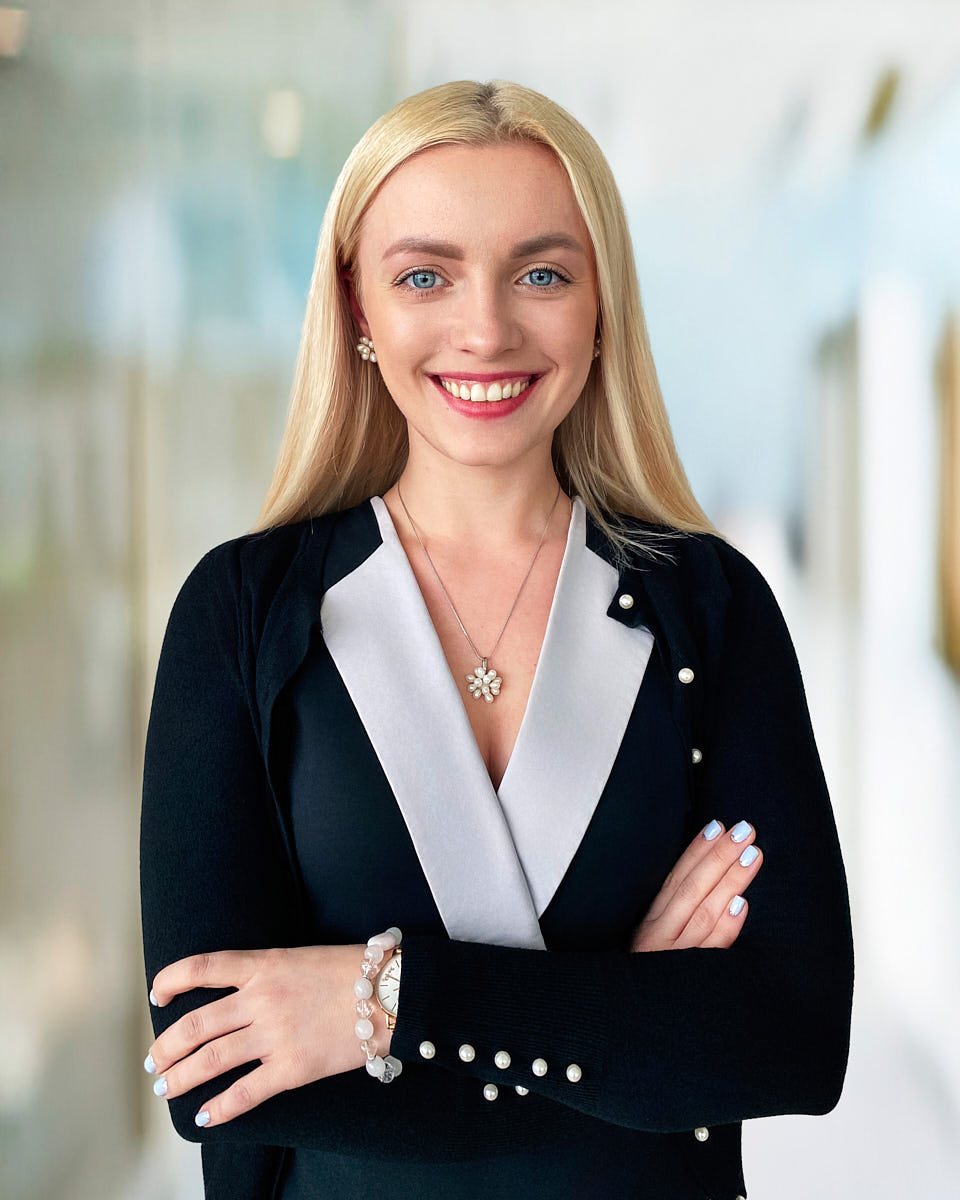
Remote headshot of a blonde woman in a black top photographed in a bright office setting.
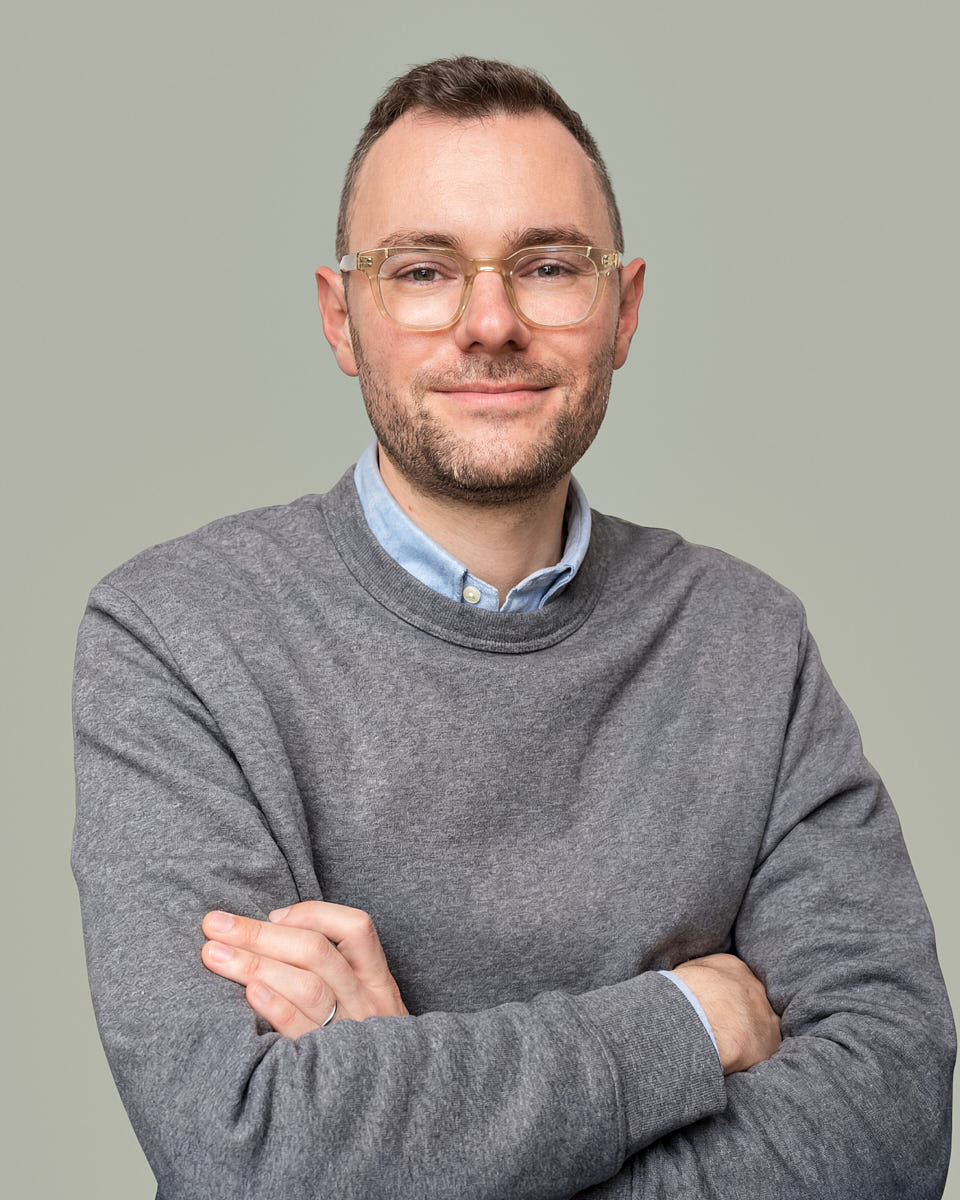
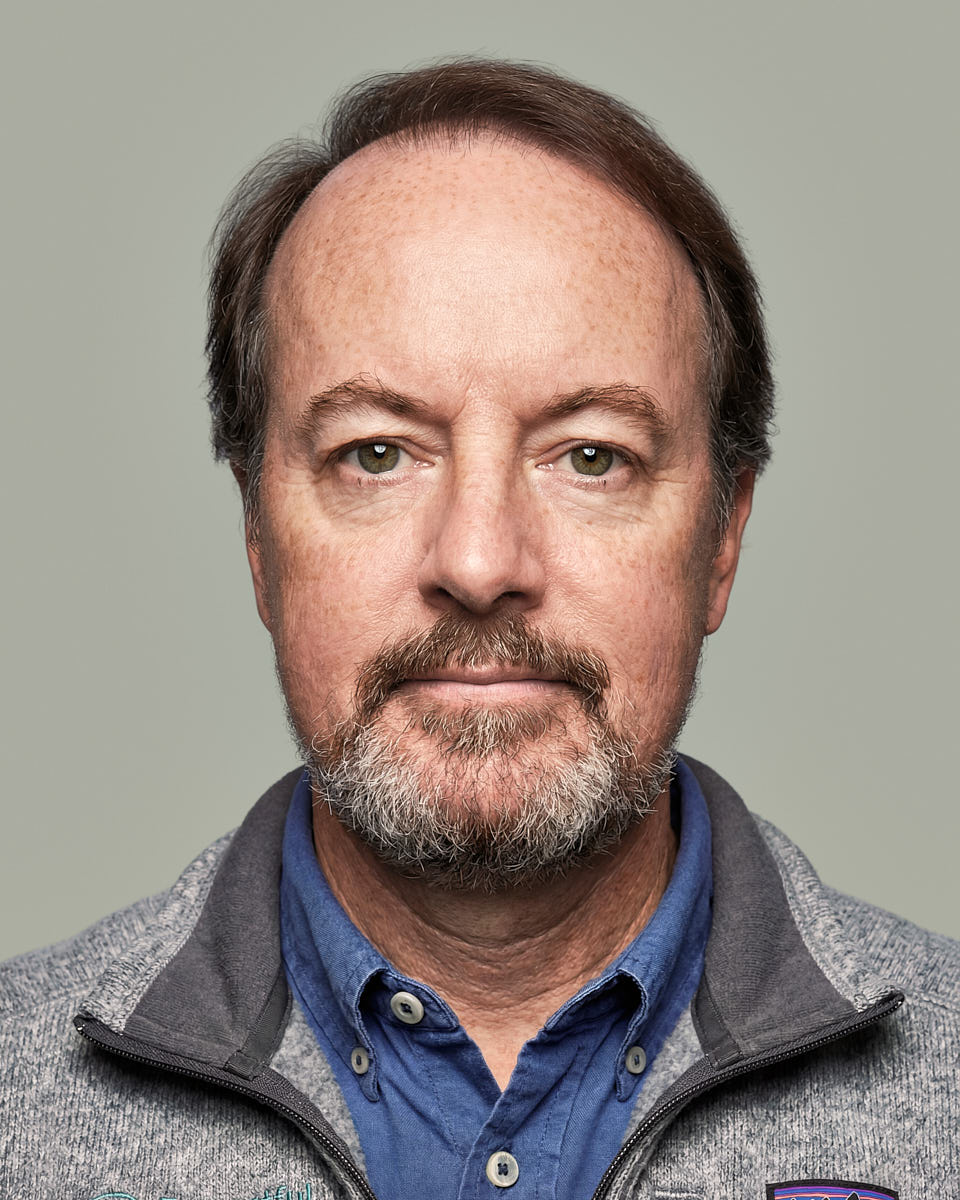
Remote headshot of a man in a gray sweater with arms crossed against a muted green background.
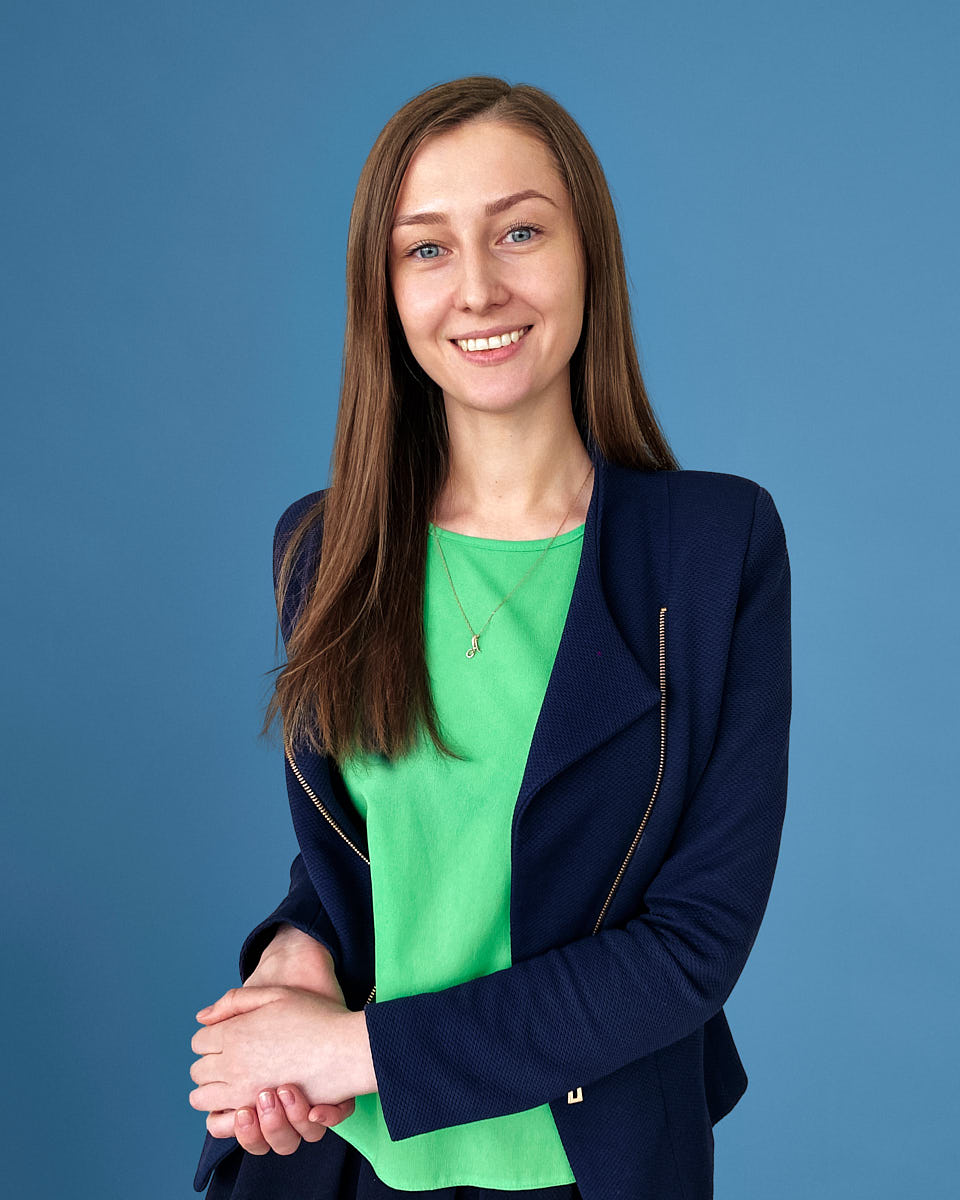
Remote headshot of a woman in a green shirt and navy blazer photographed on a blue studio-style background.
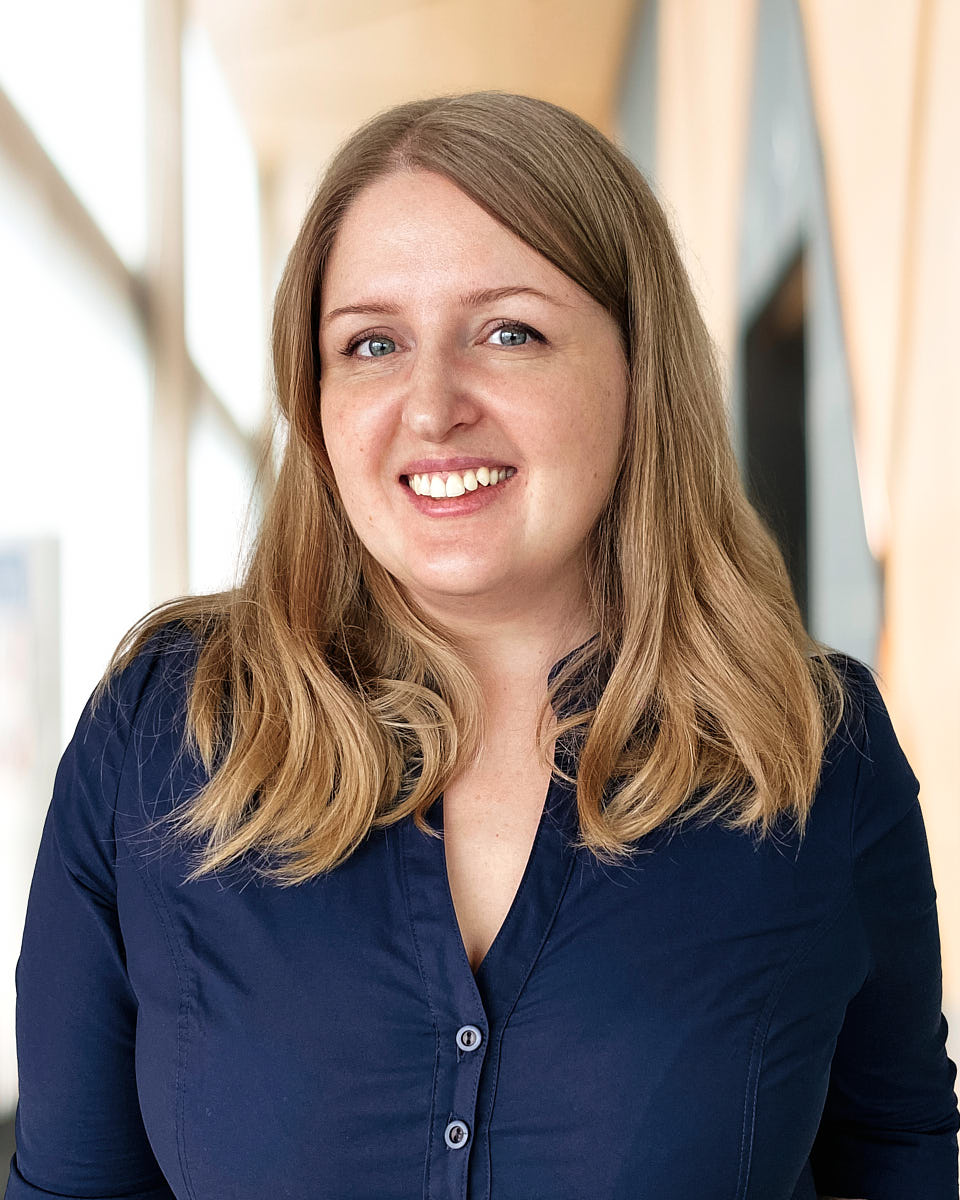
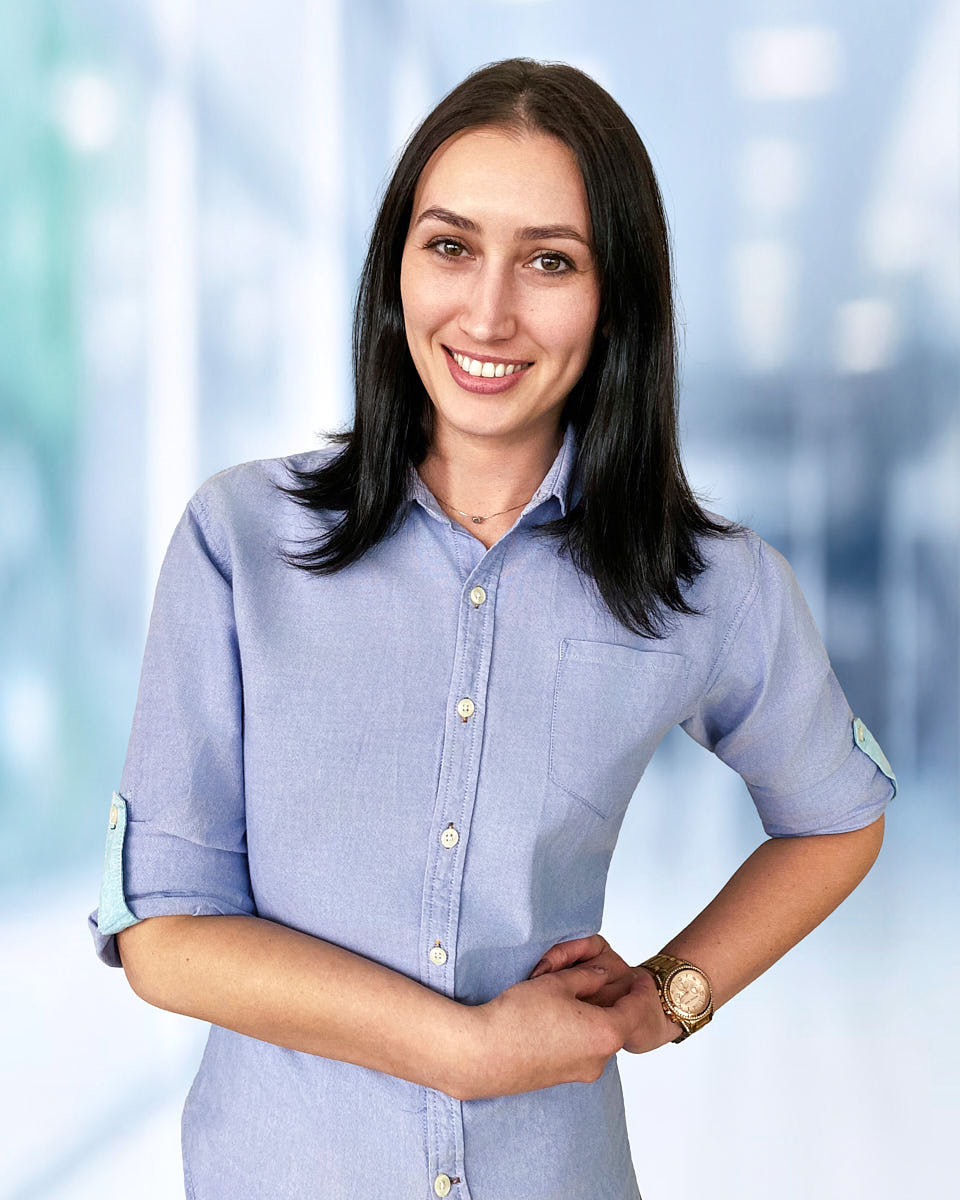
Remote headshot of a woman in a blue shirt photographed with a natural smile in a bright office setting.

Why this page exists

Teams are distributed. Not everyone can come to LA. The default fallbacks — selfies, AI-generated avatars, recycled old profile photos — leave the team page looking inconsistent, the new-hire onboarding flow incomplete, and the brand standard broken. Remote employees still need credible, brand-aligned portraits; the workflow just has to change. That's what this page does — real photography, delivered through a remote production system designed for distributed companies.

Remote session packages

Remote packages are priced per person and built for individuals, new hires, and distributed teams who need guided real-photo headshots without coming to a studio.

Remote headshots are live-directed by a real photographer and built for distributed teams, hybrid companies, and professionals who need a polished headshot without travel.

Remote Individual Session

$200

For one person who needs a polished remote business headshot.

  • Fully remote
  • Live posing & framing guidance
  • 10-minute session
  • 1 person, 1 look
  • 1 high-end retouched picture
  • Digital backdrop
  • 5 color-corrected photos
  • Private online gallery
  • Unlimited usage rights
Request remote session
Popular

Remote Team Session

$120 Per person · best for teams of 3+ people

Per person · best for teams of 3+ people.

  • Fully remote
  • Live posing & framing guidance
  • 10 minutes per person
  • For 3+ people
  • 1 look per person
  • 1 high-end retouched picture
  • Digital backdrop
  • Private online gallery
  • Unlimited usage rights
Request remote session

Remote Large Team Session

$100 Per person · for larger remote rollouts of 10+ people

Per person · for larger remote rollouts of 10+ people.

  • Fully remote
  • Live posing & framing guidance
  • 10 minutes per person
  • For 10+ people
  • 1 look per person
  • 1 high-end retouched picture
  • Digital backdrop
  • Private online gallery
  • Unlimited usage rights
Request remote session

Availability, location format, and final scheduling are confirmed after inquiry.

How a remote session works

  • Schedule: a slot per person or back-to-back blocks for teams
  • Prep: a short prep note with lighting, background, and wardrobe guidance
  • Join from phone: a normal video call from a recent smartphone
  • Live direction: photographer guides light, angle, posture, expression, frame
  • Select: private gallery with the usable frames from your session
  • Retouch and deliver: consistent retouching, digital backdrop, unlimited usage rights

How a remote session is directed

Remote sessions are guided live. The photographer adjusts phone position, light direction, background, posture, expression, and framing in real time so the final image feels intentional rather than self-shot — real photography produced through a remote workflow.

  1. Schedule

    A slot per person or back-to-back blocks for distributed teams.

  2. Prep

    A short prep note covering phone, light, background, and wardrobe so the call starts ready.

  3. Join from phone

    A normal video call from a recent smartphone — no special software, no professional camera.

  4. Live direction

    Photographer adjusts phone position, light, background, posture, and expression on the call.

  5. Select

    Review proofs in your private gallery and pick the frames you want retouched.

  6. Retouch and digital backdrop

    Natural retouching plus a directed digital backdrop so the team gallery stays consistent.

  7. Deliver

    Final files for every person, sized for LinkedIn, the team page, and press use.

Why live direction matters

Without direction, remote captures default to whatever lighting, angle, and posture the participant already has — which is usually phone-at-arm's-length under a ceiling light. A directed remote session moves the phone, the light, the background, and the posture deliberately in real time. The result holds up next to an in-person session because the same six decisions are being made — lighting, angle, posture, expression, background, crop — on a different production setup.

Remote vs AI vs DIY vs studio

  • AI headshots: synthetic images, not real photos of you. Inconsistent across teams, easy to spot, and not a portrait of the person who actually shows up.
  • DIY upload: participant takes selfies and uploads. Result depends entirely on whatever lighting and self-direction the participant had.
  • Studio: highest control. Hard to coordinate for distributed companies. Best for individuals and LA-based teams.
  • Remote live-directed: real capture, guided setup, consistent editing, designed to match the in-person visual standard across distributed rollouts.

Where remote sessions fit

  • Distributed teams and hybrid companies with employees outside LA
  • New-hire onboarding when travel doesn't make sense
  • Executives and founders outside LA needing a press image fast
  • LinkedIn profile updates from anywhere
  • Press, speaker, and bio updates when travel isn't practical
  • Hybrid rollouts where LA employees shoot in person and distributed employees join remotely

Hybrid team workflow

LA-based people are photographed in person on the office or studio day; distributed people are photographed through the remote workflow on the same visual brief. We match crop, background direction, color, expression range, and retouching style across both sources. See team headshots in Los Angeles for the in-person rollout, and corporate headshots for the visual standard the whole company runs against.

Remote preparation checklist

  • Recent smartphone with a working back camera
  • Charged battery (or a charger within reach)
  • Stable phone position — a small tripod or a stack of books works
  • Window light or another clean, even light source
  • Simple, uncluttered background
  • Cleaned phone lens
  • Two or three wardrobe options
  • Quiet space for about 15 minutes

For the full walk-through, read how to prepare for a remote headshot session.

Portfolio

Remote headshot examples

A selection of remote headshots for distributed teams, new hires, professional profiles, company bios, and consistent team pages.

Remote headshot of a red-haired woman in a black turtleneck photographed against a bright office background.
Remote headshot of a man in a blue blazer photographed against a warm yellow background.
Remote headshot of a blonde woman in a black top photographed in a bright office setting.
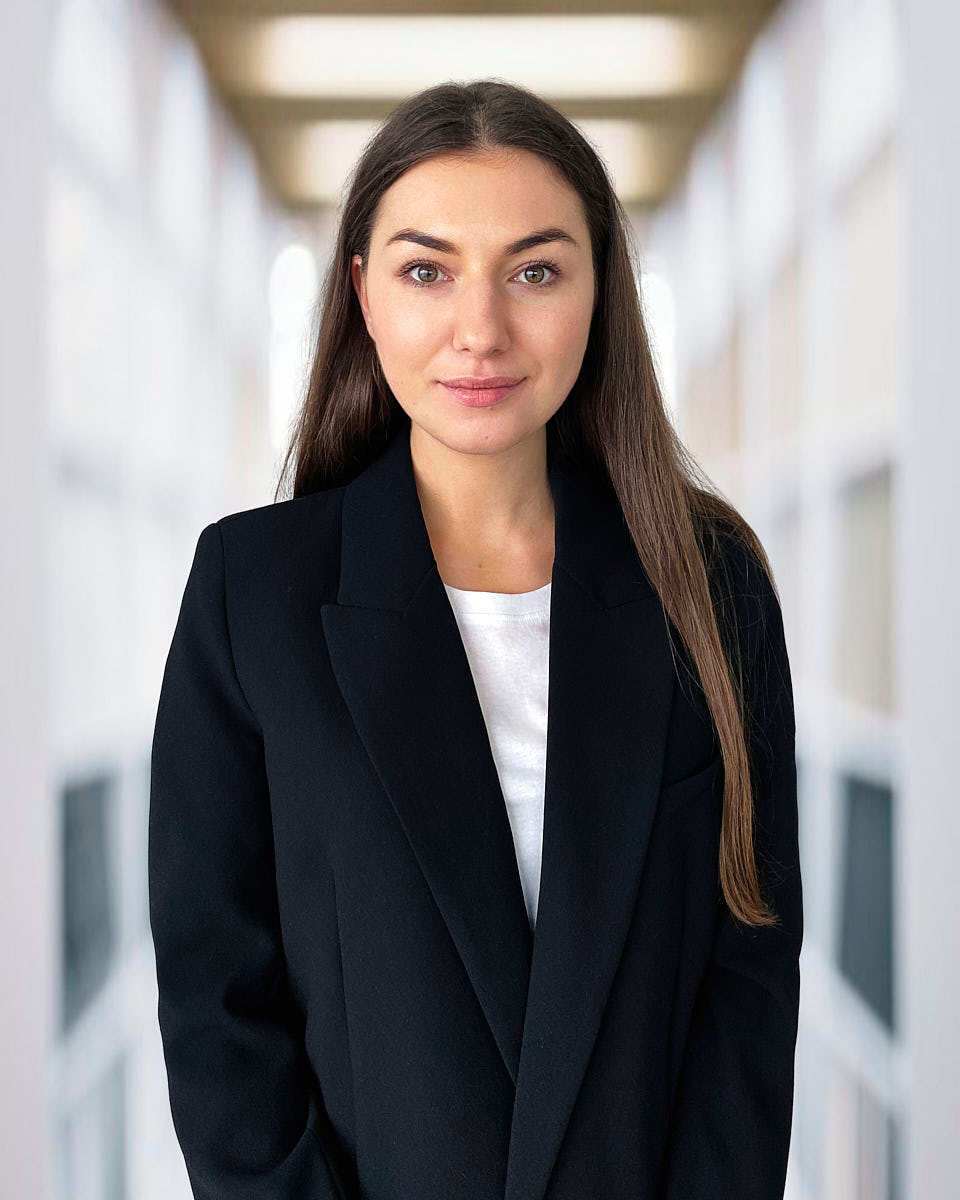
Remote headshot of a woman in a black blazer photographed in a clean office hallway.
Remote headshot of a man in a gray sweater with arms crossed against a muted green background.
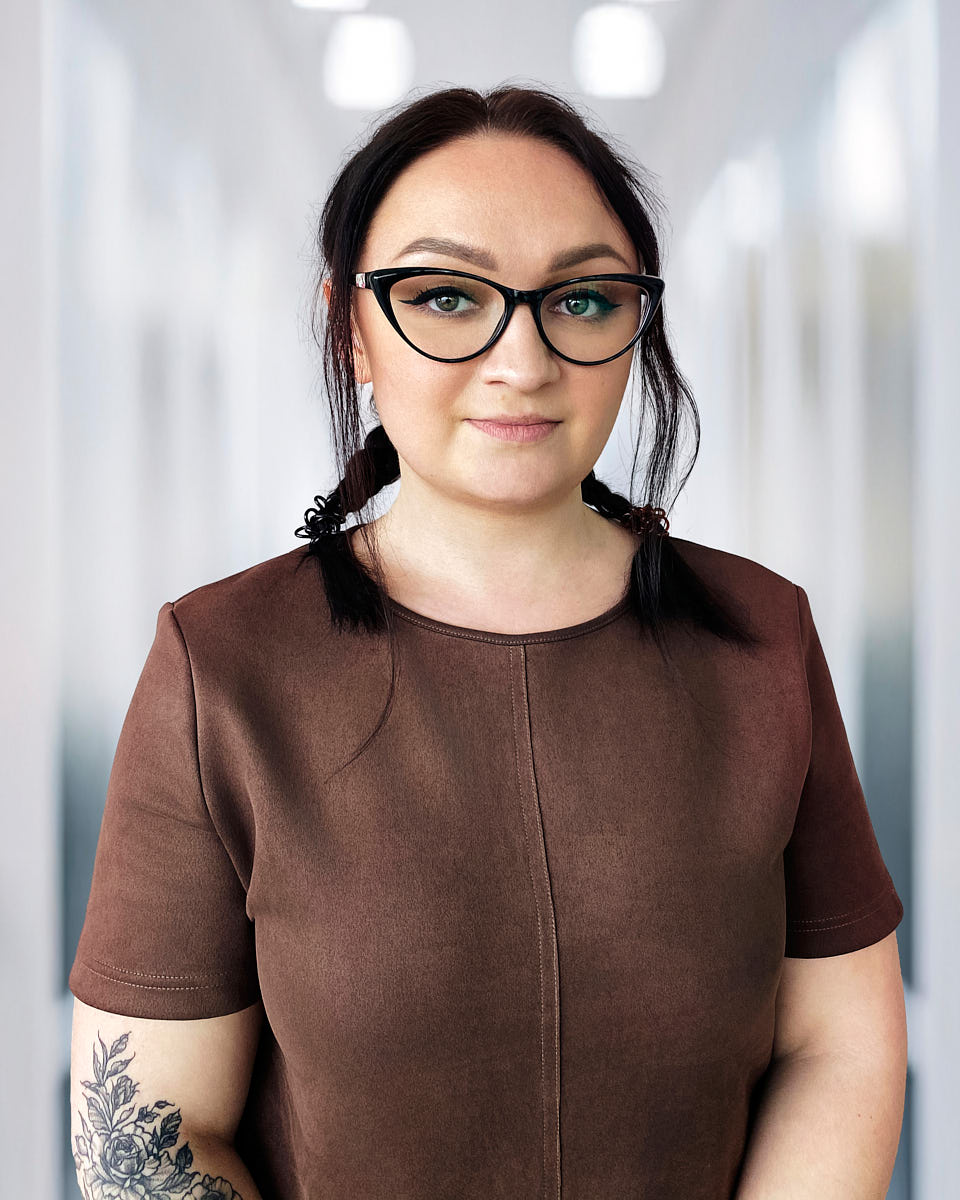
Remote headshot of a woman in glasses photographed against a soft office hallway background.
Remote headshot of a blonde woman in a navy blazer photographed in a bright professional setting.
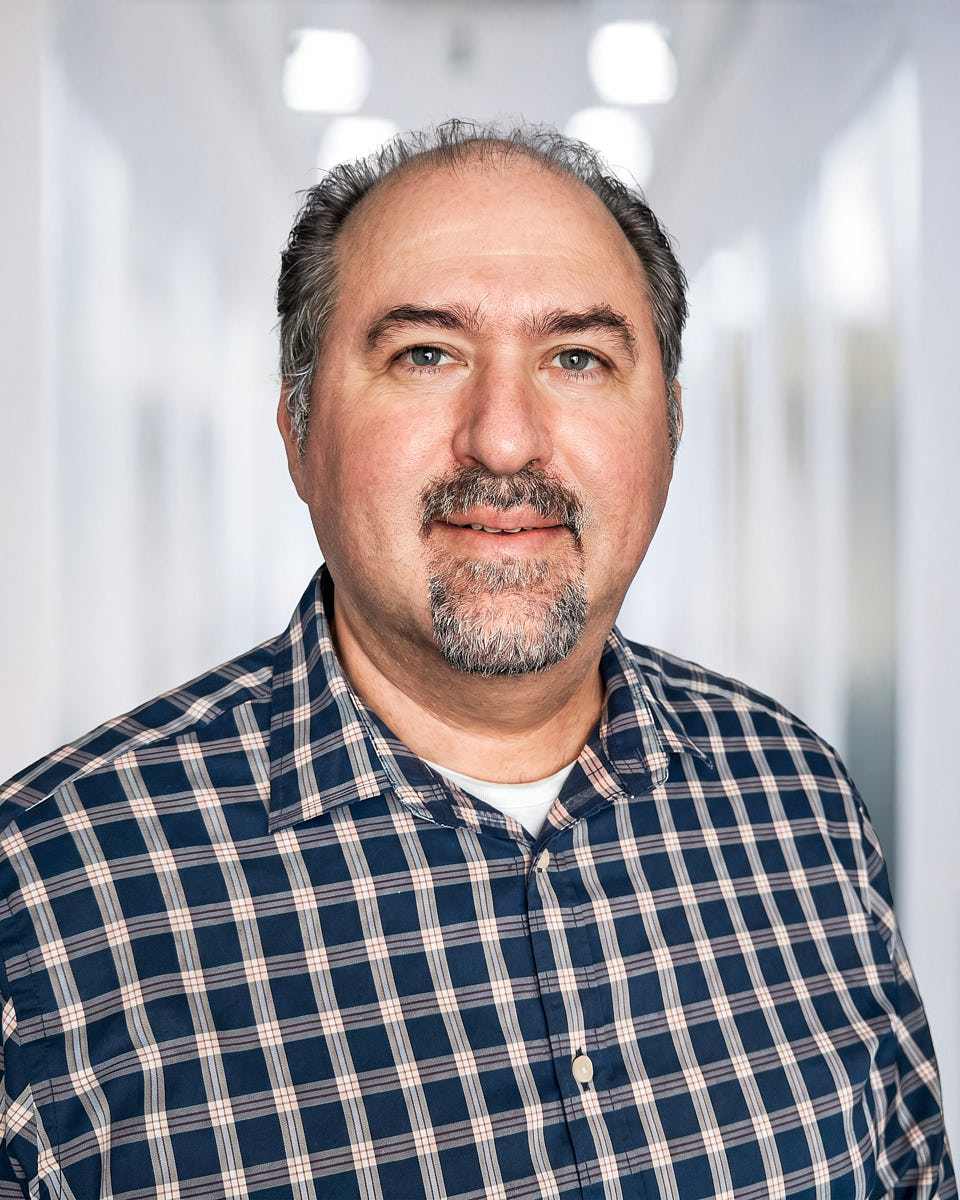
Remote headshot of a man in a plaid shirt photographed against an office hallway background.
Remote headshot of a woman in a green shirt and navy blazer photographed on a blue studio-style background.
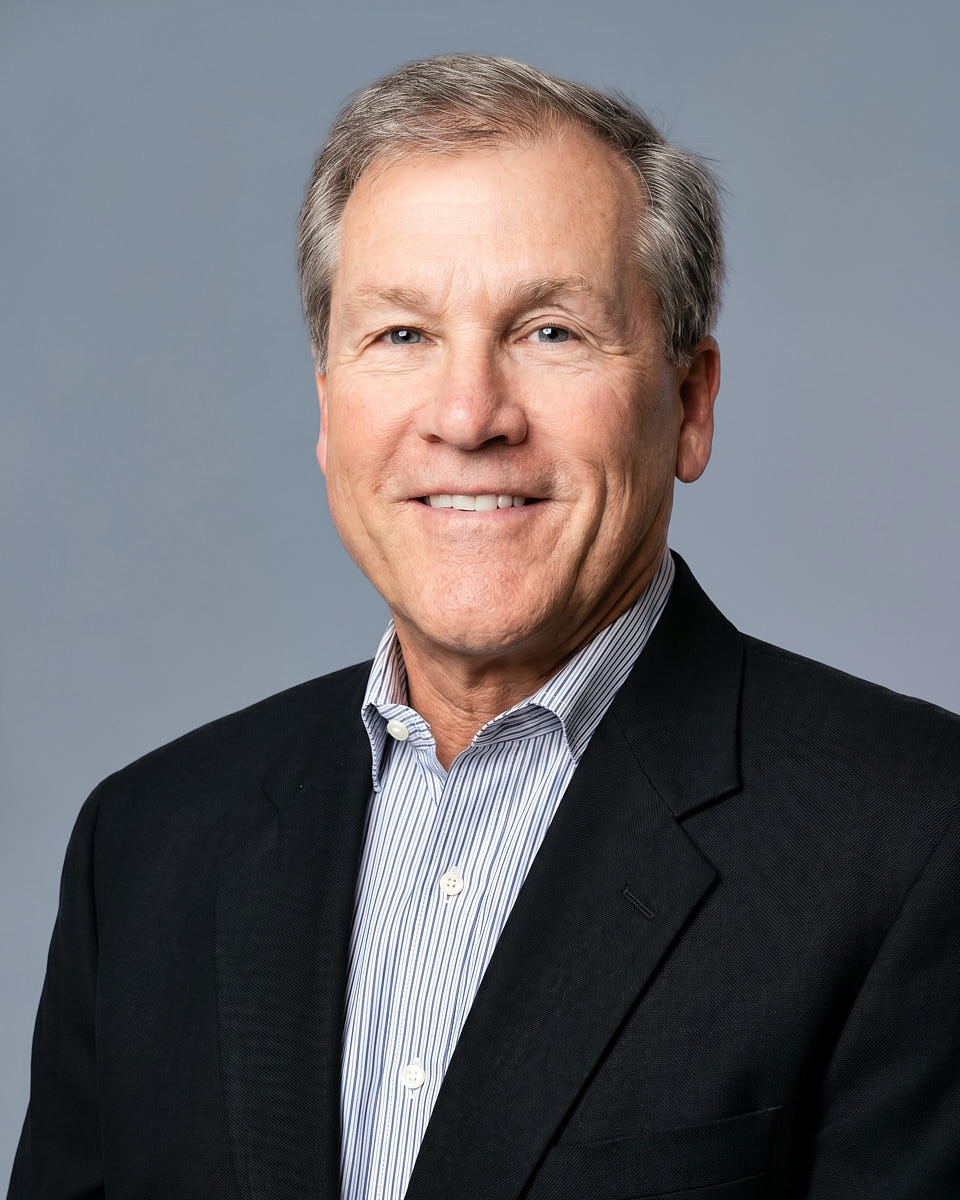
Remote headshot of an older man in a dark blazer photographed on a gray studio-style background.
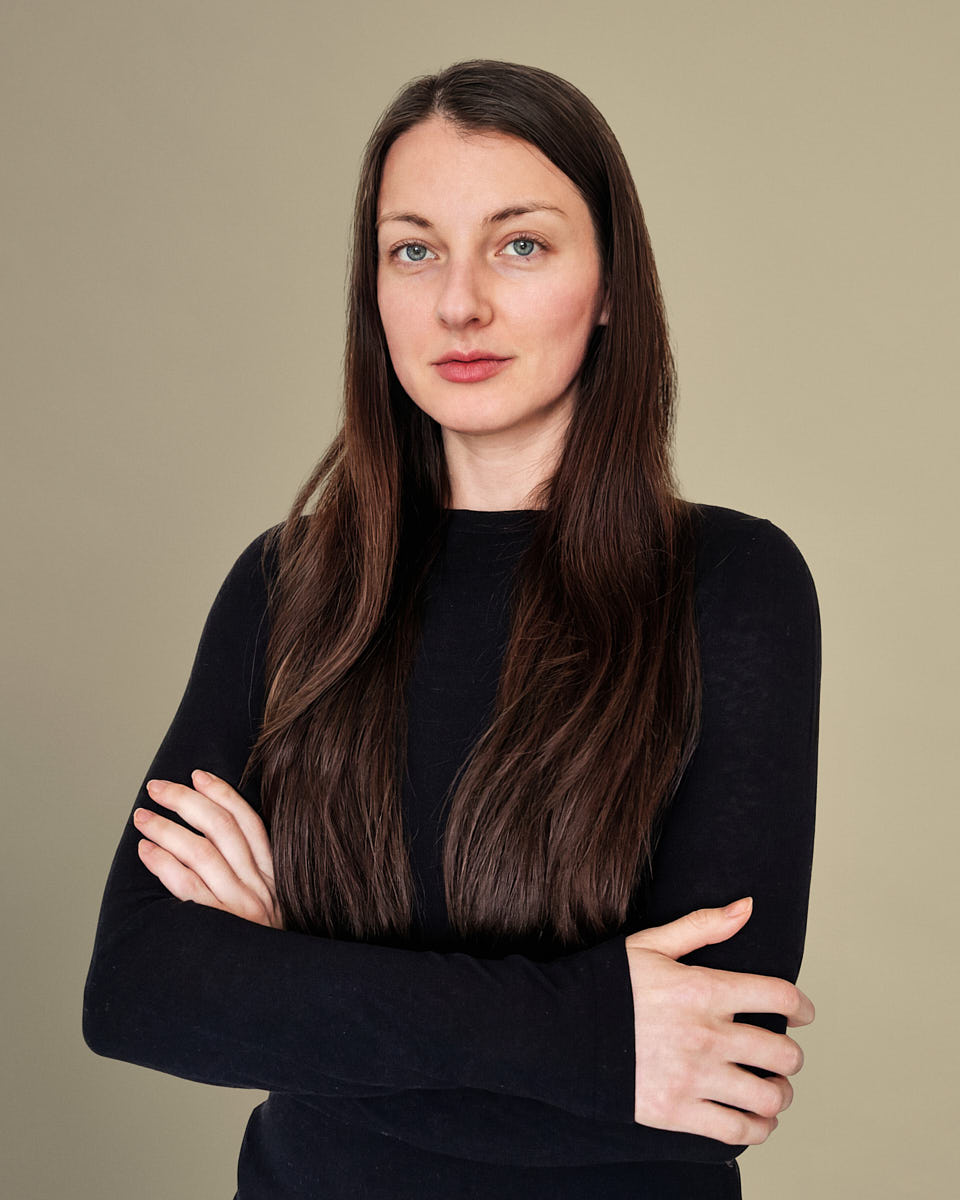
Remote headshot of a woman in a black turtleneck photographed against a warm neutral backdrop.
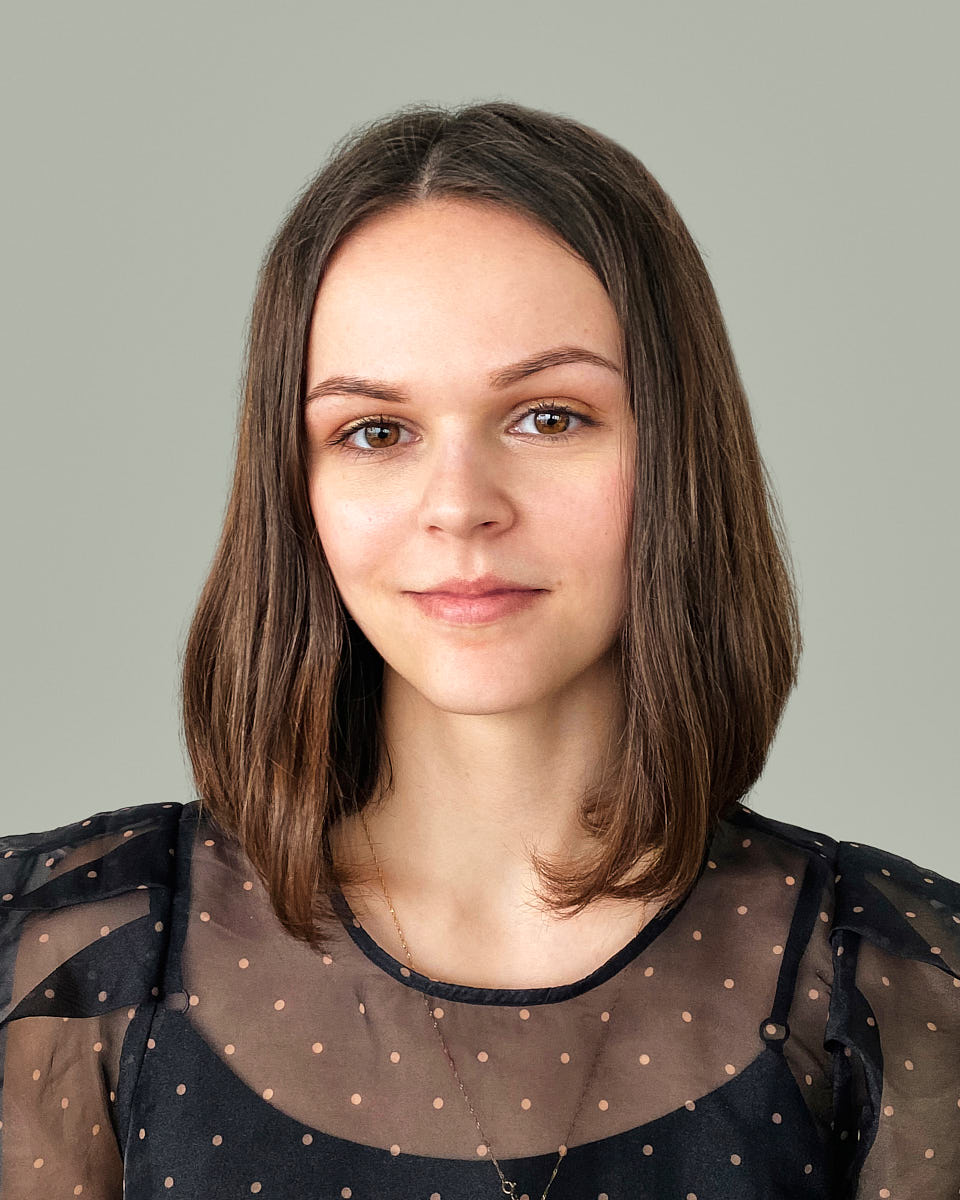
Remote headshot of a young woman in a black blouse photographed against a muted green background.
Remote headshot of a man in a blue sweater photographed against a soft gray background.
Remote headshot of a woman in a blue shirt photographed with a natural smile in a bright office setting.
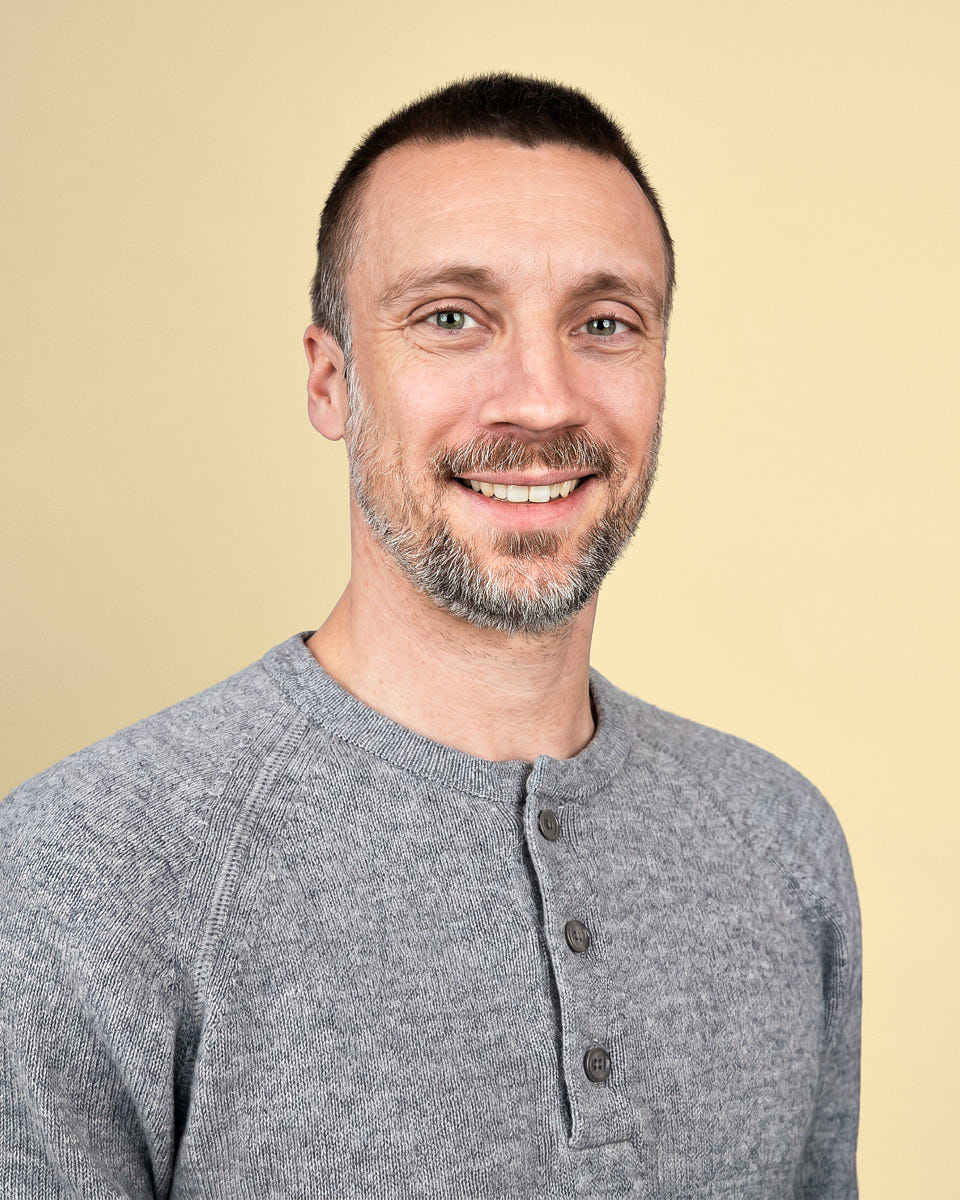
Remote headshot of a man in a gray henley shirt photographed against a warm yellow background.
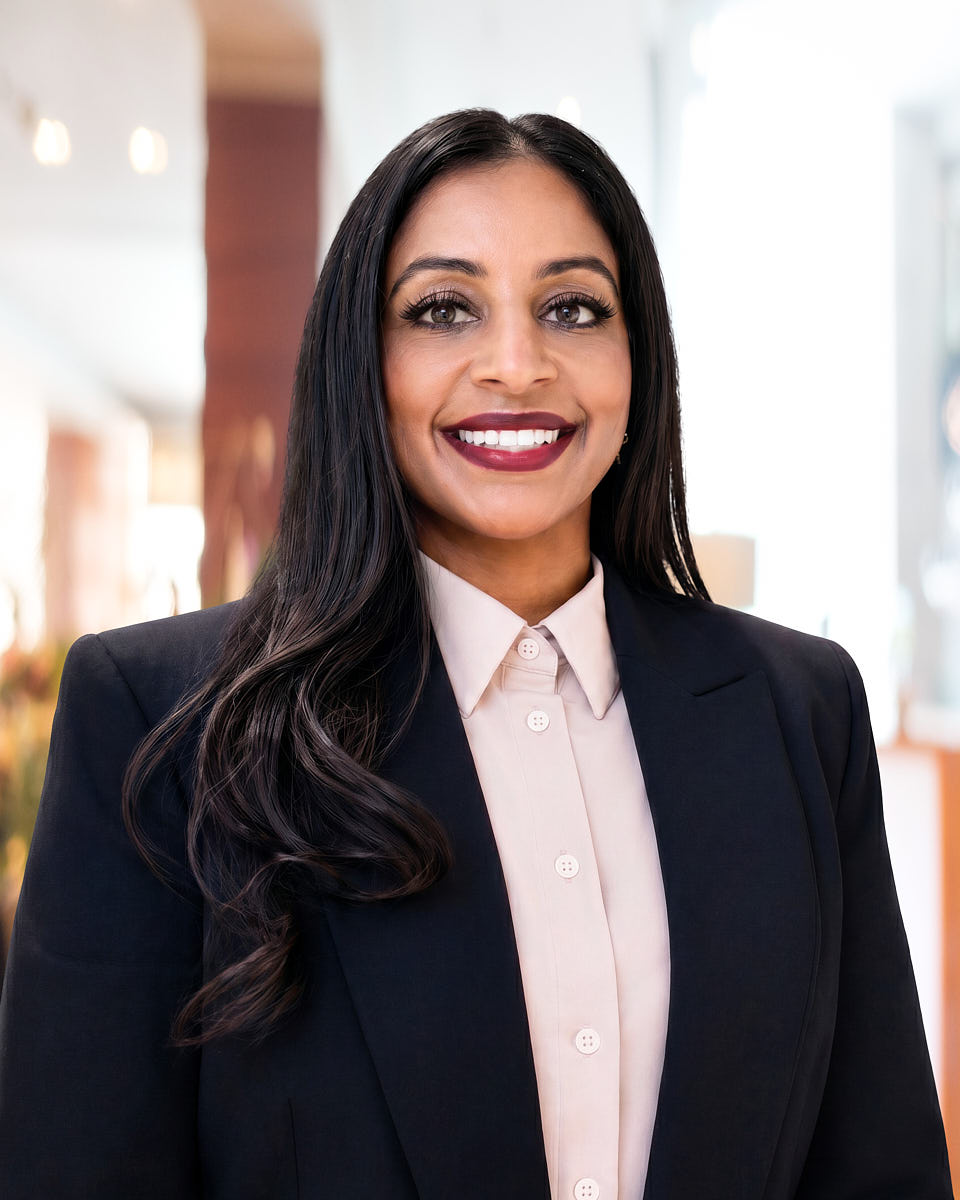
Remote headshot of a woman in a black blazer and light pink shirt photographed against an office background.
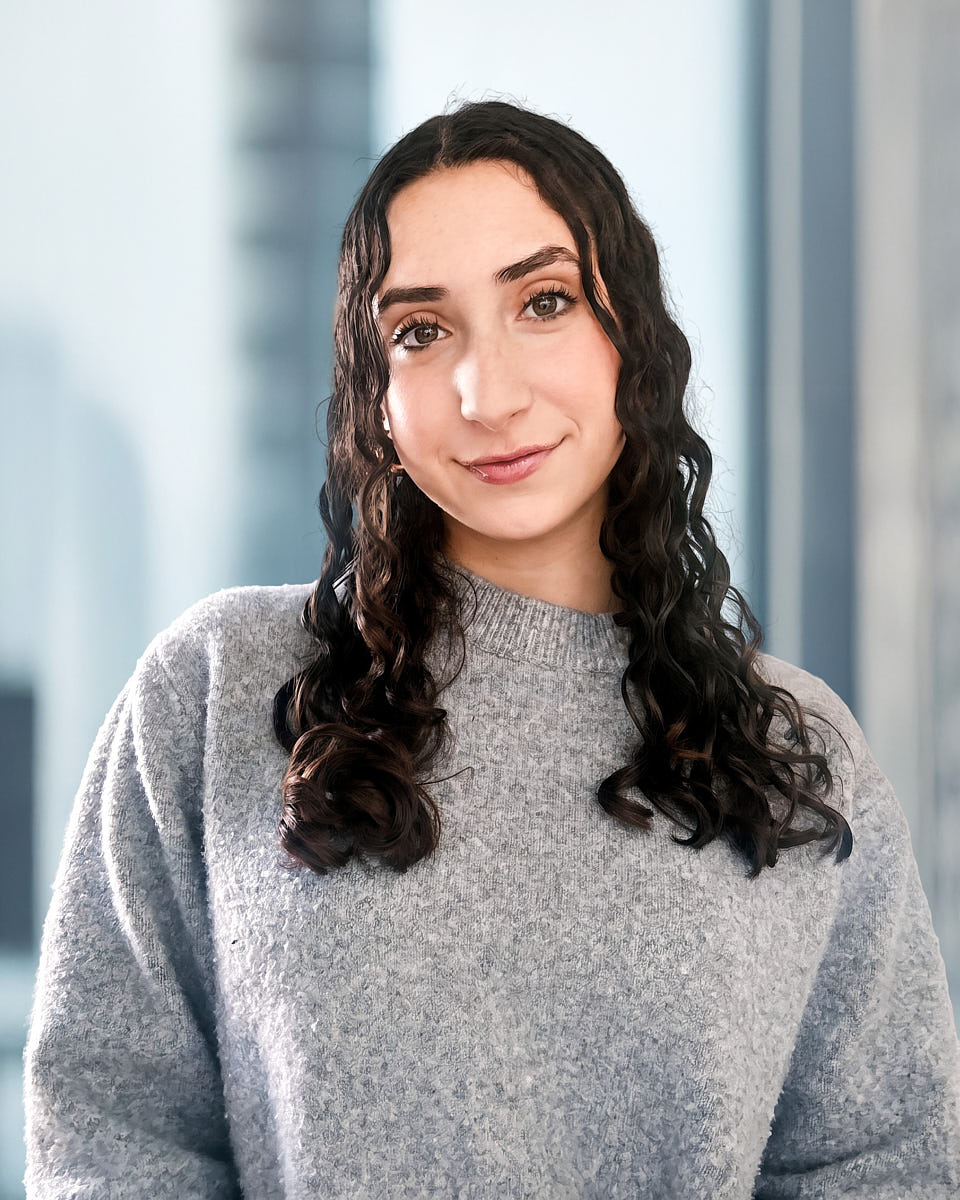
Remote headshot of a woman in a gray sweater photographed against a softly blurred office background.
Remote headshot of a man in a dark suit photographed against a blue-gray studio-style background.
Remote headshot of a woman in a blue button-up shirt photographed against a bright office background.
Remote headshot of a man in a gray sweater photographed against a muted neutral background.

Common questions

Are remote headshots AI?

No. Remote headshots are real photographs of you, taken live on video by a photographer who directs lighting, background, posing, expression, and framing in real time. They are not AI-generated avatars, not stylized illustrations, not screenshots of a video call, and not DIY upload retouching. The output is a real photograph that holds up next to an in-person session — captured remotely because the team is distributed, not because the photo is synthetic.

What device or setup do I need?

A recent smartphone with a working back camera, a charged battery, a stable phone position (a small tripod or a stack of books), a quiet space, a window or a clean source of even light, and two or three wardrobe options. You join a normal video call; the photographer guides setup and posing for the full session. No professional camera, no studio lighting, and no editing software on your side.

Can remote headshots match an in-person team shoot?

Yes — the remote workflow is designed for hybrid rollouts. LA-based employees are photographed in person on the office or studio day; distributed employees are photographed live on video using the same backdrop direction, color profile, and retouching style. We process the full gallery against one reference so the team page reads as one coordinated set, not two visibly different sources stitched together.

How long does each remote session take?

About 10 minutes per person for the directed shoot, plus a few minutes for the pre-shoot setup check. Remote Individual is one person; Remote Team bundles three or more at $120 per person; Remote Large Team bundles ten or more at $100 per person. Sessions are scheduled in back-to-back blocks for distributed teams so the whole rollout completes in a planned window.

What background should I use?

Simple and uncluttered. A clean wall in a neutral tone, a hallway with depth, or a tidy corner of a room works. Avoid open windows behind you (the light reverses), busy bookshelves, household clutter, and anything that pulls focus from your face. The photographer reviews the background live and helps you reposition; the final image uses a directed digital backdrop where helpful so the team gallery stays consistent.

Can new hires use this later?

Yes. New hires can be added through the same remote workflow at any point — they're photographed against the same visual brief on file from the original team rollout, with the same backdrop direction, color profile, and retouching style. The result holds up next to the original gallery; the team page stays consistent as the company grows. Add-ons are quoted after inquiry; remote single-session pricing applies.

Request a remote headshot workflow

Availability, location format, and final scheduling are confirmed after inquiry.

Ready when you are

Request remote headshot session