Project shape
People photographed: one — a solo consultant or founder · Format: a studio block plus a location block · Deliverables: launch-week set plus supporting frames feeding 6 to 12 months of content · Budget band: from $1,490
The scenario
This scenario looks at how an LA-based consultant, founder, or independent expert can plan a personal branding photography session that supports a website launch and the year of work that follows. The launch is the trigger — a new domain, a sharper offer, a refreshed LinkedIn, an updated speaker bio, and a content pipeline.
A standard headshot solves the profile-photo problem, not the launch. The launch needs a small image library the website, LinkedIn, About page, service pages, newsletter, social posts, podcast art, and press can all draw from.
What the launch needs visually
A consultant launch usually needs four kinds of images at once:
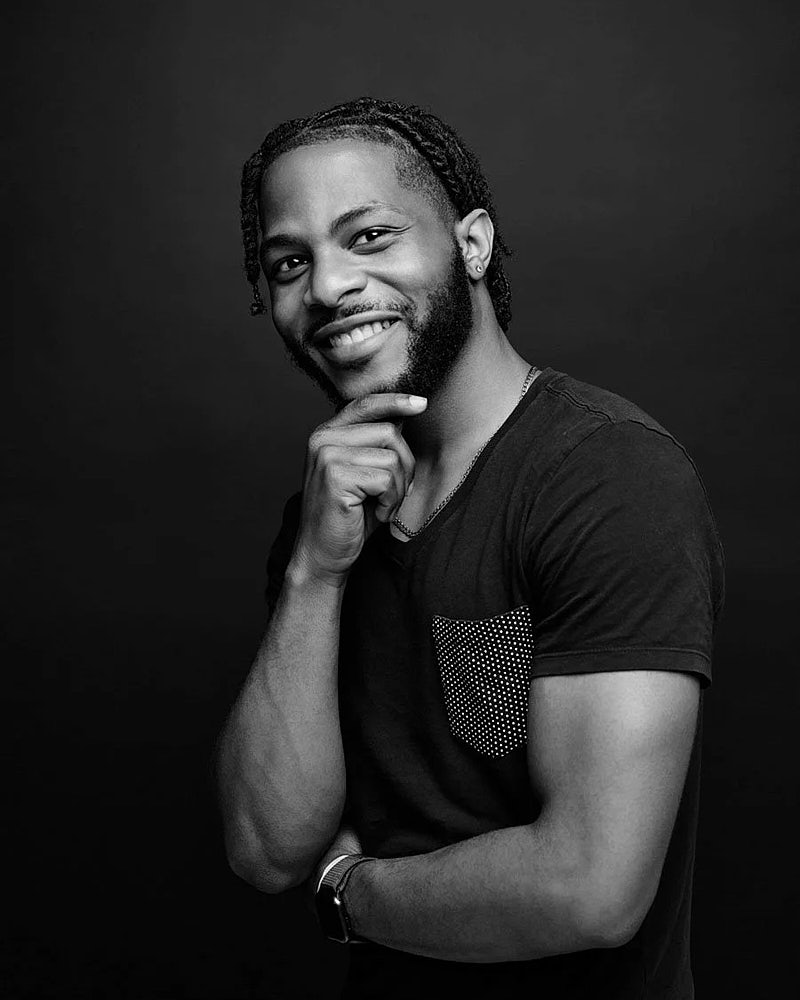
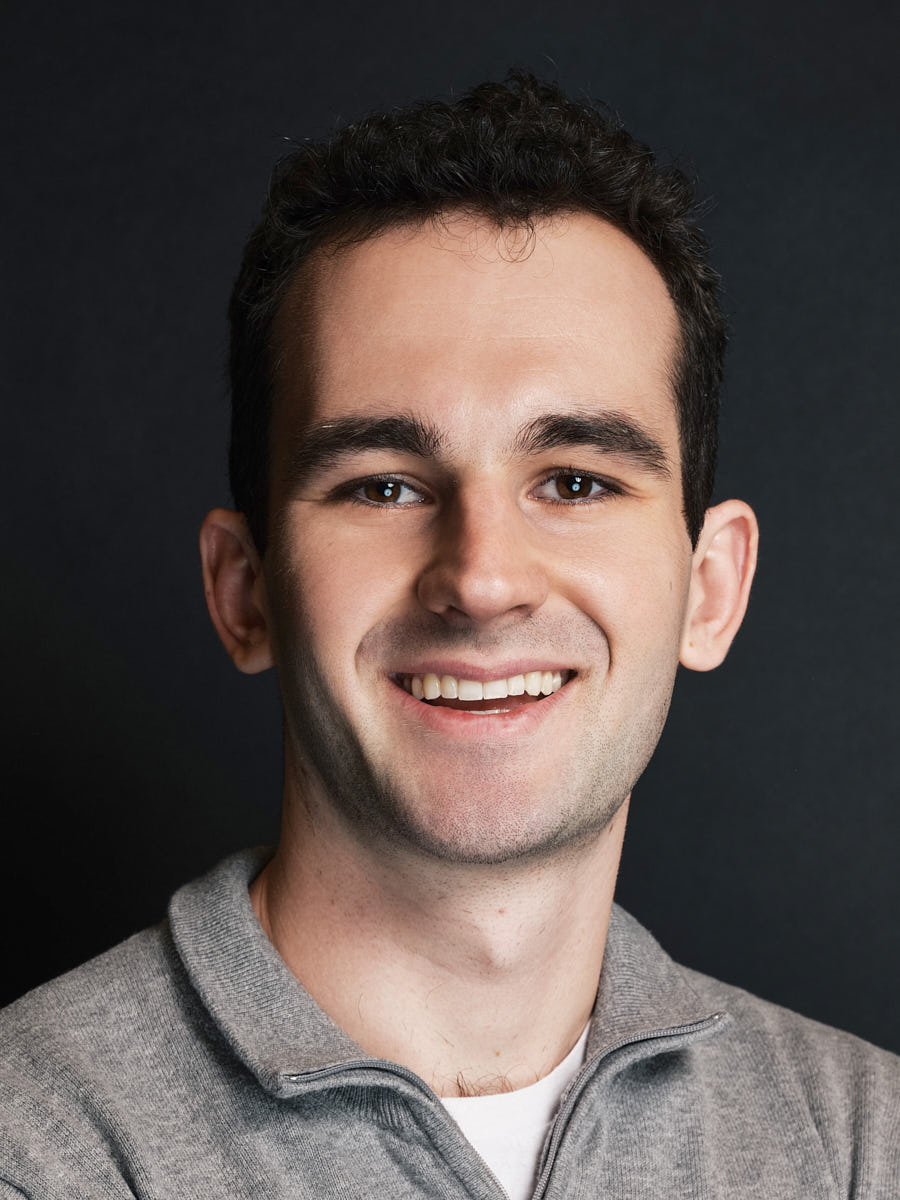
- a clean profile portrait for LinkedIn, About, and press;
- a wider hero frame for the homepage with negative space for headlines;
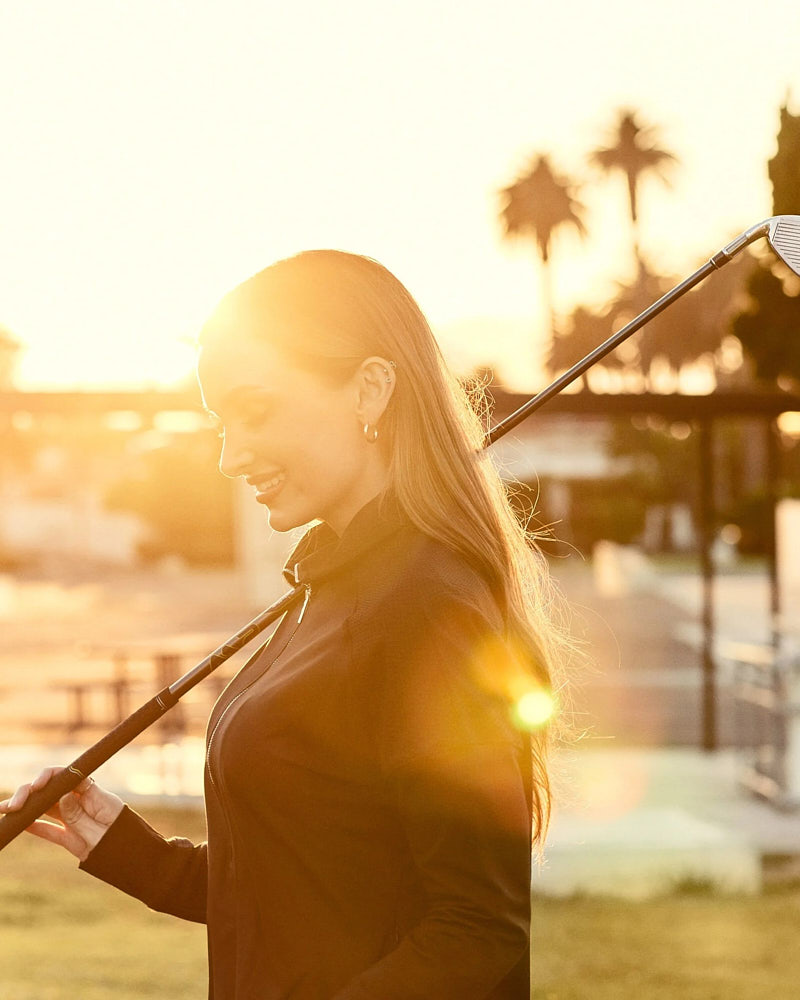
- one or more environmental portraits that hint at how the consultant works;
- a content library of supporting frames — vertical crops, working frames, details — feeding 6 to 12 months of social posts and newsletters.
A single planned session can cover all four. A single afternoon of phone photos cannot.
Planning challenge
The hardest decisions in a personal branding session are usually:
- which website sections the images need to support, and at what aspect ratios;
- how environmental vs. how editorial the brand should feel;
- where to shoot (studio, location, home office, mixed);
- how many wardrobe looks to plan;
- how to make the gallery useful 6 months later, not just on launch week.
The default failure mode is over-indexing on a single hero portrait. The site goes live, the portrait works on the homepage, and then every other page has to reuse the same image — because there is nothing else in the library.
How to build a shot list around website sections
Map shots directly to the placements they will live in:
- Homepage hero — a wider frame with negative space for headline overlay.
- About page — a warmer, more direct portrait; tighter and mid-distance frames work well together.
- Service pages — environmental frames that suggest the work (whiteboard, laptop, workshop).
- Profile portrait — a clean head-and-shoulders crop for LinkedIn, press, and bio use.
- Speaker / PR — a controlled frame with strong eye contact for media kits.
- Email and newsletter — a vertical or square crop that survives small avatar sizes.
- Social content — vertical frames with subtle expression variation.
Mapping shots to placements before the session means the gallery ships already organized by use.
What to capture beyond the main portrait
A useful personal branding shoot goes beyond the main portrait:
- working frames (notebook, laptop, whiteboard, books) that suggest the practice;
- environmental wides that establish where the work happens;
- negative-space frames the designer can lay text over;
- one or two black-and-white options for press and quote graphics;
- detail shots (hands, accessories, workspace) that add texture.
These frames extend the gallery’s lifespan. Six months after launch, when the consultant needs an Instagram post or a slide background, the library already has it.
Planning something similar?
Tell us the team size and timeline — request details or see personal branding photography in Los Angeles.
How to plan wardrobe and locations
Wardrobe and location set the tone of the gallery. A useful baseline:
- two to four wardrobe looks planned around the brand’s visual tone;
- solid colors and controlled patterns to keep the gallery cohesive;
- one slightly more formal look for enterprise-facing work;
- one more relaxed look for creative or founder-stage work;
- one location for clean studio-style frames;
- one location that adds context (home office, LA exterior, architectural interior).
A studio-style setup gives the website its profile and About portraits. A second location adds editorial and environmental frames. For format detail, see studio and on-location formats.
Recommended visual system
For a consultant launch, the visual system should feel cohesive:
- a shared color palette across wardrobe and locations;
- one lighting direction across studio and location frames;
- consistent retouching style on every frame;
- a small set of repeatable expressions — clean, warmer, more direct, working;
- enough variety that the website does not repeat the same image on multiple pages.
A consistent system means the brand reads the same on the homepage, LinkedIn, podcast cover, and newsletter header.
Shoot / rollout workflow
A typical workflow for a launch session:
- pre-shoot brief (shot list mapped to placements, wardrobe, locations, schedule);
- studio block for profile, About, and LinkedIn frames;
- location block for environmental, working, and hero frames;
- live monitor review during the shoot;
- private gallery delivered shortly after the session;
- consultant selection inside a defined review window;
- consistent retouching across all selected frames;
- final delivery organized by use (hero, About, services, LinkedIn, social, press kit);
- a short usage note for after launch.
Image usage plan
The library typically supports the website (homepage, About, services, contact), LinkedIn profile and banner, a press kit, speaker submissions, newsletter headers, ongoing social content (Instagram, LinkedIn, podcast art), and proposals. A single planned session covers the full set when the shot list is mapped to placements ahead of time.
How to use the image library after launch
The launch is the first use of the gallery, not the only one. Useful operating defaults:
- organize the delivered files by use (website hero, About, services, LinkedIn, social, press);
- archive masters in two locations, including a cloud backup;
- create a small “approved images” subset for designers, social, and PR collaborators;
- schedule a quarterly content batch that pulls from the existing gallery before adding new material;
- plan a refresh shoot every 18 to 24 months or when positioning shifts.
For most consultants, a planned session produces enough material to run launch week, the first quarter of content, and the next two quarters of supporting posts.
Operational notes
A few practical points worth deciding before the shoot:
- usage rights — confirm use for website, social, press, and paid placements;
- consent — clear before frames are reused in client-facing work;
- archival — at least two backups of the master files;
- review cadence — quarterly content review, yearly library review;
- refresh trigger — a new offer, brand change, or visible aging.
Recommended pages / next step
Start with personal branding photography in LA. If only a clean profile portrait is needed, see professional headshots in LA. If both a studio setup and on-location environmental frames are needed, see studio and on-location headshots in Los Angeles. For pricing, see Headshot Buro pricing.
FAQ
What images should a personal branding shoot include for a launch?
A launch-focused shoot should include a clean profile portrait, a wider homepage hero with negative space, About-page frames with a warmer expression, environmental portraits suggesting the work, vertical crops for social, and a few detail or negative-space frames. The point is to leave with a small library, not one portrait.
Is personal branding photography useful for consultants and service businesses?
Yes. Consultants and service businesses need images for websites, LinkedIn, proposals, press, email, newsletters, and social content. A planned shoot gives them a library instead of forcing them to reuse one profile photo across every platform.
How much planning does a personal branding shoot need?
It depends on how many placements the images need to support. A simple refresh may only need outfit and background planning. A consultant launch should define the shot list, locations, crops, visual tone, wardrobe, and final asset organization before the session.
How long should a personal branding gallery last before a reshoot?
A useful baseline is 18 to 24 months, or earlier if the consultant changes positioning, launches a new offer, or visibly outgrows the gallery. A quarterly content review helps stretch the existing library.