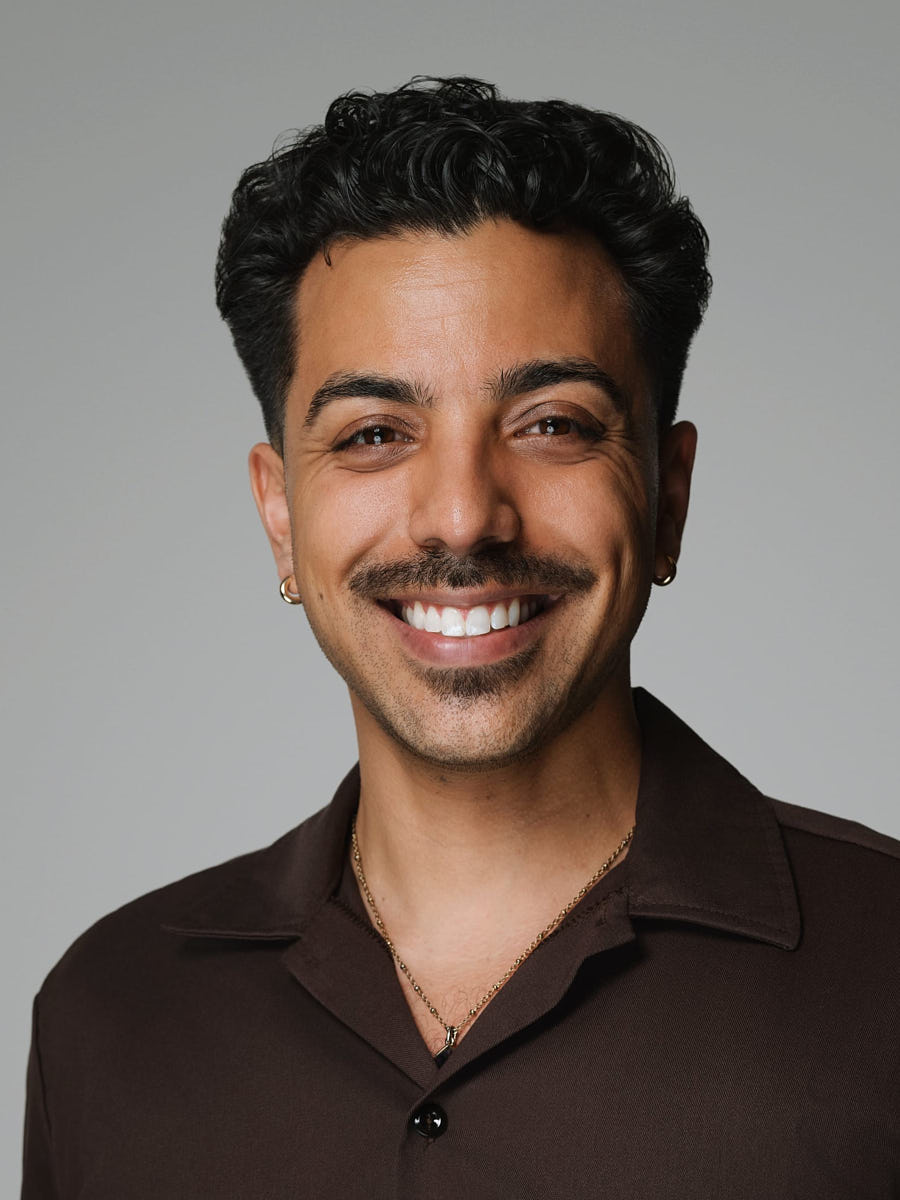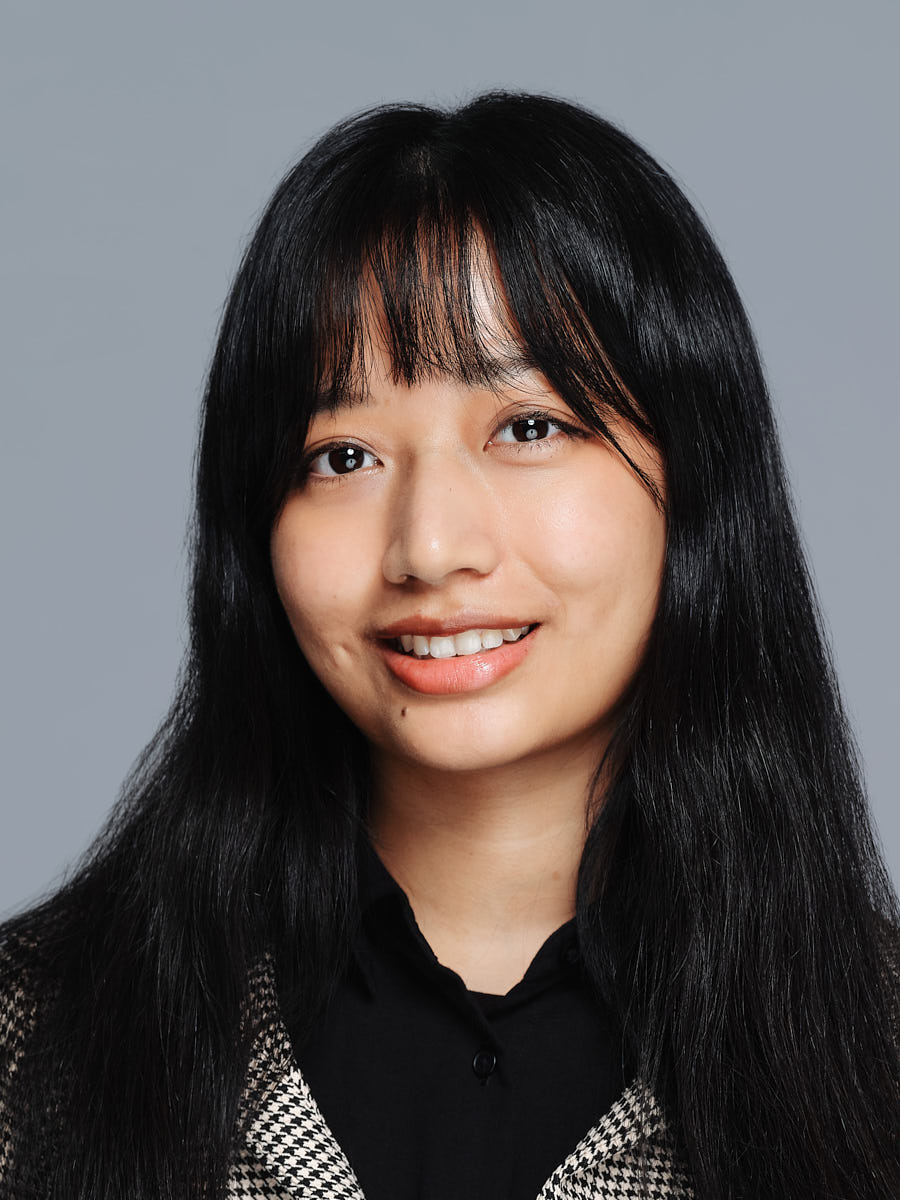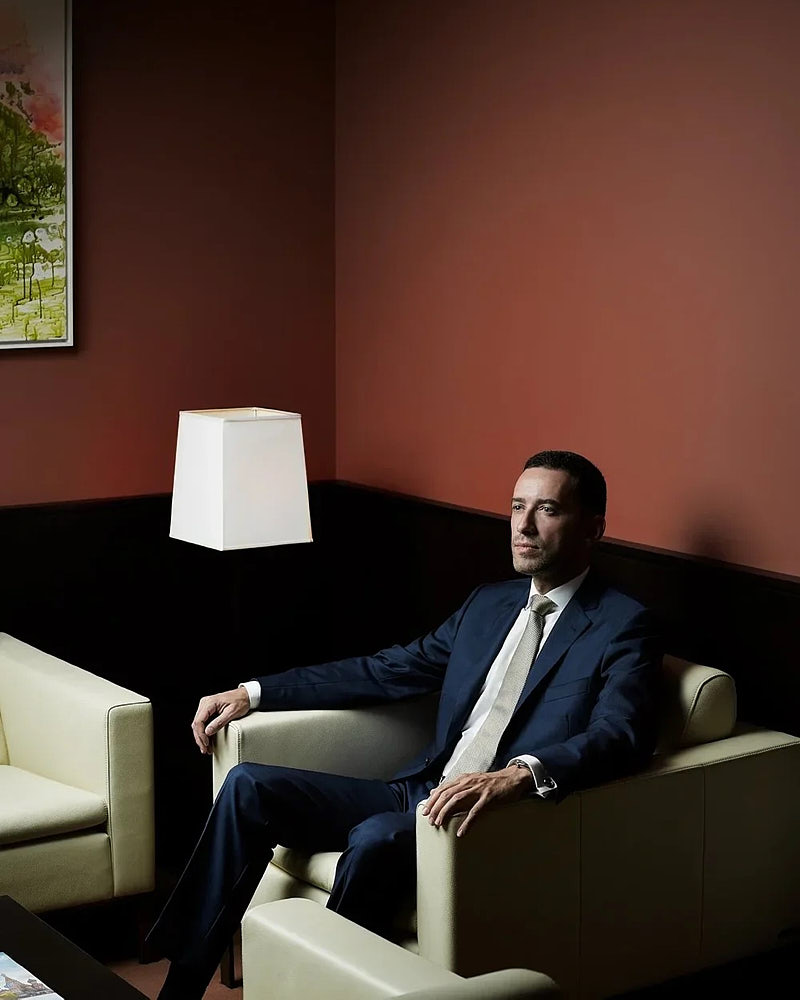
Project shape
Format: office, studio-style setup, or location · Timeline: a 20–45 minute directed block per leader · Deliverables: web crops (1:1, 4:5, 16:9), a LinkedIn-ready square, and a press-ready 4:5 crop · Budget band: from $449
The scenario
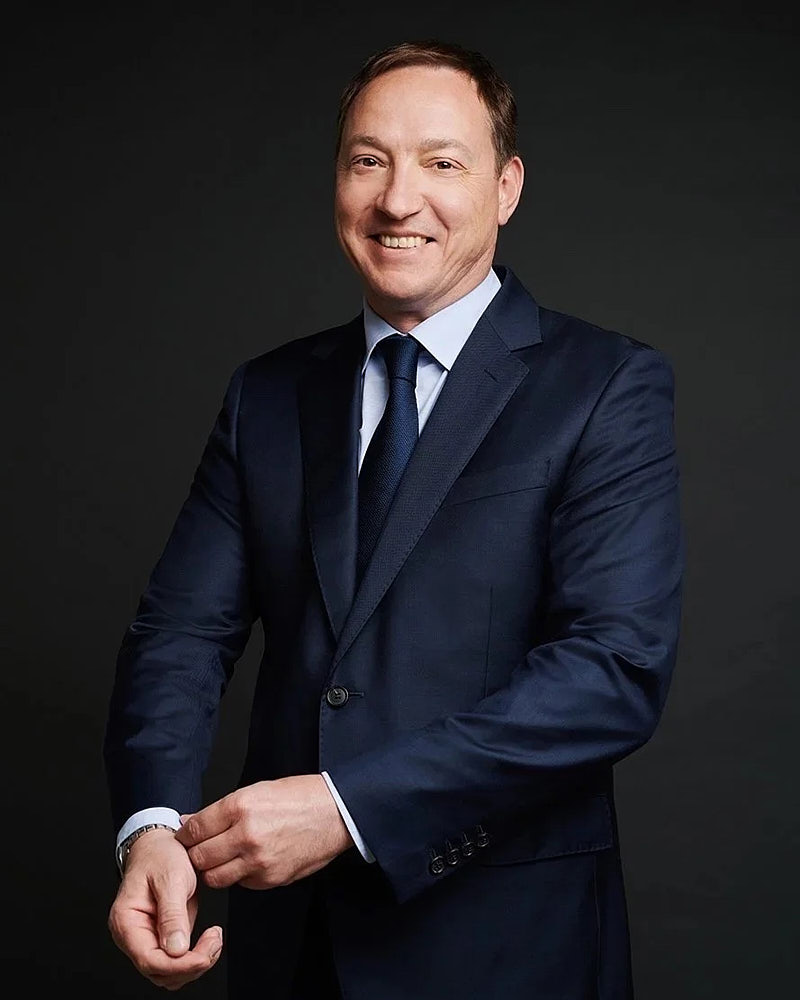
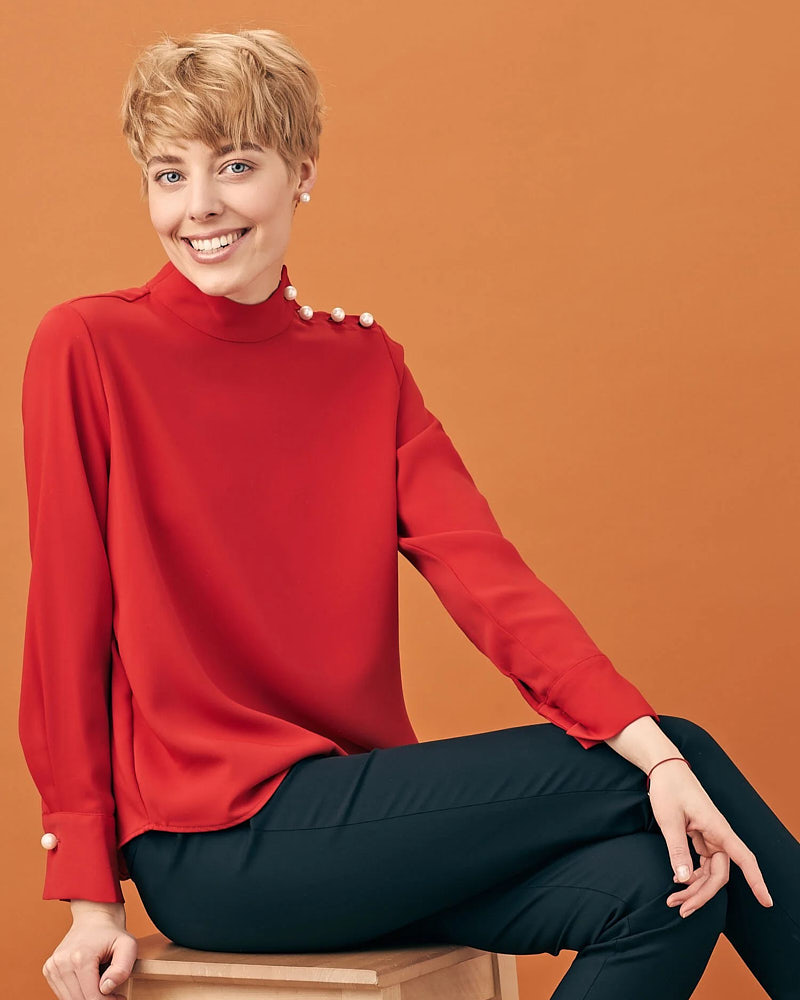
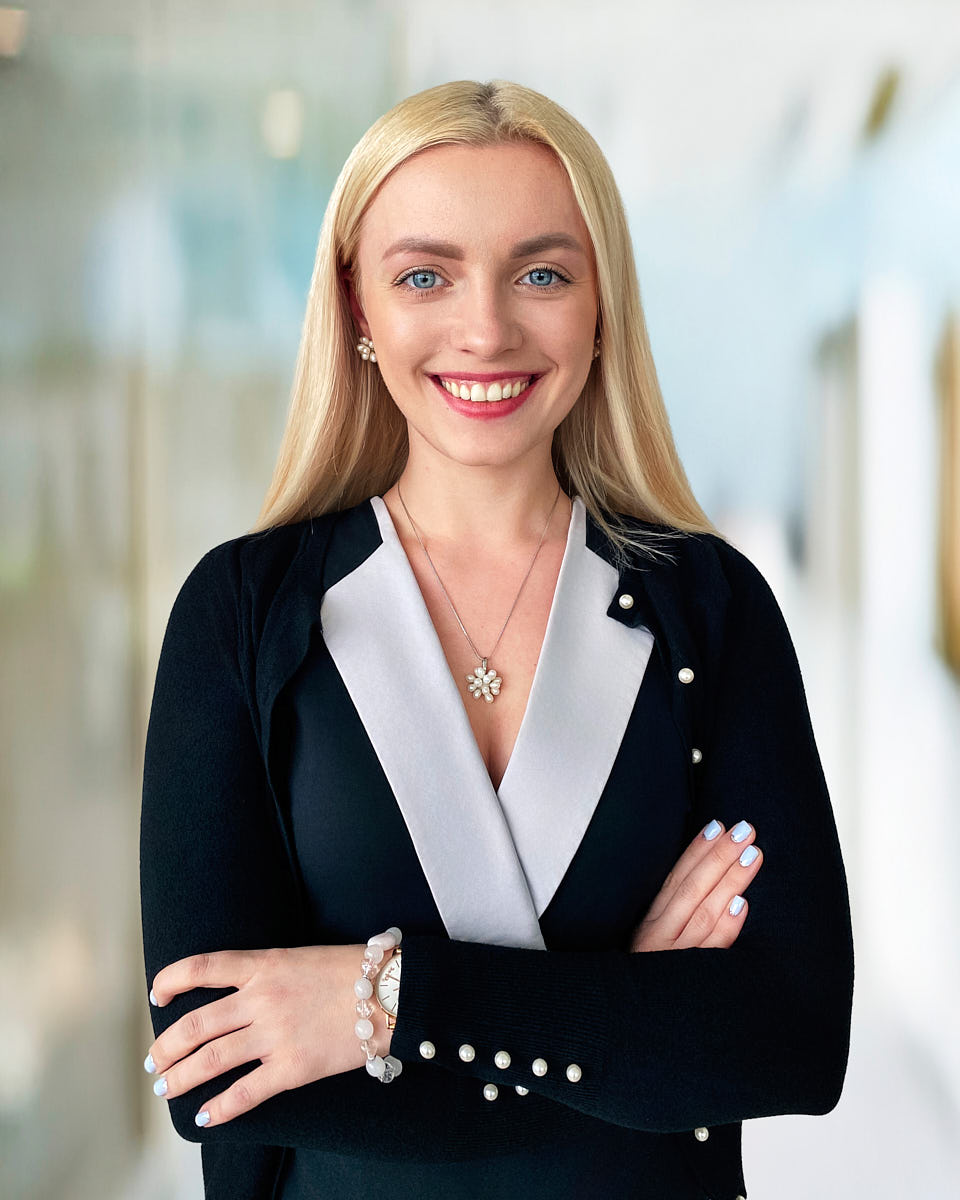
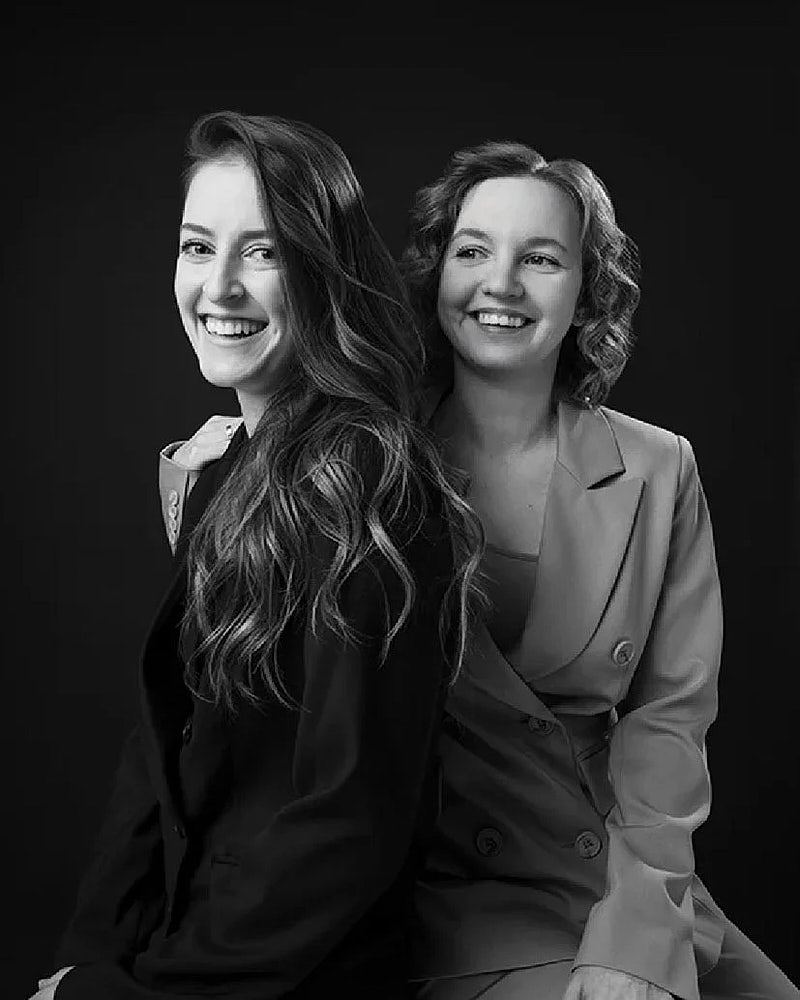
This scenario looks at how a Santa Monica or West LA leadership team can plan an executive portrait refresh supporting a website update, a press kit, LinkedIn profiles, speaker bios, and investor-facing materials. The old headshots are technically usable, but they were photographed across different years and different photographers. On the new leadership page, that history shows.
For a refresh, the goal is not a single hero portrait. It is a small library of frames per leader — clean profile, warmer expression, controlled press frame, optional environmental option — usable across every leadership surface for the next twelve to eighteen months.
Why leadership portraits need more than one crop
A modern leadership page rarely uses one portrait per person. The website needs a clean head-and-shoulders crop. LinkedIn needs a tight square that survives a 200-pixel avatar. A press kit needs a wider frame with negative space. A speaker page often wants a more environmental shot. A board update may prefer a more controlled frame.
If only one image is produced per leader, every team has to crop, re-edit, or re-shoot. The crop set is the core of what an executive portrait is and how it differs from a headshot. That is how leadership pages drift — the website keeps the original portrait, press ends up with a phone photo, and LinkedIn ends up with whatever the leader uploaded last. A session planned around the actual placements produces a small set of approved crops, expressions, and aspect ratios each downstream team can pull from.
Planning challenge
The hardest decisions for a leadership refresh are usually:
- how many leaders to include, and in what order;
- whether to shoot at the Santa Monica office, a studio, or a location;
- how much expression range each leader is comfortable with on the day;
- which images each leader approves before they ship;
- how assets are distributed to press, marketing, IR, and HR;
- how the next leadership hire stays consistent with the rest of the page.
These decisions matter more than the camera choice. They define how usable the library is six months later.
How to choose office, studio, or location
A Santa Monica session can run in three useful formats:
- Office — adds context when the space reads as modern and uncluttered. Risk: distracting backgrounds, glare from glass, and uneven natural light.
- Studio-style setup — clean light, controlled background, predictable output. Best for press, LinkedIn, and a leadership page that needs to last.
- Location — adds editorial feel and brand storytelling. Best for founder profiles, speaker bios, and PR-led pieces. Risk: longer schedule, more variables.
For most leadership refreshes, the cleanest plan is studio-style as the primary system with one optional environmental frame per leader for press and speaker use. See studio and on-location headshots in Los Angeles for the format comparison.
Recommended visual system
A consistent visual system across leaders is worth more than letting each person choose a unique style. The page reads as one team when background, lighting, and crop are shared. Personality comes from expression and wardrobe.
A useful baseline:
- one neutral background tone across all leaders;
- one main crop (tight head-and-shoulders) plus one wider crop with negative space;
- consistent lighting direction across the group;
- wardrobe guidance shared in advance (no logos, controlled colors, no busy patterns);
- one retouching style applied uniformly.
For a founder or CEO that needs more weight, an additional environmental frame can be added without breaking the system.
What expression range to capture
Executives rarely need theatrical posing. They need small, precise direction:
- one clean professional frame with a neutral expression;
- one warmer frame with a slight smile;
- one direct leadership frame with stronger eye contact;
- optional: one wider environmental frame for speaker or press use.
Capturing this range in one session lets PR, marketing, and HR pull a frame that fits the context.
Shoot / rollout workflow
A typical executive portrait workflow:
- pre-shoot brief (wardrobe, time slot, expectations, approval flow);
- short check-in per leader with a dressing space;
- 20–45 minute block per person with direction;
- live monitor review for select frames;
- private gallery delivered shortly after the shoot;
- leader approval of final selects before retouching ships;
- consistent retouching across the whole set;
- final delivery in web, print, and social aspect ratios.
The workflow protects the leader’s time. The photographer arrives prepared, the room is ready, the wardrobe is decided, and the session does not eat half a workday.
Planning something similar?
Tell us the team size and timeline — request details or see executive headshots in Los Angeles.
Image usage plan
The library usually supports the leadership page, About / Story / Investors pages, LinkedIn profile photos, press requests, speaker bio submissions, internal directory, Slack / HRIS profiles, and IR decks. A single planned session covers all of these. The library should be organized by leader and aspect ratio so downstream teams can self-serve.
How the final images should be delivered for press and web use
The delivery format affects how long the library stays useful. A clean executive portrait package usually includes high-resolution master files, web crops (1:1, 4:5, 16:9), a LinkedIn-ready square crop, a press-ready 4:5 crop with negative space, a short usage note, and a file naming convention that ties each file to leader, crop, and version. The press kit copy that links to the assets is part of the deliverable — a folder of unlabeled files is not a press kit.
Operational notes
A few practical points worth deciding before the shoot:
- usage rights — confirm the company can use the images for website, press, social, IR, and speaker bios;
- archival — keep masters in two locations and tag them by shoot date;
- consent — confirm each leader is comfortable with planned uses, especially press;
- review cadence — most leadership pages benefit from a refresh every 18 to 24 months or when a leader changes role;
- new-leader handling — keep the visual brief on file so the next hire can match the current set.
Recommended pages / next step
For this scenario, start with executive portraits in Los Angeles. If the session needs broader brand imagery — founder profiles, environmental frames, lifestyle content — see personal branding photography in LA. If the image will mainly be a profile update, professional headshots in LA may be enough. For format comparison between studio and on-location work, see studio and on-location headshots in Los Angeles. For pricing, see Headshot Buro pricing.
FAQ
What makes an executive portrait different from a regular headshot?
An executive portrait usually needs more control over expression, crop, wardrobe, and downstream use. The same image often has to work for press, leadership pages, speaker bios, investor materials, and LinkedIn, so the session captures more range than a basic profile update and the retouching stays consistent across the whole leadership set.
Can executive portraits be photographed in Santa Monica?
Yes. A session can be planned around a Santa Monica office, a Santa Monica or West LA studio, or a selected location. The choice depends on the desired visual direction, the privacy and time the leaders have on the day, and how environmental the final images need to feel.
Should executive portraits use an office background?
An office background can work when the room supports the leader’s role and reads as clean on camera. If the office has visually distracting elements — glass reflections, busy art, mixed light sources — a studio-style setup or a cleaner architectural location usually creates a stronger portrait.
How often should a leadership portrait set be refreshed?
A useful baseline is every 18 to 24 months, or when a leader changes role, when the company launches a major brand update, or when the existing portraits read as visibly dated next to current press and conference photos.