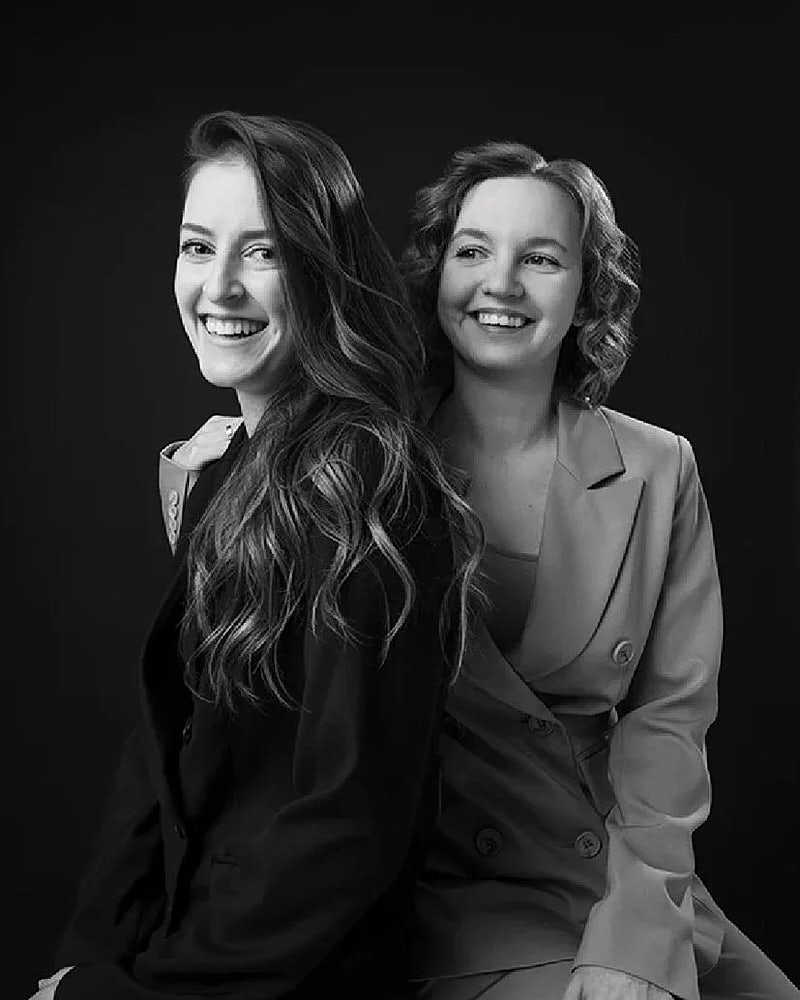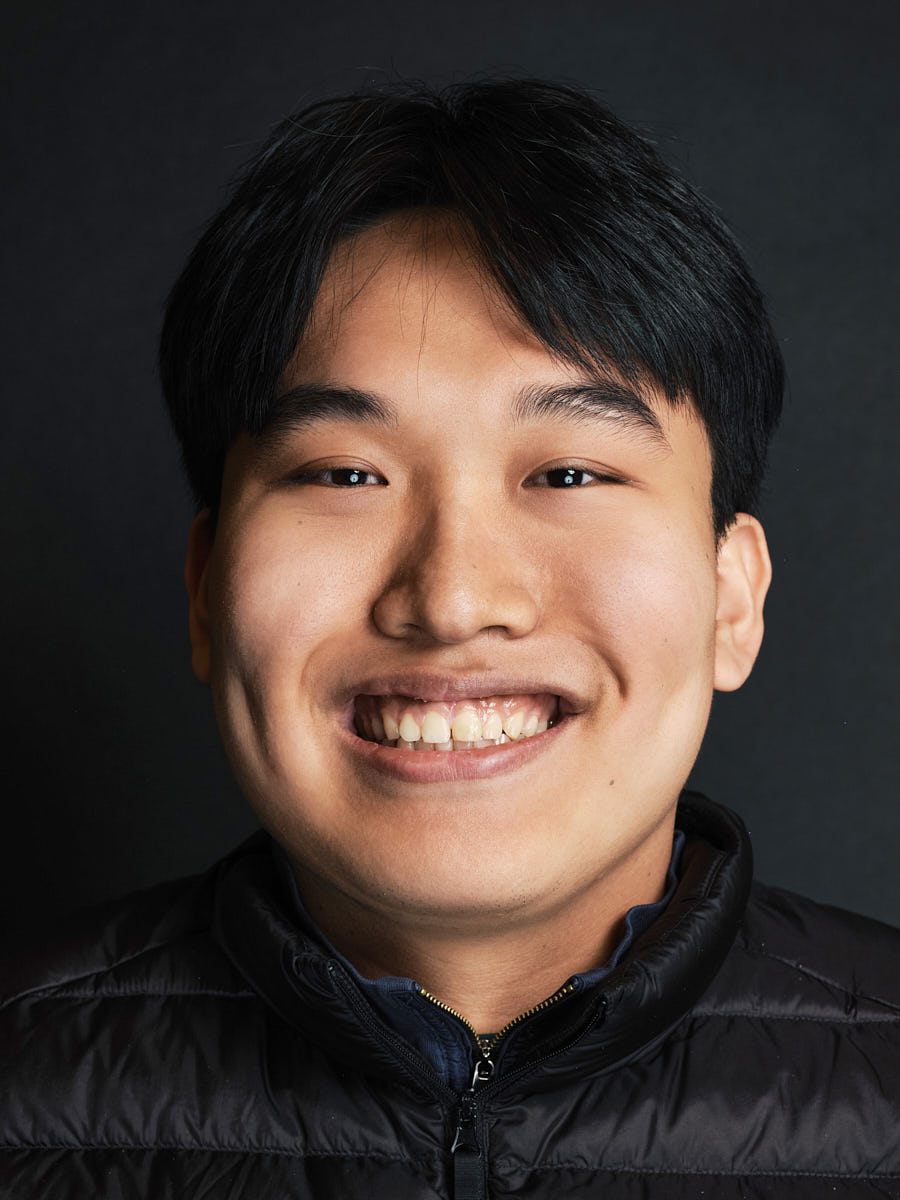
A corporate headshot day succeeds or fails on operational discipline. Taking individual good portraits is the easy part. Making forty employees feel like one cohesive visual system — that’s the work. This guide is for the person inside the company who owns the rollout.
1. Define the visual standard first
The most important pre-shoot decision is the visual standard you’ll hold every employee to. Six choices, documented before the shoot day:
- Background — color, contrast, depth, environmental cues
- Crop — avatar, vertical bio, wider editorial, or all three
- Lighting — direction, intensity, falloff
- Expression — warm authority, neutral professional, or approachable
- Retouching — natural polish; no plastic skin
- Future-hire matching — the same brief on file for next year
If this isn’t documented before the shoot, the gallery will drift session to session and the team page will look like four different photographers. The full visual-standard logic lives in the corporate headshots page.
2. Decide who needs to be photographed
Pull the list a week before the shoot. Leadership, the team page roster, and any new hires. Flag anyone who is out of office, traveling, or based outside LA — distributed employees take a different workflow (see step 8). The headcount also sets the budget: the per-person cost of a company headshot day falls as the list grows.
3. Choose studio-style, office, or hybrid setup
For groups under fifteen people, a studio-style setup at our space is usually the cleanest. For groups over fifteen, on-location at your office is the default — we bring portable lighting and a backdrop into a private room with a few feet of depth. Hybrid setups combine an office day for the LA team with a remote workflow for distributed employees. The format comparison lives on studio and on-location headshots.
4. Build a time-slot schedule
Plan five to ten minutes per person, plus a fifteen-minute buffer between every block of eight. A typical day looks like:
- 9:00 setup
- 9:30–11:30 first block (twelve people at ten minutes each)
- 11:30–11:45 buffer
- 11:45–13:00 second block
- 13:00–13:45 lunch (no photo block)
- 13:45–15:30 third block
- 15:30–16:00 wrap and tear-down
Don’t book back-to-back-to-back with no slack — one delayed start cascades through the rest of the day.
5. Prepare employee instructions
Send a single short note a week ahead. Three lines is plenty: bring one outfit you’d wear to an external meeting, bring one slightly more polished alternative, and avoid loud patterns, prominent logos, and reflective accessories. Link the what to wear guide if useful.
6. Plan space, power, and privacy
The room should be roughly twelve by eight to ten feet, with one outlet free and minimal foot traffic. A quiet corridor or holding area nearby gives the queue somewhere to wait without crowding the room. If employees may want to change outfits, identify a private space ahead of time. The full office-setup requirements live on team headshots.
7. Decide selection and retouching workflow
Two common workflows:
- Employee selects. Each employee gets a private gallery, picks their preferred frames, and retouching follows. Highest control per person, slowest turnaround.
- Brand selects. Marketing or HR picks the final frames against the visual standard. Faster, more consistent, requires trust from employees.
Decide which one you’ll use before the shoot and tell employees during the brief.
8. Plan for remote employees and future hires
LA-based people are photographed in person on the office day. Distributed employees are photographed through the workflow for employees who are not in the office that day, on the same visual brief — real photography on video, live-directed, not AI. Both sources are processed against the same reference so the team page reads as one cohesive set.
For new hires after the original day, keep the same brief on file. A short follow-up session — in person or remote — pulls a new portrait into the same visual system without re-running the planning.
9. Corporate headshot day checklist
- Visual standard documented one week before
- Employee roster confirmed
- Format chosen (studio-style, office, hybrid)
- Time-slot schedule with buffers
- Wardrobe note sent one week ahead
- Room booked with space, power, privacy
- Selection and retouching workflow decided
- Remote workflow set up for distributed employees
- Future-hire brief documented
10. Related services
- Corporate headshots — the visual standard
- Team headshots — the operational rollout
- Studio and on-location headshots — format comparison
- Remote headshots — distributed-employee workflow
- Pricing — package deliverables across team sizes