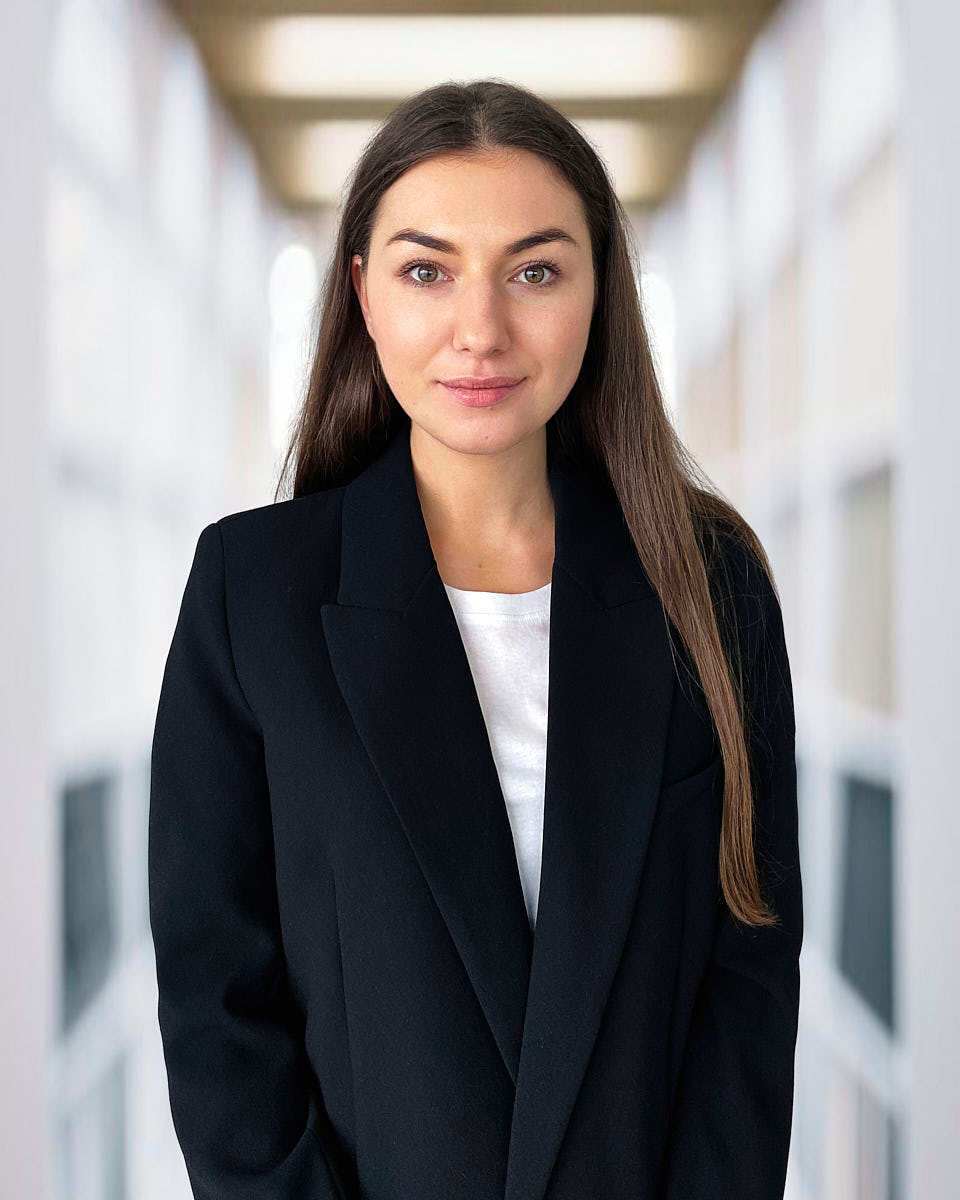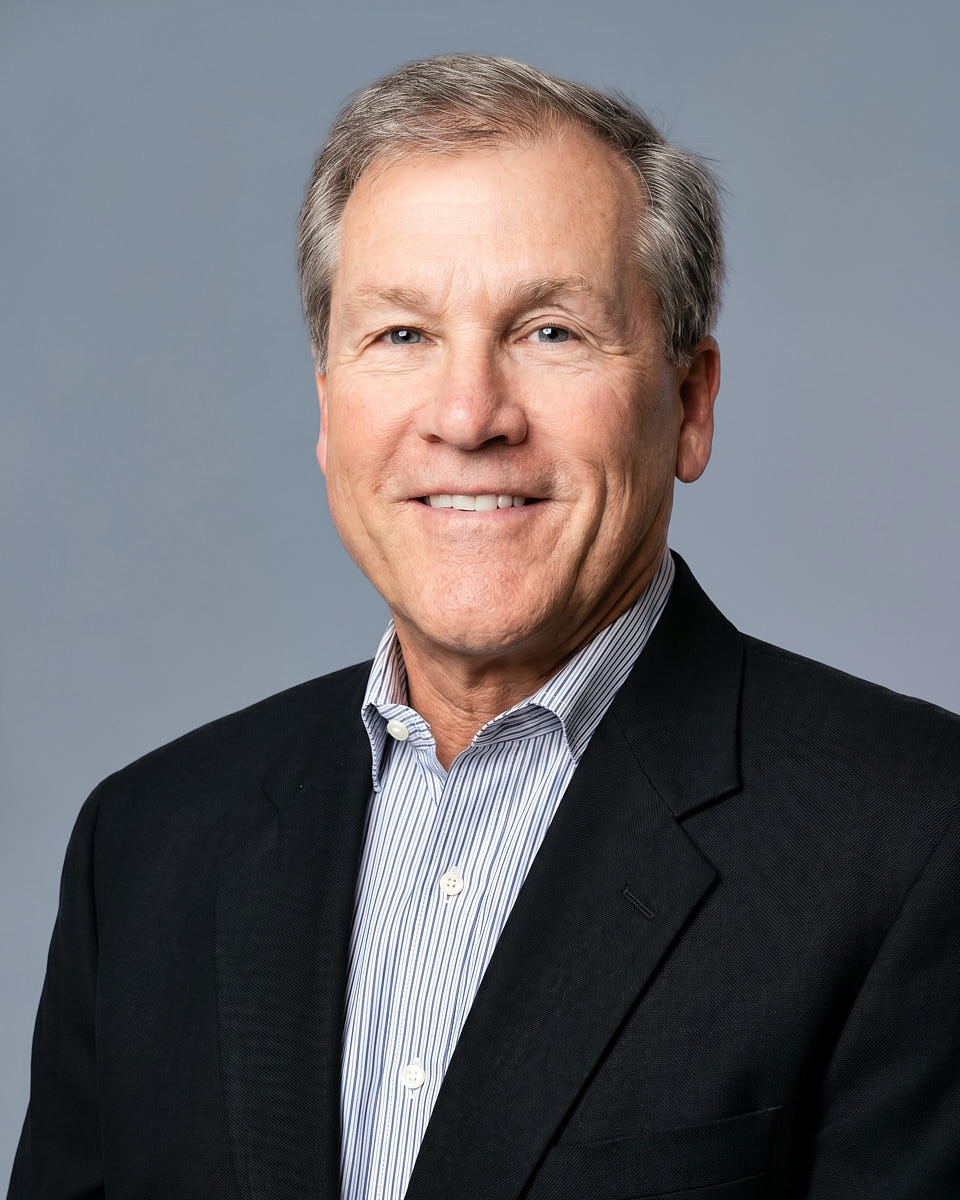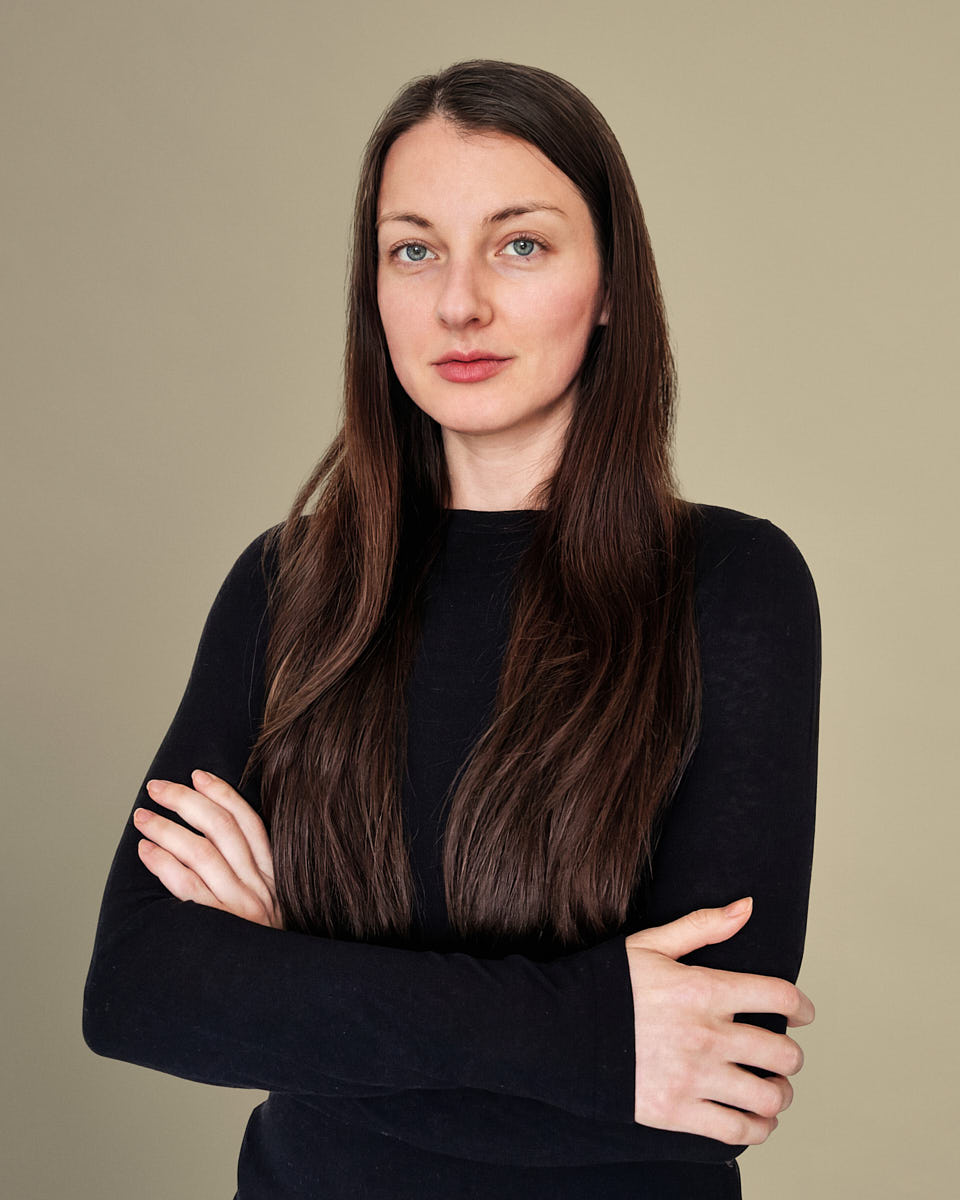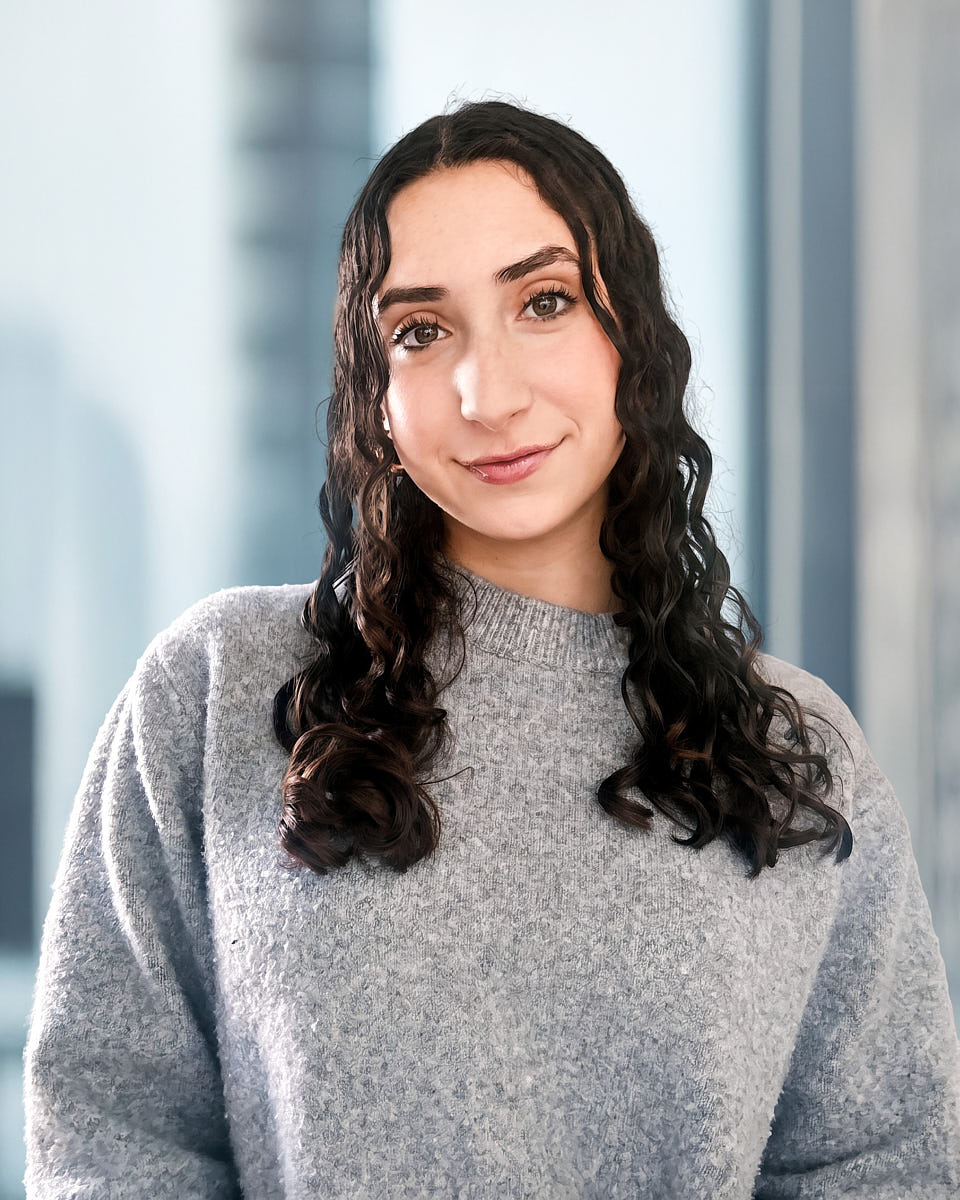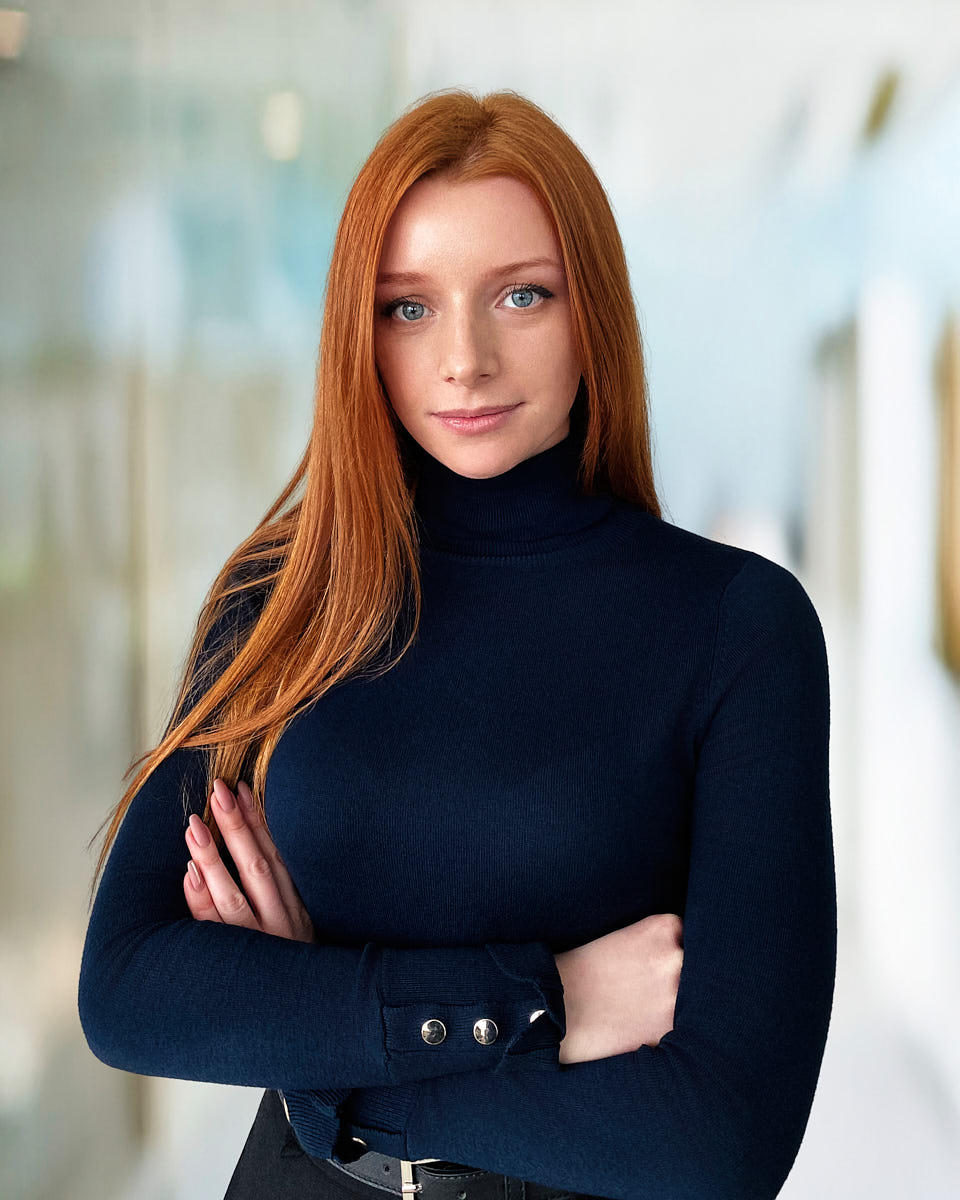
A remote headshot session is a real photo session run over video. The photographer directs lighting, posing, expression, and framing live. The deliverables are real photographs of you — not synthetic avatars, not AI-generated images, not screenshots. The preparation matters because the in-room setup is now your setup.
1. Use a phone with enough battery and storage
A recent smartphone is the default capture device. Plug it in or start with a full charge — a directed session lasts long enough that low battery becomes a real risk. Free up storage so the call can record without dropping frames. Close apps that might trigger notifications during the call.
2. Choose a simple background
The strongest remote headshot backgrounds are the boring ones. A clean wall, a soft hallway, a neutral room corner. Avoid bookshelves, framed art, and anything with high-contrast text or logos. If your office or home has nothing useable, the photographer will direct you toward the cleanest available option during the call.
3. Find soft, clean light
Natural light through a window — ideally on an overcast day — is usually the best free light source available. Position yourself so the window is roughly in front of you, off to one side. Avoid sitting with the window directly behind you (you’ll silhouette). Avoid harsh midday sun unless it’s diffused through a sheer curtain.
4. Avoid overhead-only lighting
Ceiling lights produce raccoon-eye shadows. If a ceiling fixture is the only light in the room, the photographer will direct you to either move toward a window, lower the overhead, or add a soft fill from a side lamp. A small portable lamp pointed at a nearby wall as a bounce is often enough.
5. Prepare one or two wardrobe options
One outfit close to how you work, and one slightly more polished alternative. The same logic as in-person sessions — mid-tone solids, no busy patterns, no prominent logos. The what to wear guide covers the longer wardrobe logic.
6. Join from the right device
The photographer will tell you ahead of the call whether to use your phone, your laptop, or a combination. Phones generally produce the best capture quality. Laptops are sometimes useful for the call interface while the phone handles the photography. Don’t switch devices mid-session.
7. What the photographer will direct live
Once the call connects, the photographer will direct in real time. They’ll move the phone or you, adjust lighting, change your angle, suggest a posture shift, and call out small expression changes frame by frame. The first minutes feel awkward; that drops fast once direction takes over. This is the same directed sequence as an in-person session.
8. How selection and retouching work
After the call, frames go into a private gallery. You select the images that will be retouched. Retouching applies the same profile as in-person sessions, and the final delivery typically uses a clean digital backdrop so the image matches the rest of the company’s visual standard. Unlimited usage rights are included.
9. Remote headshot checklist
- Phone fully charged or plugged in, storage cleared, notifications off
- A simple background scouted before the call
- Soft natural light from in front of you, off to one side
- No overhead-only ceiling light
- Two outfit options on hangers
- The right device confirmed with the photographer
- A few minutes of quiet before the call
10. Related remote and team services
- Remote headshots — the full live-directed remote service
- Team headshots — the in-person operational counterpart
- Corporate headshots — the visual standard the remote workflow runs against
- LinkedIn headshots — a shorter format if you only need a LinkedIn-grade frame