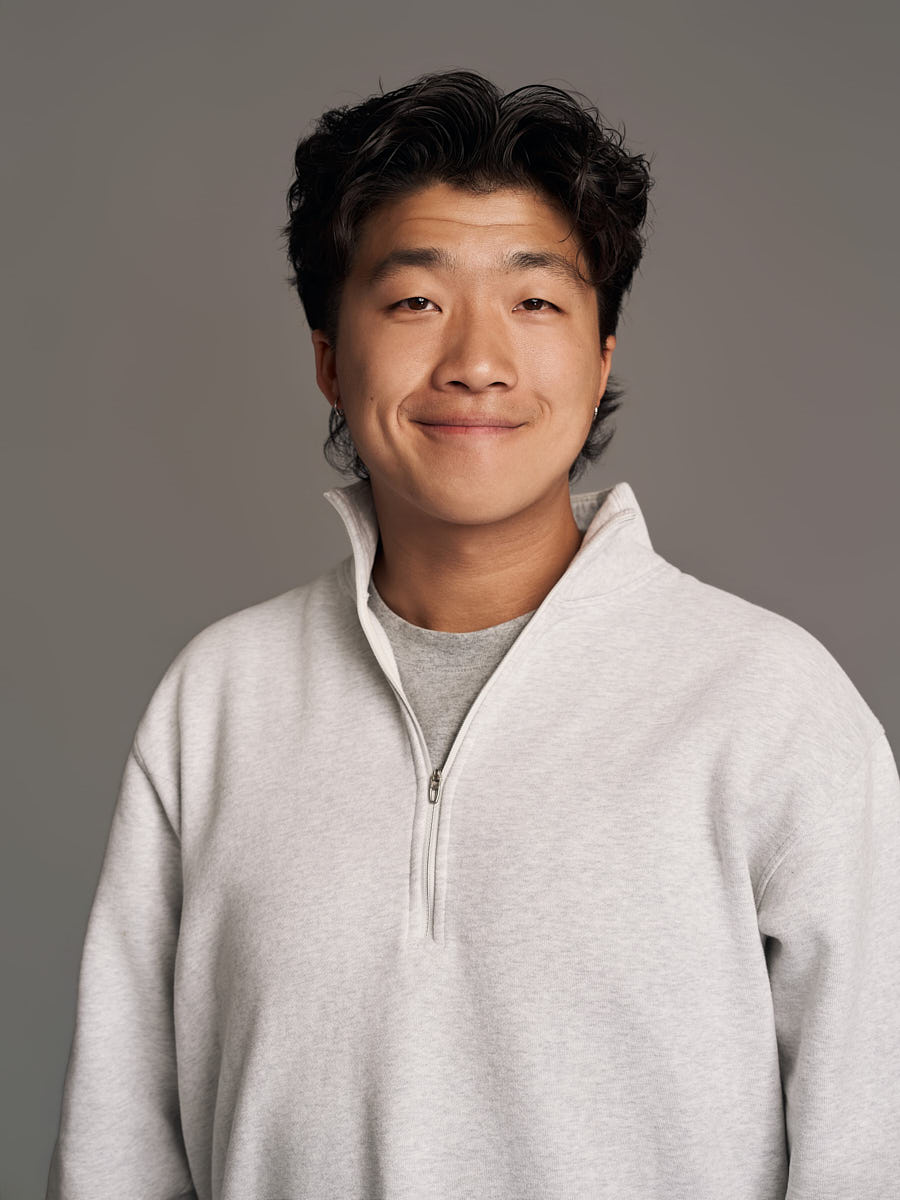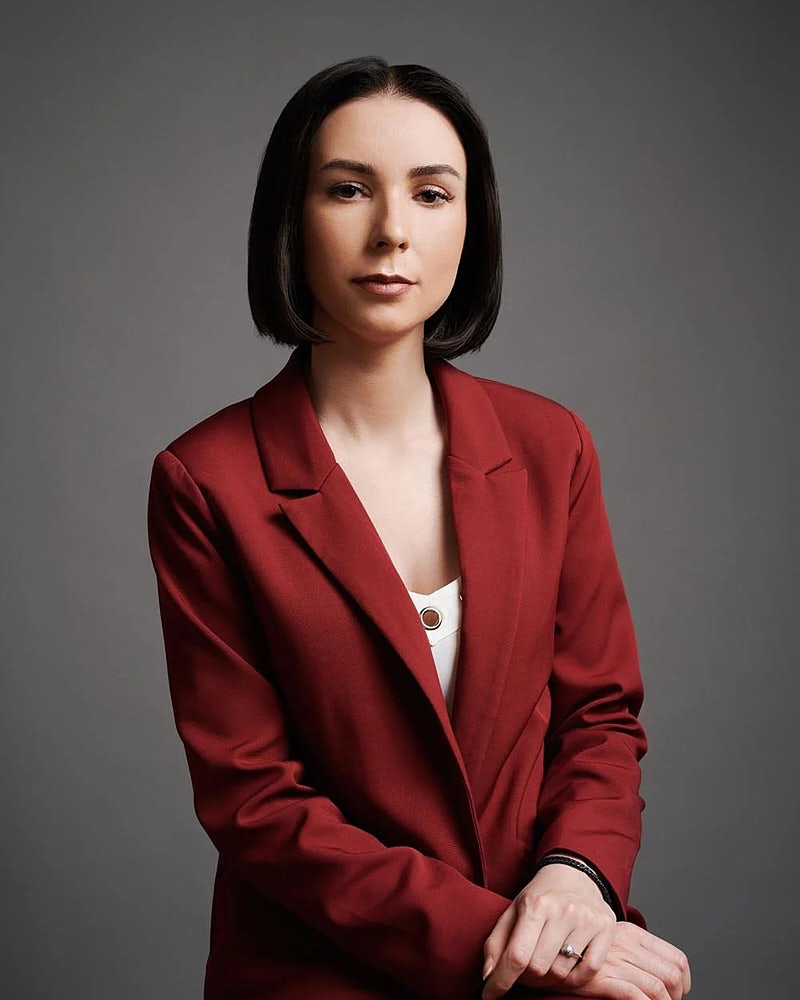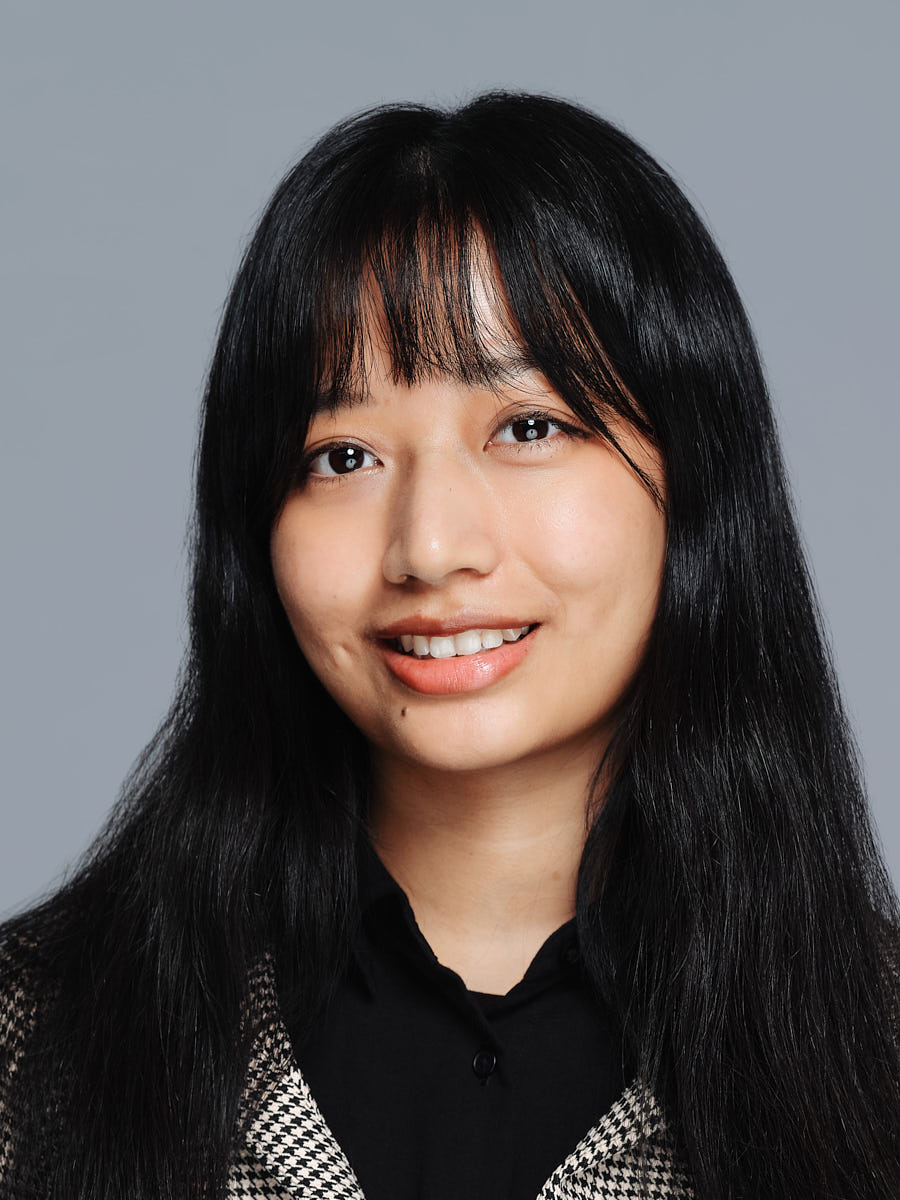
Start a business headshot with a comfortable stance, relaxed shoulders and an expression you recognize. Then vary one thing at a time: shoulder angle, seating, hands or expression. You do not need to memorize poses before a session. The useful result is a portrait that fits its purpose and still looks like you.
Choose the crop before adding a pose
A LinkedIn avatar shows much less than a website portrait. Hands may matter in a wider founder photograph and disappear completely in a close profile crop. Tell the photographer where the image will appear so direction follows the frame.
For a tight portrait, concentrate on comfort, shoulders, face and expression. For a waist-up or seated frame, consider how hands and clothing fit the composition. Avoid adding gestures simply to make a pose feel more elaborate.
1. Stand comfortably facing the camera
Begin in a balanced position you can maintain. Let the arms rest and settle the shoulders. This provides a simple reference before trying anything more directed.
Facing the camera does not require rigid symmetry. The photographer can adjust framing and position while you stay comfortable. If you are holding your breath or bracing your body, pause and restart rather than trying to sustain the shape.
2. Turn the shoulders slightly
Make a small turn while keeping the face naturally oriented toward the camera. Compare it with the straight-on version. A modest change can create variety without forcing a twist through the neck or torso.
There is no angle that suits every face or body. Ask to see the result and choose based on the actual photograph. Avoid treating “my good side” as a rule that eliminates every other position before the session begins.
3. Try a supported seated portrait
A chair can help you settle, particularly for a longer portrait session. Choose a position with comfortable feet and a natural torso, then check how the jacket, blouse or shirt sits.
The chair itself should suit the frame. If its arms or back dominate the picture, the photographer may change the position or crop. Seated does not automatically mean casual; expression, clothing and composition all affect the result.
4. Give hands a simple surface
In a wider image, resting hands on a table, chair arm or lap can be an easy starting point. Check that the gesture belongs to the setting and does not distract from the face.
Keep visible fingers relaxed. A prop should have a truthful purpose: your notebook may belong in an environmental portrait, while holding an unrelated object merely to occupy the hands can feel staged.
5. Use a simple standing hand position
When hands are visible, try letting them rest naturally or placing one comfortably near a pocket. The useful question is whether the posture feels sustainable and the clothing stays neat.
Avoid hiding hands by forcing a tense position. If the gesture is awkward, change it. In a close headshot, hands can simply stay outside the frame rather than becoming a problem to solve.
6. Compare folded arms with an open posture
Folded arms can be one option in a wider business portrait. They do not inherently communicate confidence or hostility. The result depends on expression, clothing, position and the purpose of the image.
Make another version with arms relaxed. Comparing the real frames is more useful than assuming one gesture conveys a universal message. Keep whichever suits you and the intended placement.
7. Change expression after the posture settles
Try a relaxed neutral expression, a small smile and a fuller smile if each feels natural. Brief pauses can help avoid holding one expression until it becomes strained.
Do not choose solely by how much smiling seems “professional.” A company bio and an interview portrait may call for different frames. Select the one that feels recognizable and appropriate for the audience.
Planning example: choosing a founder bio portrait
Planning example, not a client case. A founder needs one close LinkedIn portrait and a wider company biography image. The session begins standing, compares a small shoulder turn, then adds a seated frame for the website. Hands receive direction only for the wider image.
| Placement | Selection check |
|---|---|
| Face and expression remain clear in the circle | |
| Company bio | Posture, hands and clothing fit the web layout |
| Alternative frame | Provides useful variation rather than a forced gesture |
The LinkedIn crop guide explains how to test the avatar. For more detailed preparation preferences, see the men’s posing guide and women’s posing guide; neither requires gender-specific rules.
Read a pose in the reference photographs
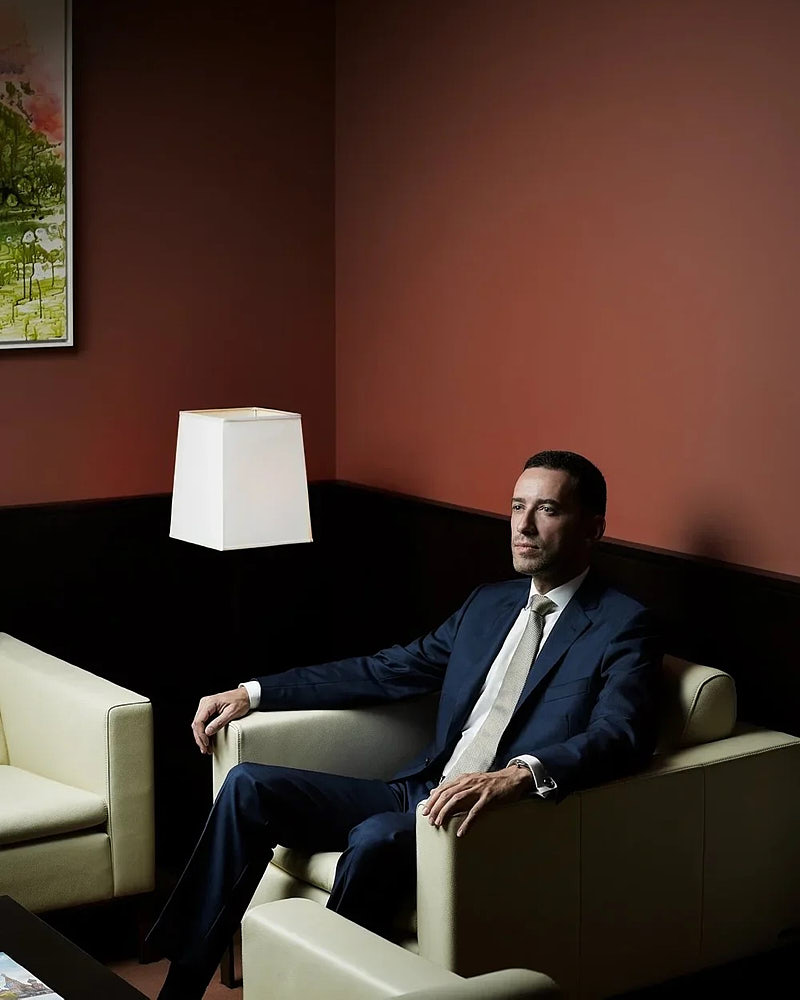
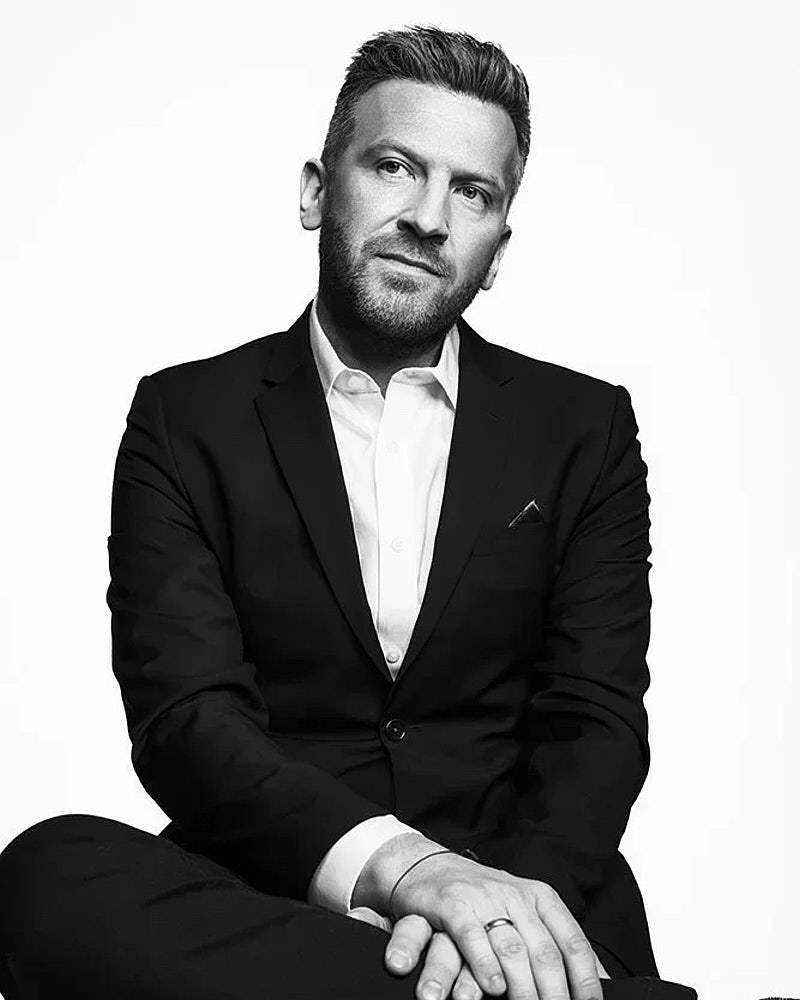
In the gallery, compare the seated man in the modern interior with the black-and-white seated portrait. In the interior photograph, the chair and relaxed arm position contribute to the wider composition. In the studio portrait, the hands rest together on the lap. Both would lose much of that information in a close avatar crop.
Use these as visible starting points for a conversation. They do not show the same person, a before-and-after sequence or a position every reader should copy.
Questions about business headshot poses
Should I smile in a business headshot?
Try a smile and a neutral option, then compare them against the actual use. A recognizable expression matters more than a universal rule about how much a professional should smile.
What is the most flattering headshot pose?
There is no single pose for every person. Comfortable posture, suitable lighting and a crop chosen for the placement are better starting points than copying an angle from someone else’s photograph.
What if posing feels awkward?
Tell the photographer what is uncomfortable. Reduce the instruction to one small adjustment, pause and try again. You can use a chair or a simpler position instead of sustaining a gesture that feels forced.
For guided direction and package options, see professional headshots in Los Angeles. Include the intended profile or website use in your inquiry.