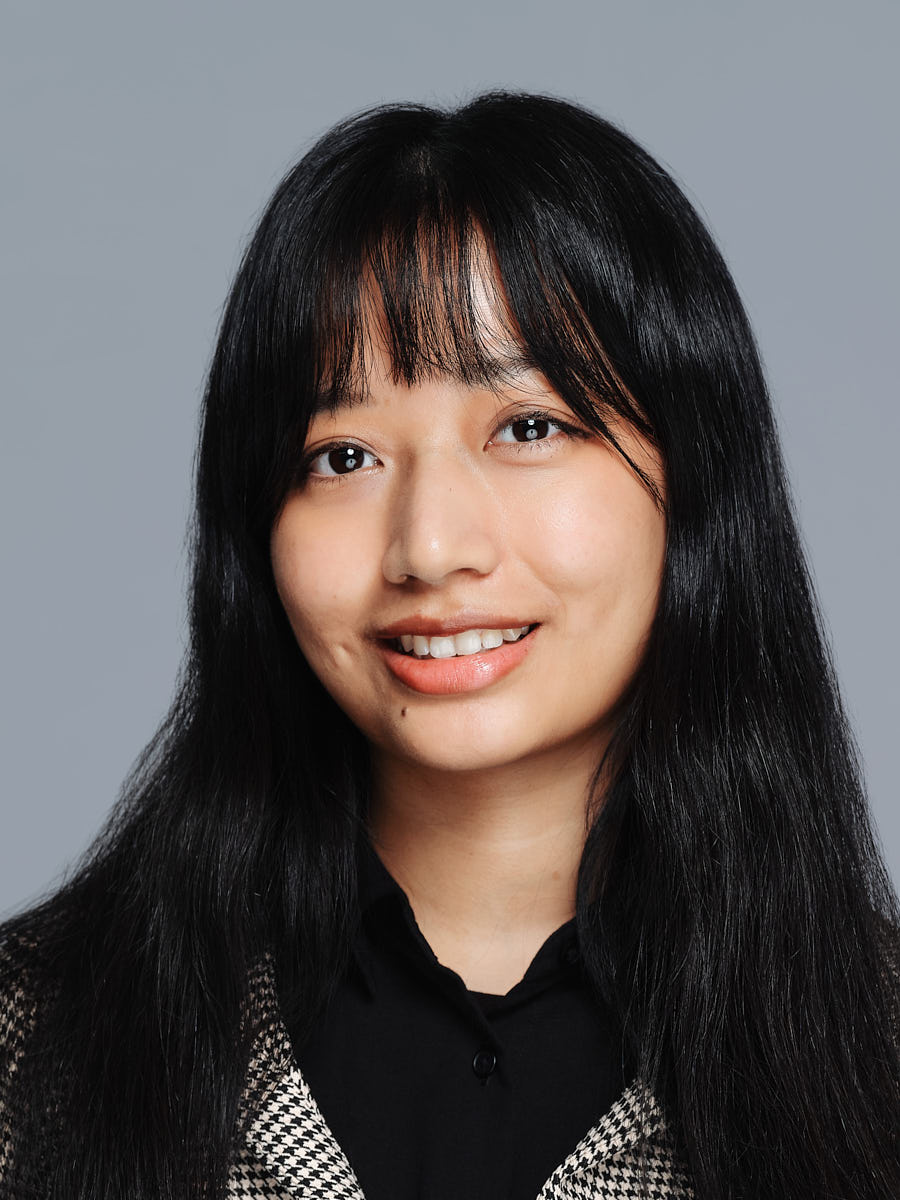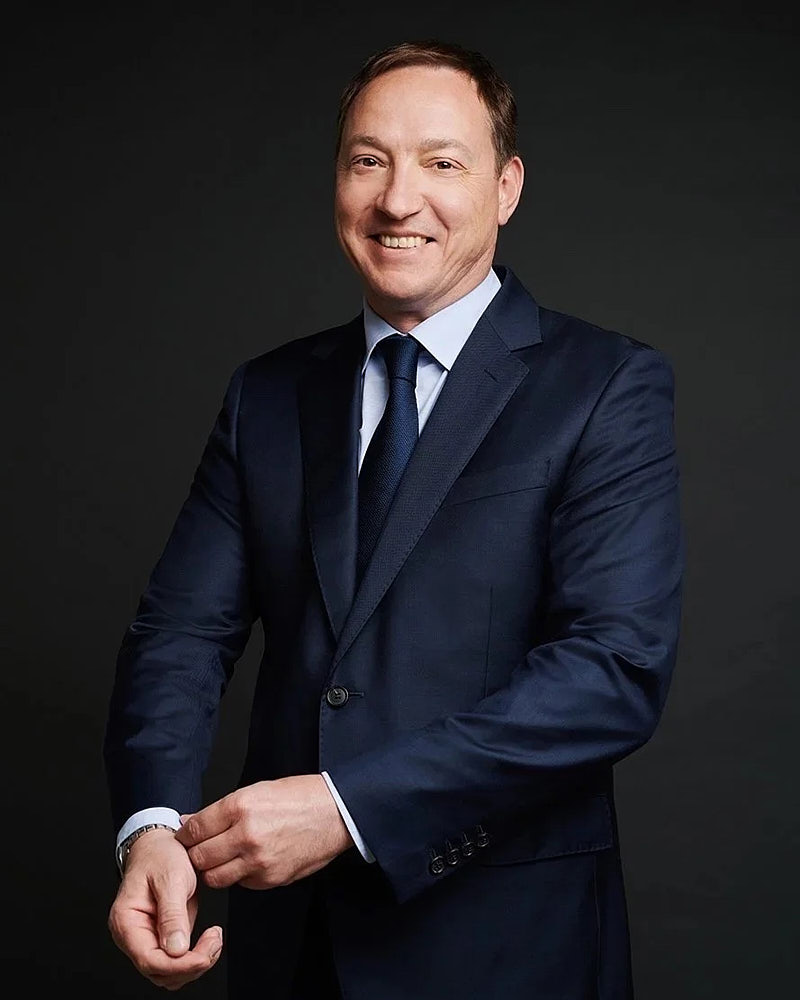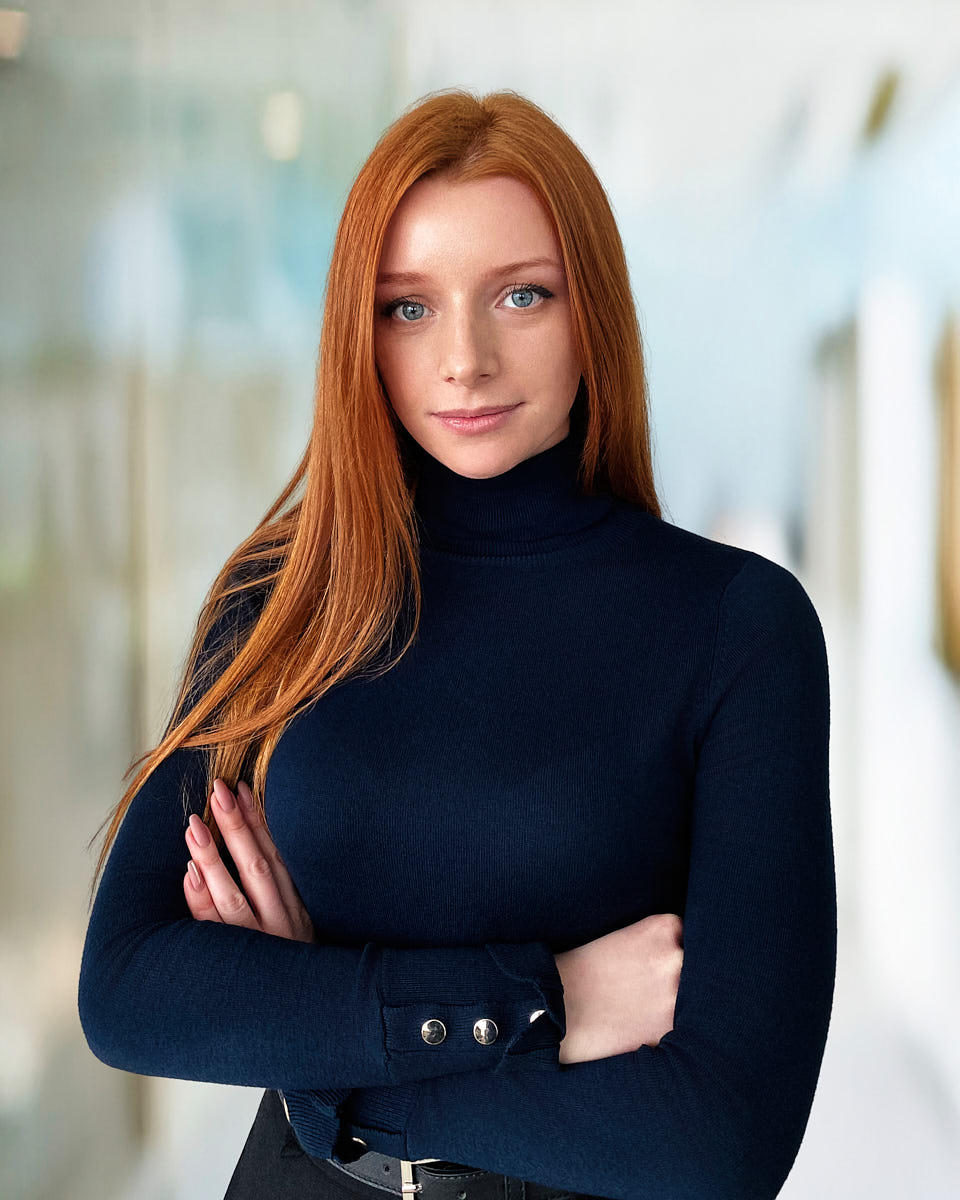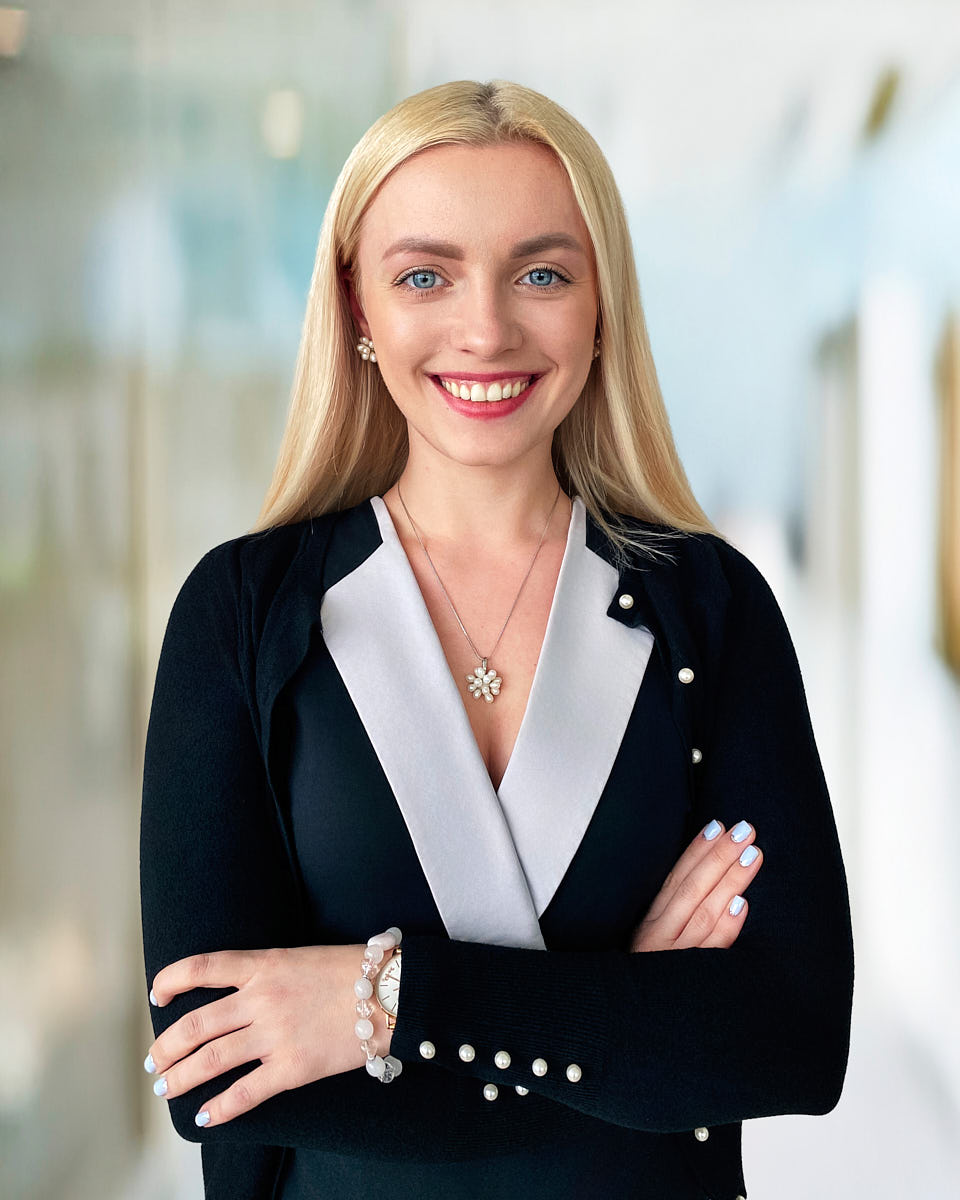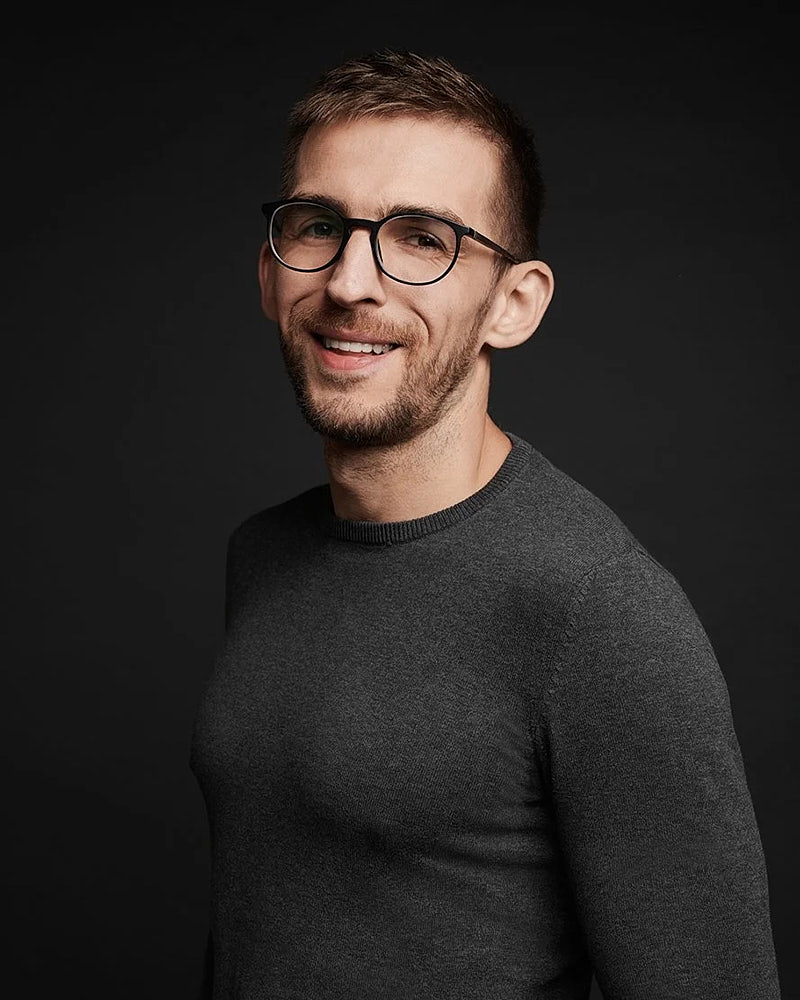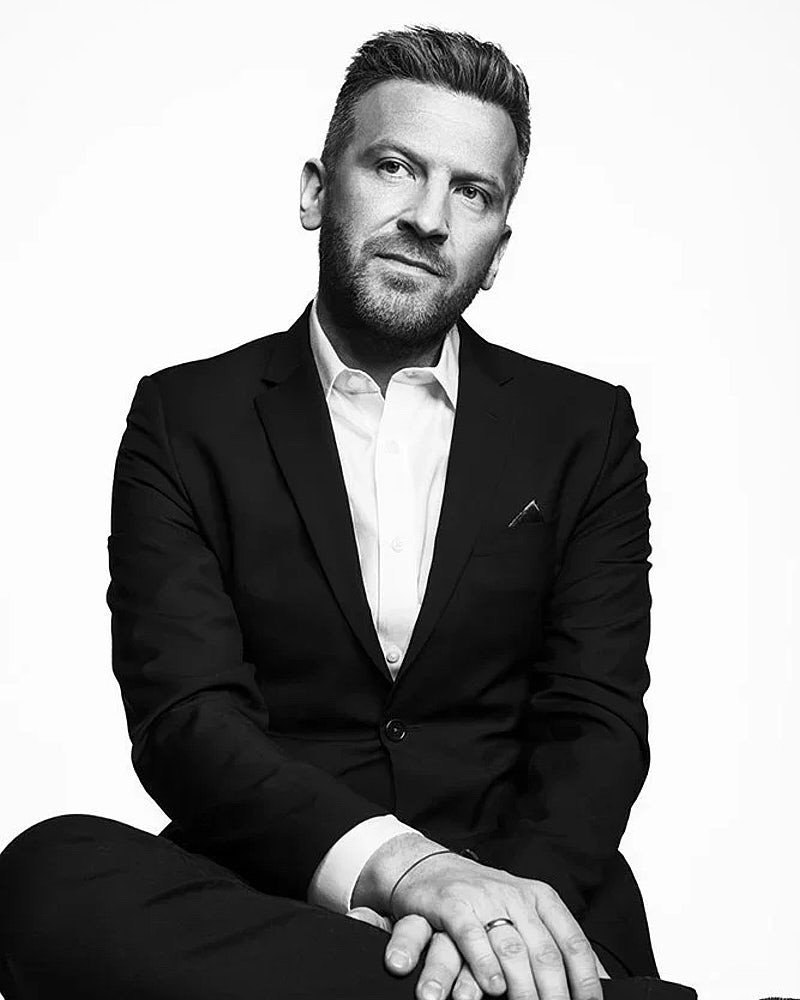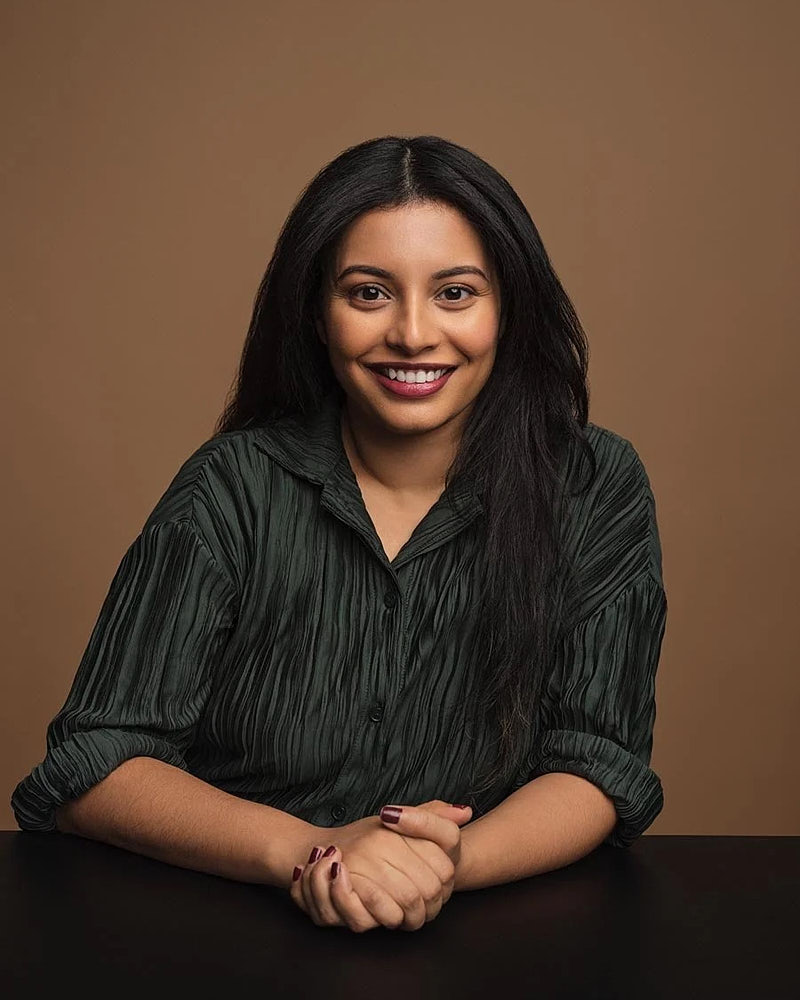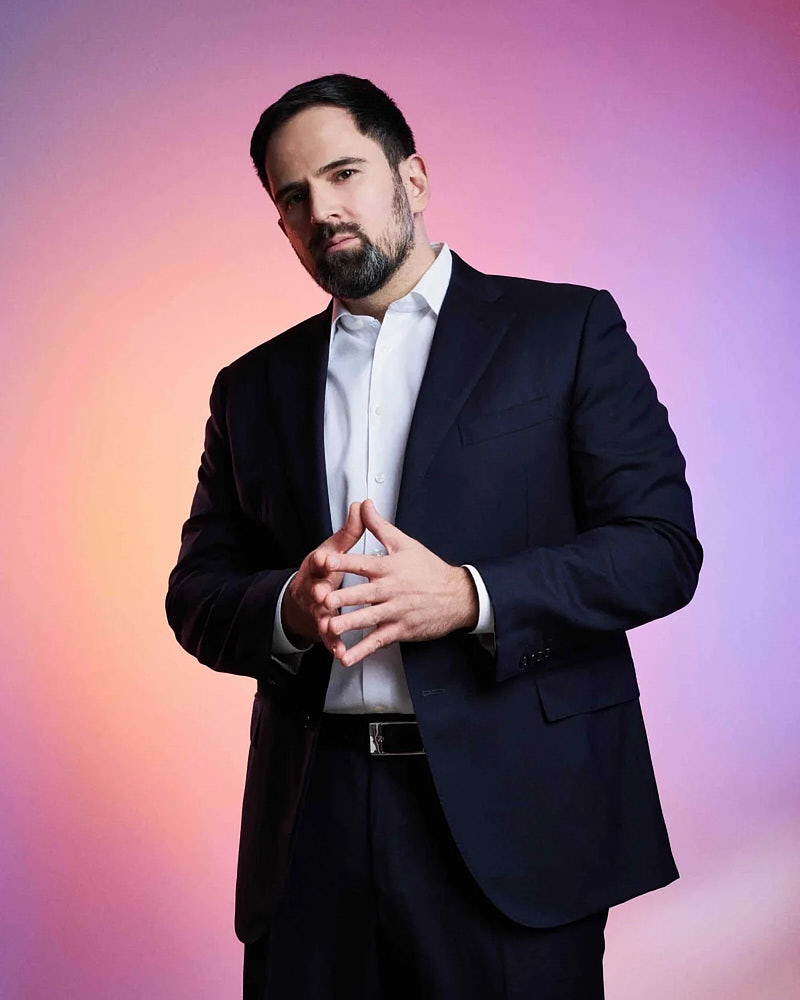
The best headshot format is the one that matches where the image will live. A clean studio portrait, an office portrait taken against a real wall, an environmental shot on location, and a live-directed remote session all solve different problems. This guide explains how to choose between them in concrete terms — by use case, team logistics, and the deliverables you actually need.
How do studio, office, on-location, and remote headshots compare?
Each format trades control for context: studio is the most consistent, office setups keep teams uniform, on-location adds story, outdoor adds atmosphere, and remote reaches people anywhere. Use the table to match a format to your use case, then read the section that fits.
| Format | Best for | Control & consistency | Main trade-off |
|---|---|---|---|
| Studio-style | Individual professionals, LinkedIn, executives, matched leadership sets | Highest | No environmental context |
| Office setup | Teams over ~10 people shot in a single day | High, across a whole team | Needs a quiet room for a few hours |
| On-location | Press, speakers, editorial bios, brand context | Medium | More variable, slower to set up |
| Outdoor / environmental | Founders and creatives who want distinctive frames | Lower | Weather and light dependent |
| Remote | Distributed teams and people outside LA | Medium, directed live | Relies on the subject's room and phone |
1. Where does the headshot need to work?
Before picking studio or location, write down where the final image will appear. A single LinkedIn avatar, a row of bios on a company team page, an actor casting submission, a founder press image, and a brand photo library all have different requirements for crop, background, and consistency. The format follows the destination, not the other way around.
A few quick examples that keep the decision honest:
- One profile photo that has to read as the same person across LinkedIn, a recruiter shortlist, and a conference program → studio-style.
- A 30-person company directory that needs to look like one shoot → office setup at the office, on the same day.
- An executive who’s about to appear in a press piece and needs both a tight bio crop and a wider editorial frame → studio + on-location.
- A founder building a brand image library for a website, a launch, and a media kit → personal branding production across studio and location, not a single headshot session.
2. Studio-style sessions keep the image controlled
A studio-style setup is the most predictable format. Lighting, background, and depth are controlled before anyone walks in front of the camera. That control buys consistency across multiple looks in one session and a clean separation between the subject and the background, which matters for circular avatars and small thumbnail crops.
Studio-style is the default for individual professional headshots, most LinkedIn refresh sessions, and executive portrait work that needs to read as cleanly in a press kit as it does in a company About page. It’s also the cleanest option when the brief is “we want all six leaders to match” — a controlled setup is the easiest place to hold a visual standard.
3. Office setups help teams stay consistent
For groups over ten people, an office setup is usually the right answer. We bring portable lighting and a backdrop into a private room with a few feet of depth, and the team rotates through scheduled blocks. The cost is operational — you give up a quiet conference room for a few hours — but the gain is that the entire team page is shot on the same day, against the same standard, by the same photographer. The result reads as one rollout, not a stitched-together collage. The full owner-side walk-through lives in the corporate headshot day planning guide.
Office setups are also the right answer when employees have packed schedules and can’t realistically travel to a studio. The session comes to them; the day ends when the queue ends. See team headshots in Los Angeles for how the operational side runs.
4. On-location portraits add context
On-location means shooting somewhere the place matters — a brand-relevant office, a creative studio, a retail space, a workshop. The image gains context: the person becomes legible in their working environment, not just their face. That’s valuable for press, speaker programs, longform editorial bios, and any place a single portrait has to tell a small story about what the person actually does.
The trade-off is variability. Location shoots depend on the room, the light, and what’s actually in the frame. They take longer to set up, and the gallery is more visually varied — which is often the point. Use them when context is the brief; default to studio-style when consistency is.
5. Outdoor and environmental portraits need more planning
Outdoor sessions trade controlled light for atmosphere. Soft overcast and the hour before sunset are friendly to portraits; direct midday sun is not. Wind, traffic, and unexpected crowd flow on a sidewalk are all variables a studio doesn’t have. We plan around them — usually with a backup indoor location for the same day — but the schedule has to absorb the possibility of a weather change. For founders and creatives shooting a personal branding library, a planned outdoor block is often worth the variability because the resulting frames don’t look like everyone else’s studio portraits.
6. Remote sessions solve a different problem
Remote headshots are not a less expensive version of in-studio work — they’re a different format for distributed teams. A photographer directs lighting, posing, expression, and framing live over video; the subject is captured from their own room with their own phone; the deliverable is a real photograph, not a synthetic image. The right use case is new-hire onboarding for a remote employee, a distributed team page that needs to match a Los Angeles studio day, or a press image for a founder traveling outside LA. The page for people who cannot reach the studio explains the workflow in detail, and how to prepare for a remote headshot session is the prep guide for participants.
7. How do you choose a format by use case?
Map your use case to a format before booking a session.
- LinkedIn profile only → studio-style, 15–30 minute LinkedIn package.
- Professional bio plus press image → studio-style Standard or Plus session.
- Executive press and investor materials → studio-style + selected on-location frames.
- Company team page (LA-based) → office setup at your office, one day.
- Company team page (distributed) → office setup for LA + remote sessions for distributed employees, both on the same visual brief.
- Personal branding library → studio + one or two LA locations across a single planned shoot.
- Actor casting refresh → studio-style; see commercial vs theatrical headshots for look planning.
- One new hire outside LA → remote individual session.
- Office redesign or rebrand portraits → on-location at the office.
If you’re not sure which one fits, on-location headshots in Los Angeles shows the full format comparison, and pricing shows the package each format maps to.
8. What to prepare before the session
The format determines the prep. For studio-style and most on-location sessions, the wardrobe and grooming guidance in how to prepare for a headshot session covers everything you need. For remote, swap that prep for the remote session prep guide because the in-room setup becomes part of the shoot. For corporate days, the corporate headshot day planning guide is the operational checklist.
The two questions that matter most before any session, regardless of format:
- Where will the image be used? List every channel — LinkedIn, company bio, press kit, casting site, speaker program. The list shapes wardrobe, crop, and how many looks to plan.
- How many people are being photographed? One person, six people, or sixty. The answer determines whether the session is a single block or an operational day.
9. Related services and next steps
The matching service pages explain each format in more detail:
- Studio and on-location headshots — the format comparison page.
- Professional headshots — broad individual sessions for working professionals.
- Executive portraits — leadership and press-facing portraits.
- Corporate headshots — the company visual standard.
- Team headshots — the operational rollout for 5 to 100+ employees.
- Personal branding photography — planned image libraries across studio and location.
- Remote headshots — live-directed sessions for distributed teams.
- Pricing — packages by format.
Frequently asked questions
What’s the difference between studio and on-location headshots? A studio-style session controls lighting and background for maximum consistency and clean crops; an on-location session shoots where the place matters, adding context at the cost of more variability.
Which headshot format is best for a company team? For groups over about ten people, an office setup shot in a single day keeps everyone on the same visual standard. Distributed teammates can be added with live-directed remote sessions on the same brief.
Are remote headshots as good as in-studio headshots? Remote headshots are a different format, not a cheaper one — a photographer directs lighting, posing, and expression live and the deliverable is a real photograph. They’re the right choice for distributed teams and people outside LA.
Which format should actors use? Studio-style is the default for casting submissions; see commercial vs theatrical headshots for planning the looks.